
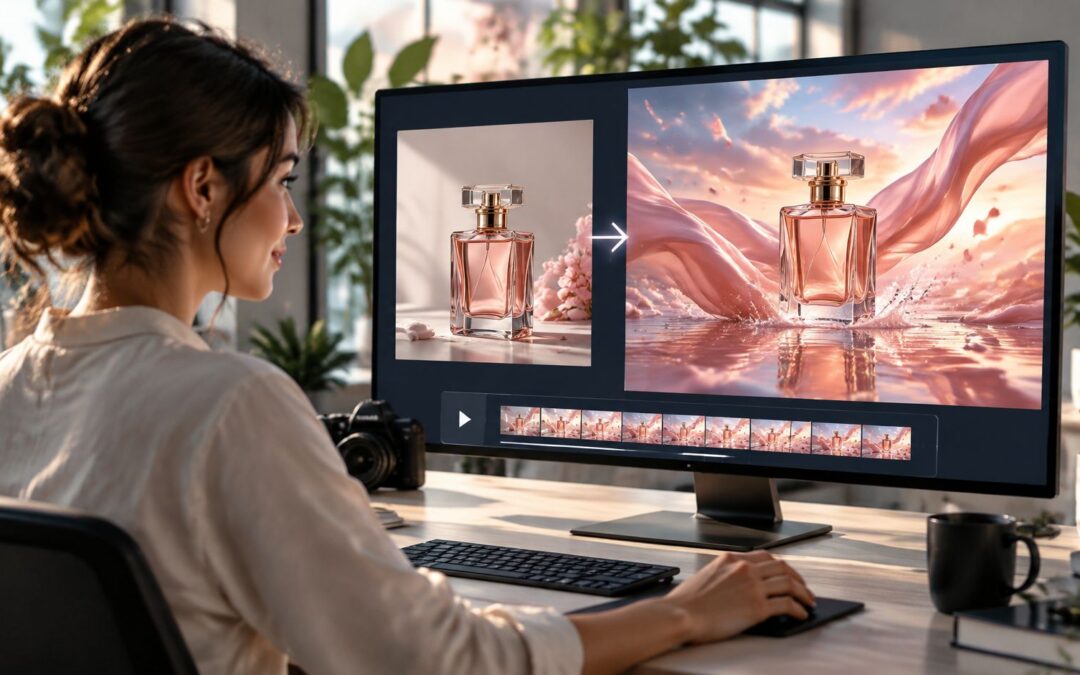
Your first Luma AI clip can feel like magic, but the prompt matters as much as the model. Luma AI turns text and reference images into motion, which means a marketer can go from a product photo to a short teaser before lunch, provided the brief is sharp.
What Your First Clip Really Needs
Picture a marketer at her desk at 10 a.m., uploading one clean product shot, writing two sentences, and waiting for a five-second reveal. That’s what Luma AI offers in plain terms: a fast way to test visual ideas without booking a shoot.
The catch is straightforward. Output mirrors input. A vague prompt gives you a vague audiovisual piece; a specific brief can yield a usable concept for ecommerce, travel, or SaaS campaigns.
Think of it like a camera crew that only follows directions.
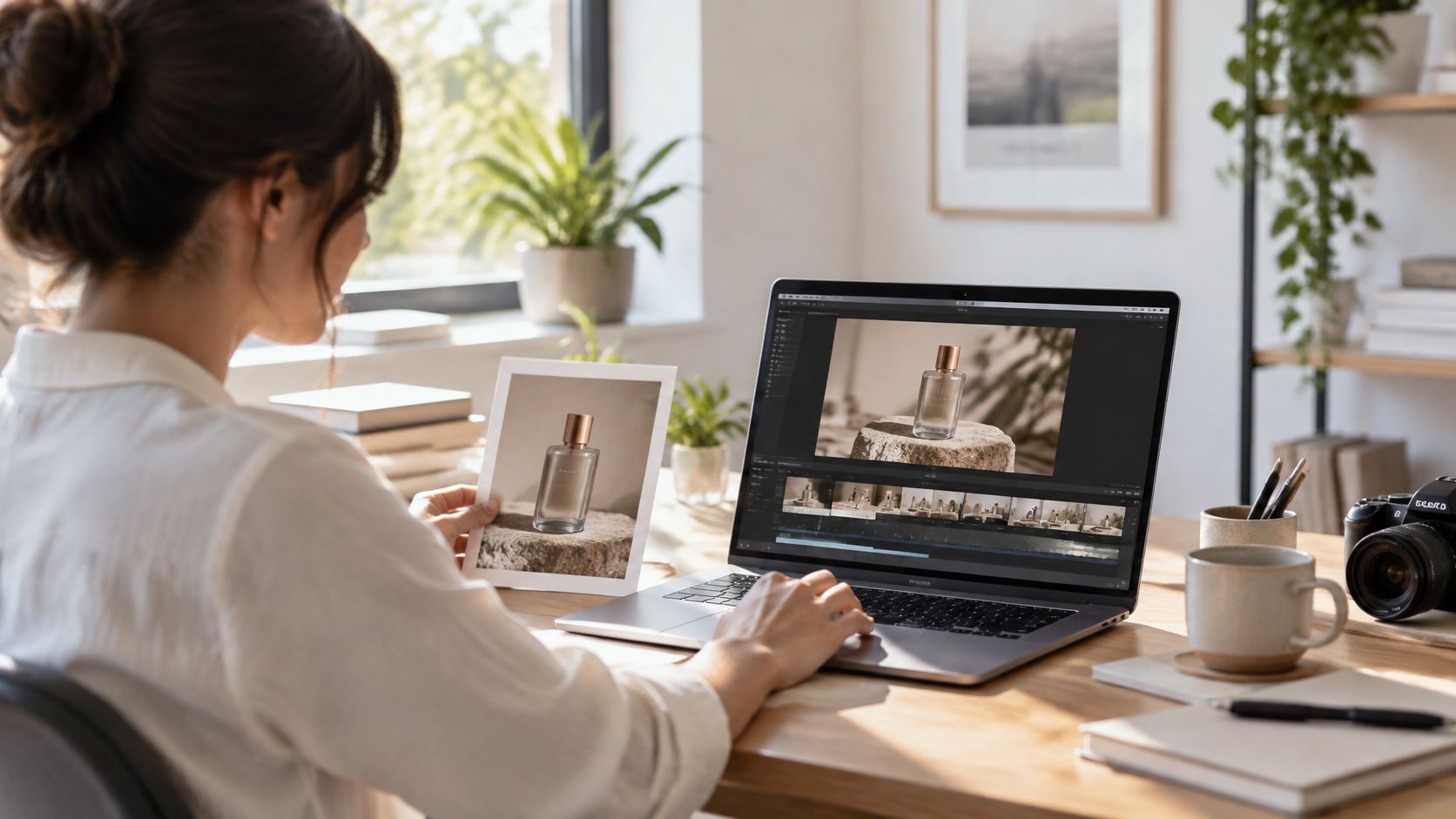
Comparing Luma AI Input Modes at a Glance
Each input path does a different job, so it helps to see them side by side before you commit to one.
| Input mode | What it does | Best for | Typical output |
|---|---|---|---|
| Text only | Builds motion from a written prompt | Concept tests and mood pieces | Short scene with invented visuals |
| Image only | Animates a reference frame | Product shots and branded stills | Motion from one visual anchor |
| Image plus text | Combines both for tighter control | Campaign teasers and ad drafts | More directed, context-aware clip |
For a marketer, that table matters because each path serves a different purpose. Need a vibe? Text can work. Need brand consistency? Start with an image. Need story and control together? Combine them.
A simple example helps. A perfume photo can become a shimmering teaser, but only if you describe the camera move, the mood, and the finish.
What Makes the Result Better
Short prompts are rarely enough, because the model needs direction the way a director needs a shot list. Include subject, motion, lighting, and mood, then compare the first result with the goal.
- Subject so the model knows what matters
- Motion so the scene actually moves
- Lighting so the tone feels branded
- Mood so the clip fits the campaign
- Format so the export suits the channel
That’s why Luma AI works best when the brief is treated like creative direction, not a random sentence. For marketers used to static mockups, this is the shift from guessing to testing, fast enough to matter before the campaign deadline.
A deeper workflow comes next: writing the prompt, choosing the image, and deciding when the first draft is good enough to keep.
Where It Fits in a Real Workflow
For teams that need to move from one generated clip to a finished asset, Wideo’s AI video generator can help with the post-generation assembly step without pretending to do the same job as Luma.
A practical workflow looks like this: the product photo becomes the data source, a branded template sets the layout, an approval or campaign trigger swaps the copy, and the finished piece is sent to social, email, or a landing page. That turns a one-off dynamic asset into a repeatable marketing system. You can also adapt the same workflow for internal launches or training snippets. Would your next campaign be clearer if you could prototype the idea before the meeting ends?
Luma AI is a generative model built around the Dream Machine product. Feed it a written prompt, a reference image, or both, and it produces motion. Think of it as a sketch artist who makes a still frame breathe, not a full studio that finishes the campaign for you.
That distinction matters for marketers. It can produce short cinematic clips, looping visual content, and raw takes that you can later cut, brand, and narrate, but it is not a locked edit, a finished ad, or a broadcast-ready master.
Where It Sits in the Creative Stack
Luma sits between image generators and full editing suites, which is why creative teams adopted it quickly after launch. Image tools create stills, while editors assemble complete campaigns, and Luma AI fills the gap by generating movement from an idea.
For example, a travel brand might use a hotel lobby photo to create a moody arrival sequence, then move that result into a separate editor for captions, pacing, and logo placement. That same handoff works for ecommerce teasers, product demos, and social hooks.
The useful question is not whether the clip is finished, but whether it gives your team a strong visual direction fast enough to matter.
What It Produces and What It Does Not
A good way to think about Luma AI is as a motion engine that creates visual possibilities, not final marketing packaging. It gives you atmosphere, camera movement, and scene energy, but the rest of the job still belongs to editors and brand teams.
That makes it useful for concepting, previewing, and testing. It is less useful when you need exact typography, a fixed sequence, or compliance-heavy messaging inside the frame.
Why Marketers Reach for It
Marketers adopted Luma AI because it compresses the first draft stage. A product photo can become a teaser, a campaign mood board can become motion, and a rough idea can become something a team can actually react to in a meeting.
That speed matters in retention, onboarding, and sales enablement too. A SaaS team can draft a feature reveal, a finance team can mock up a customer update, and an insurance marketer can preview a policy explainer before investing in full production.
How to Judge Its Output
Look at the output as a starting point, not a verdict. If the subject holds together, the motion feels believable, and the mood matches the brief, you have something worth refining.
If the scene drifts, the details wobble, or the brand message gets lost, the model is telling you to simplify the prompt or switch to a better reference image. That is normal, because Luma AI rewards clear direction more than decorative language.
A Practical Handoff After Generation
This is where a platform like Wideo’s AI video generator becomes relevant for teams that need to turn a single generated clip into repeatable business content.
A practical workflow is simple, data source to template to trigger to distribution. The product image or campaign brief feeds a branded template, a launch or CRM trigger swaps in the right offer, and the final asset goes out to social, email, or an internal channel. That is how one generated clip becomes a business system, not just a one-off experiment.
A product photo can become a teaser in minutes, but only if the prompt gives Luma AI something specific to work with. Picture the model as a camera crew waiting for direction. Vague input gets you vague motion, every time.
Writing the prompt is your first craft decision. Name the subject, the movement, the camera feel, the light, the mood — then keep the sentence lean.
A weak brief says, “Make this look cool.” A stronger one says, “Turn this perfume bottle into a slow, glossy reveal with a gentle push in, warm highlights, and a premium feel.”
That gap matters because Luma AI doesn’t read intent the way a human teammate does. It responds to structure, and structure is what gives you repeatable results across ecommerce teasers, travel promos, and SaaS launches.

Build a Better Prompt
Start with the subject. The subject is the anchor. Then layer in motion, camera, lighting, and mood so the frame has a job to do.
A useful prompt usually sounds more like a director’s note than ad copy. For a product teaser, try something like: “A glass skincare bottle on a pale stone surface, slow orbiting camera, soft morning light, calm premium mood.”
If the first result feels flat, the fix usually isn’t more adjectives. It’s more clarity about what should move and what should stay still.
Start from the Right Image
When a brand already has product photography, that starting image becomes the frame that keeps the result on brand. Pick a clean, sharp image with enough resolution to hold detail. Then check framing and color palette before you upload.
A centered product shot works well for packaging. A wider lifestyle image suits a scene that needs space and atmosphere. For marketers, that’s the difference between a generic clip and one that still looks like your campaign.
Good reference art is less about perfection and more about giving the model a strong visual anchor.
What to Do Before You Generate
- Keep the background simple so motion is easier to read.
- Match the colors to the campaign mood.
- Use a crop that leaves room for movement.
- Avoid cluttered props that can confuse the scene.
- Pick an image that already feels close to the final brand look.
Those choices matter because image-to-video isn’t magic. It’s translation. The model takes one still frame and guesses how a camera might behave around it.
For teams planning the next step, read our guide on storyboarding a video to map the scene before generation.
Why Vague Input Falls Apart
Vague input often produces motion that looks random, because the model has too many degrees of freedom. If the prompt never says how the camera should move, the result may drift, zoom oddly, or miss the mood entirely.
That’s why the best Luma AI workflows start with a simple discipline: one idea, one reference image, one clear motion cue. Follow that pattern and you can go from a product photo to a believable teaser, then decide whether the clip is ready for editing, branding, or voice.
Clear prompts turn a blank frame into a usable first draft, and that’s where the real speed begins.
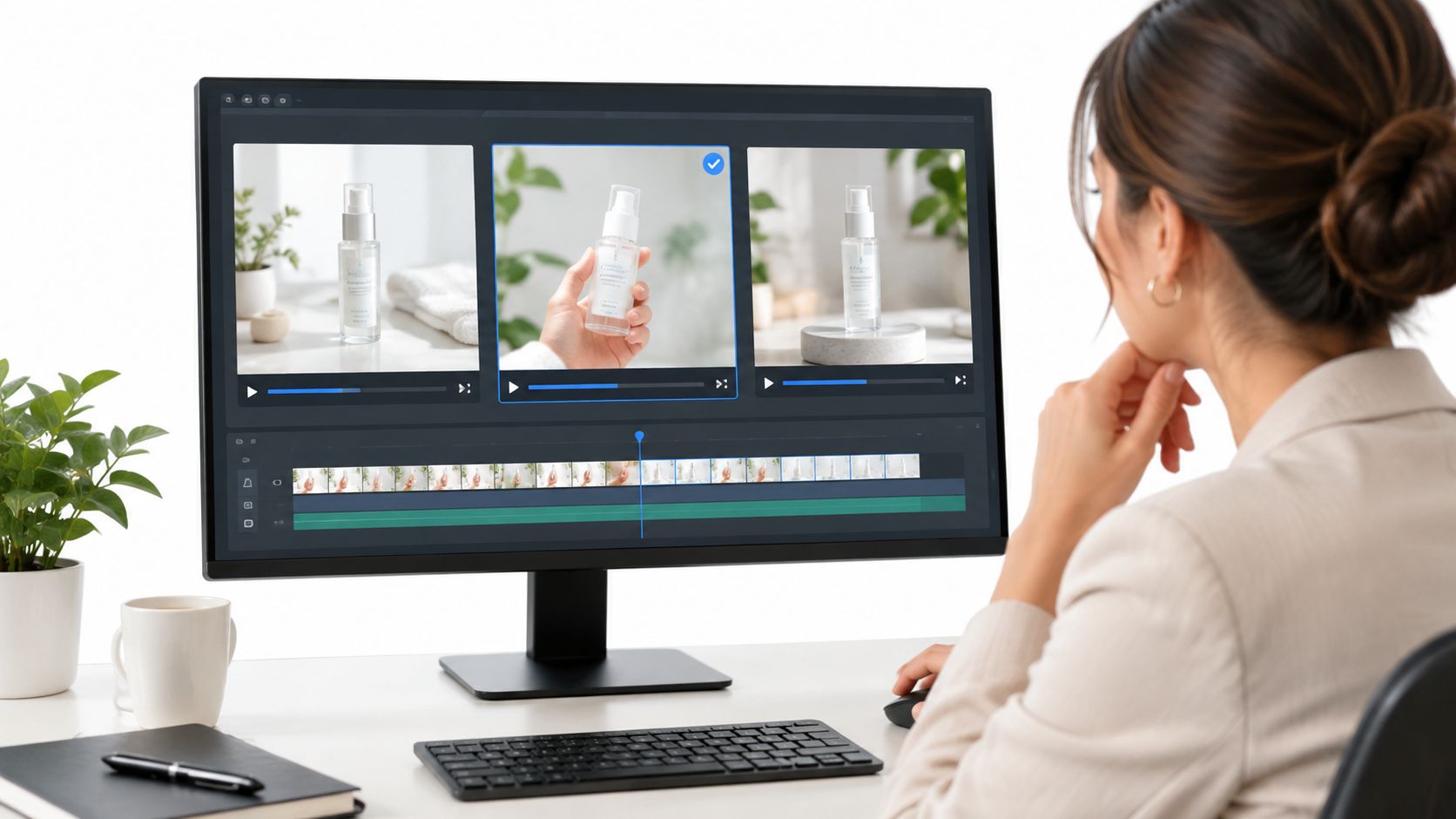
The first generation from Luma AI is rarely the keeper, and that’s the point. A marketer who treats it like a final cut usually ends up with a clip that almost works, while the team that reruns the prompt with small changes gets to something usable faster.
Think of each pass as a camera test, not a verdict.
Compare Before You Commit
Run two or three versions with slight changes in motion, lighting, or framing, then compare them side by side. One prompt might make the product feel premium, while another makes the movement too busy, and that contrast tells you what the model understood.
The best result is often the one that loses less, not the one that looks most dramatic.
This is where Luma AI becomes a learning loop. If the bottle turns oddly, the text disappears, or the camera drifts away from the hero object, the model is showing you where to simplify the brief.
For marketers, that feedback is useful because it turns guesswork into pattern recognition. A skincare teaser, for example, might need a slower reveal, cleaner background, and less motion around the label.
Trim, Select, and Shape the Take
Once the strongest option is clear, trim out the dead space and keep the first seconds focused on the product or idea. Short-form channels reward clarity, so a clip that feels elegant in the middle may still need a tighter opening for TikTok, Reels, or Shorts.
A useful workflow looks like this.
- Generate three versions with the same core idea.
- Change only one variable at a time.
- Pick the clip that reads fastest.
- Trim the frame so the opening lands immediately.
- Save the rejects, because they often reveal a better prompt.
That process matters in ecommerce, insurance, and travel, where one good audiovisual piece can become several channel-specific edits. It also fits sales enablement, because a rep can use the cleaner version in a quick follow-up instead of waiting for a polished studio asset.
Export With the Channel in Mind
Export choices matter more than many first-time users expect. Vertical formats work best for mobile feeds, while square or landscape may suit landing pages or internal presentations, and a free tier watermark can make a draft feel unfinished.
File format is simple, but planning is not.
If you know the clip will end up in paid social, choose the ratio before you generate too many alternatives. If you expect to add voice, captions, or a brand bumper later, leave visual room for those layers now.
For teams that need to turn one generated clip into a repeatable campaign asset, read our guide on using audio in video to plan the next edit stage.
What Usually Fails First
Most first tries stumble in the same places, especially when the prompt is trying to do too much. The model may misunderstand the camera move, invent awkward handoffs, or lose consistency when the scene includes fine text, logos, or complex reflections.
That doesn’t mean the tool failed. It means the creative brief asked for more than one shot can carry.
Luma AI works best when teams expect repetition, compare outputs calmly, and export the version that is strong enough to survive editing. That mindset turns a single generation into a marketing asset instead of a lucky accident.
A 47% jump in creative variants tested each month sounds like a media buyer’s dream. In reality, it usually starts with one prompt and a clean image, not a full production crew. That’s where Luma AI gets interesting. Give it a single hero photo and it can spin out a short teaser before your creative meeting wraps, provided the brief spells out motion, mood, and framing.
Speed also changes what gets approved. A skincare brand can mock up three looks in an afternoon. A travel marketer can sketch a sunrise arrival. An agency can walk a client through concept routes without booking a shoot. Read the full research about generative social video performance.
Product Teasers From One Hero Photo
A still product shot can turn into a moving headline for the top of the funnel. In ecommerce, that might be a perfume bottle, sneaker, or coffee machine getting a slow reveal with camera drift and shifting light. Right away, it feels more alive than a static ad.
The real win is cost per version. Teams can review more ideas in less time, and marketers running short-form generative video for social report a 38% drop in cost per asset versus traditional workflows. One still becomes several testable cuts across paid social and landing pages.
The value isn’t the clip itself. It’s how many campaign directions you can judge before you spend a day in a studio.
Social Hooks and Concept Visuals
Travel, insurance, and SaaS teams lean on Luma AI for short hooks that sell a feeling before a feature. A hotel brand might turn a lobby photo into a calm arrival sequence. A fintech team could build a confident opener for a product launch deck.
For agencies, these context-aware clips let clients react to style, pacing, and tone before the production calendar locks. More concepts reviewed per week, fewer dead-end revisions, and a clearer path from idea to asset.
Where the Clip Needs Another Layer
Generated clips often feel like a rough sketch that still needs a frame. Branding, captions, voice, and a call to action usually belong in a second pass. Luma AI hands you the visual idea, not the finished marketing package.
That’s where something like Wideo’s personalized video workflow fits for teams turning one concept into repeatable campaign outputs. The clip opens the scene, a template layers in brand elements, a trigger swaps the offer text, and distribution pushes it to the right channel.
| Use case | Business outcome | Best channel |
|---|---|---|
| Product teaser | Faster creative testing | Paid social |
| Pitch concept | More ideas reviewed per week | Client decks |
| Landing page mood clip | Richer first impression | Web pages |
| Storyboard preview | Lower pre-shoot cost | Internal reviews |
| Social hook | Better top-of-funnel recall | Reels, Shorts |
When Marketers Should Use It
Reach for Luma AI when a campaign needs motion fast, especially if you already have a strong photo and just need a believable scene. It shines for prototypes, mood pieces, and pre-production previews. It’s a poor fit for final ads that depend on exact text, compliance copy, or precise logo treatment.
So the smartest workflow usually splits in two. Generate the visual idea first, then finish it with editing, voice, and branding so it can run in a real channel and support acquisition, onboarding, retention, or reporting. What campaign concept would you rather test tomorrow than explain for two more weeks?
The fastest path isn’t more production. It’s a better sequence, from prompt to preview to finished asset.
Luma AI can spin a product photo into a moving idea, but that doesn’t mean the result belongs in a campaign. A skeptical manager spots the same weak points every time: short clip length, jittery motion in crowded scenes, and typography that comes out warped or unreadable.
That matters because the output is a starting point, not a finished asset.
Say a skincare bottle, a car interior, or a hotel lobby needs exact logo placement, pricing, or on-screen text. The generated clip is only the opening move. Regenerating over and over burns time too, especially when the keeper shows up on the fifth try instead of the first.
Brand Safety And Motion Control
The biggest trap is assuming the model will guard your brand rules on its own. Faces drift. Logos bend. Complex reflections sneak in details a legal team would never sign off on.
So treat Luma AI as a visual draft tool, then move the result into an editor for captions, voice, and branding. Need help with that handoff? Our guide to mobile video editing apps is a useful next read for finishing clips cleanly.
The safest workflow is simple: generate the idea, then verify every frame before it leaves the team.
What Not To Put Inside The Clip
Specific product claims, prices, testimonials, and compliance language should live outside the generated scene. A travel brand can show a sunrise arrival, but the fare details belong in a controlled layout, not inside the moving image.
Same rule for insurance, finance, and education. A recorded message can suggest mood and motion, yet the final proof points should come from a template, a human review, or a separate branded frame.
Consent And Disclosure
When a campaign uses recognizable people, interiors, or locations, consent and likeness rights matter just as much as speed. Marketing teams should confirm permissions, disclose synthetic or edited content where required, and keep a record of who approved what.
That discipline is boring, but it protects the campaign.
It also explains where Luma AI fits best: concepting, not compliance. Speed-testing, not final approval. The smartest teams use it to create direction, then finish the message somewhere safer and more controlled.
A raw Luma AI clip is like a great opening shot that still needs a production crew behind it. The motion gives you the idea, but the campaign only becomes real after editing, branding, voice, captions, and distribution.
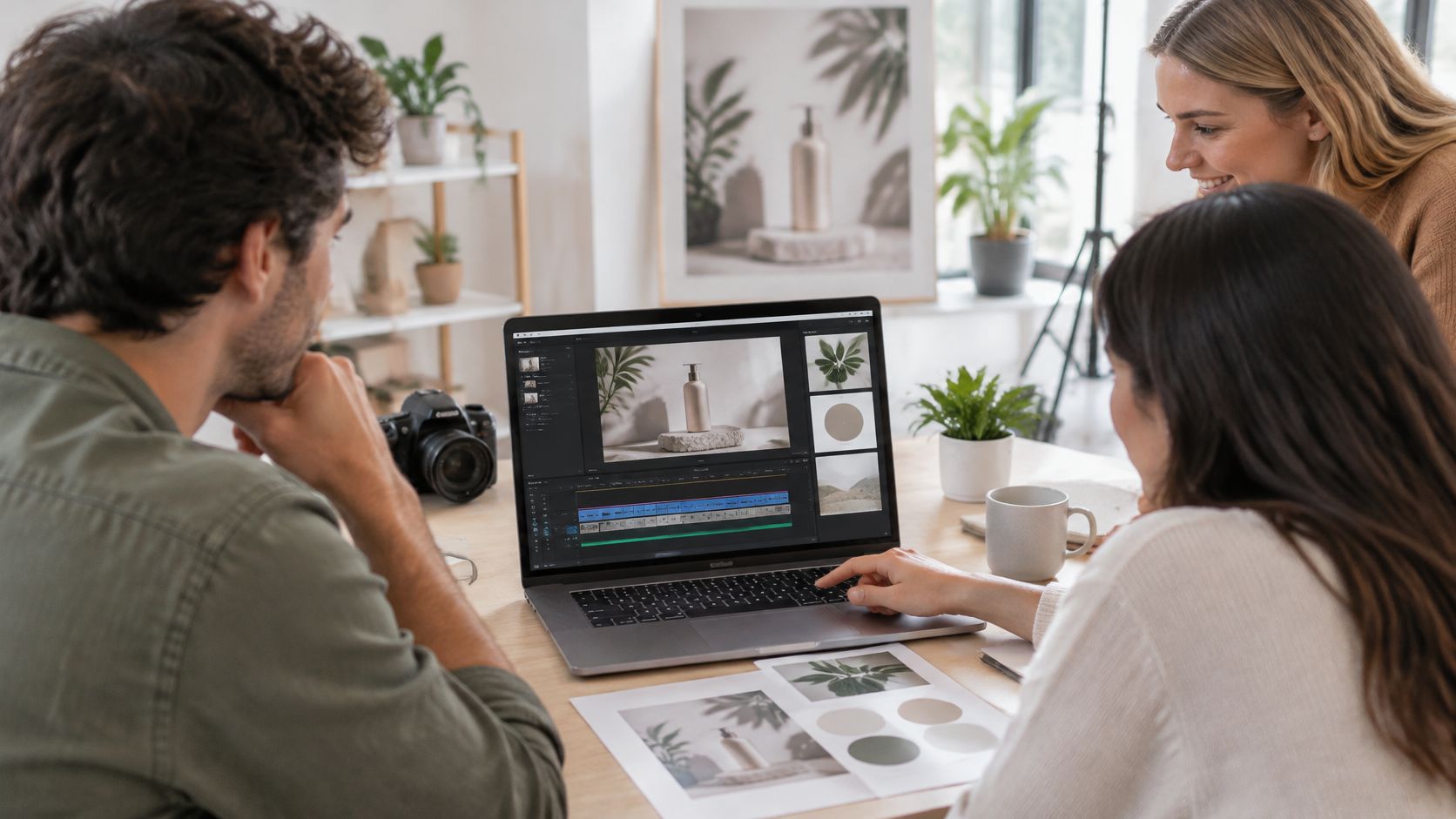
Treat the Clip as the Visual Idea
Think of the generated result as the scene sketch, not the final poster. A product photo can become a short teaser, but it still needs a frame that carries the brand message, a title card that makes the offer clear, and a format that fits the channel.
That hand-off matters in ecommerce, SaaS, and travel, where one concept often has to live in paid social, email, landing pages, and sales follow-up. The fastest teams do not keep regenerating forever. They move the best take into a structured editor and finish it there.
Build the Finishing Layer
This is where a template-based editor becomes the assembler. A branded layout adds logo, color, font, and pacing, while voice and captions turn a mood piece into something a buyer can understand in seconds.
The real job after generation is not more generation, it is turning the visual idea into a message people can act on.
For teams that need to turn one generated clip into repeatable campaign content, our guide on adding text to video shows how to place messaging without crowding the frame.
Use It for Real Campaign Work
A marketing team might use Luma AI to create a perfume teaser, then send that clip into a template for a seasonal launch. The same flow works for insurance reminders, real estate listing previews, or a training announcement for employees.
The outcome is practical. The generated piece does one job well, attention, while the editor handles the parts that drive conversion, clarity, and compliance.
A Simple Handoff Workflow
A real implementation can stay very simple. The product photo acts as the data source, a branded template sets the layout, a campaign trigger swaps the copy or offer, and the finished asset goes to the right destination. That could be social, email, a landing page, or a paid placement.
For teams that need a hands-off assembly step after a single generation, platforms like Wideo can help move a concept into programmatic, repeatable video without claiming any direct link to Luma AI.
Know Where It Still Falls Short
The clip can still miss details, especially text, logos, or complex motion. That is why the generated output should stay upstream of the final edit, not at the end of it.
When marketers keep that boundary clear, Luma AI becomes a fast source of visual ideas rather than a risky substitute for the whole production flow. Which campaign will you prototype first?
Meta description: Learn what Luma AI does, how long generations take, whether outputs suit paid campaigns, and how to finish them with logos, voiceovers, and calls to action.
A five-second teaser can come back before lunch, but only if the prompt is specific enough to direct the motion.
What Does Luma AI Do
Luma AI turns text, a reference image, or both into motion, so a marketer can move from a product photo to a short teaser without booking a shoot. It is best for concept clips, not final ads.
How Long Does Generation Take
Timing varies with prompt complexity and queue load, yet the workflow is still fast enough for same-day testing. Teams usually get value when they treat each output as a draft they can review, rerun, and compare.
Is It Safe for Paid Campaigns
Yes, if the scene is clean, the brand rules are respected, and every frame is checked before launch. Paid use should avoid shaky text, unclear logos, or claims that belong in a controlled layout, not inside the audiovisual piece.
What Comes Next After Generation
Layer your logo, voiceover, captions, and call to action in a separate editor, because Luma AI gives you the idea, not the finished package. For brands that need repeatable finishing, Wideo’s AI video generator can help turn one clip into a branded, distribution-ready asset.
The best result is the one that fits the channel and still feels unmistakably yours.
Related posts:
 Your Guide to AI Video Generator Technology
 A Guide to AI Video Creation for Beginners
 AI Avatars: The New Face of Business Communication
 AI Avatars: The Secret Weapon for Business Growth and Efficiency
 AI Technology: The New Creative and Strategic Core of Business
 12 Powerful AI Tools for Video Creators in 2025


