In a December 2019 survey of 656 marketing professionals and online consumers, Wyzowl’s video survey found that 96% of people had watched an explainer video to learn about a product or service, and 72% named explainers as the type they made most often.
Reach still fails when the piece answers a question nobody asked.
Learning how to make an explainer video means judging it by comprehension and the next action, not by views.
When an Explainer Video Is the Right Format
A fintech team filmed a four-minute tour. Prospects asked only what a transfer costs, then left.
Teach one product, process, or policy in under two minutes, so a stranger can follow.
| Situation | Explainer fit | Better alternative |
|---|---|---|
| Launching one product with a clear payoff | Strong | Landing-page explainer |
| Answering one question support tickets repeat | Strong | Explainer linked from the help article |
| Walking a trained user through a multi-screen admin setup | Weak | Screen recording with chapters |
| Explaining one fee structure to first-time borrowers | Strong, one fee at a time | Explainer plus a text summary |
| Reporting quarterly results to a board | Weak | Written report with a short recorded message |
People leave when one piece holds two answers.
If the question fits in one sentence, this format is right. Otherwise, split it.
Defining the Viewer and the One Question the Video Answers
New workspace admins on a project tool keep asking support the same thing: how do I give a contractor access without exposing the whole workspace?
Common Craft built its 2007 piece RSS in Plain English around one topic, plain language, simple metaphors, and concise editing. That is the discipline worth copying. Pick the viewer first, then pick the single question that viewer arrives with.
Write down role, prior knowledge, device, and where they first meet the piece. Borrow their wording, not your team’s internal labels. A script written for the whole buying committee answers nobody, and an explainer is judged by comprehension and the next action the viewer takes, not by how many people watched it. A successful video brief holds that line.
If the answer needs two sentences to state, split the video.
What question does your viewer type before they ever see the product?
How to Script an Explainer Video in Three Passes
Words come before pictures, because style and timing both depend on the script. This pass is the core of how to make an explainer video that stays under ninety seconds.
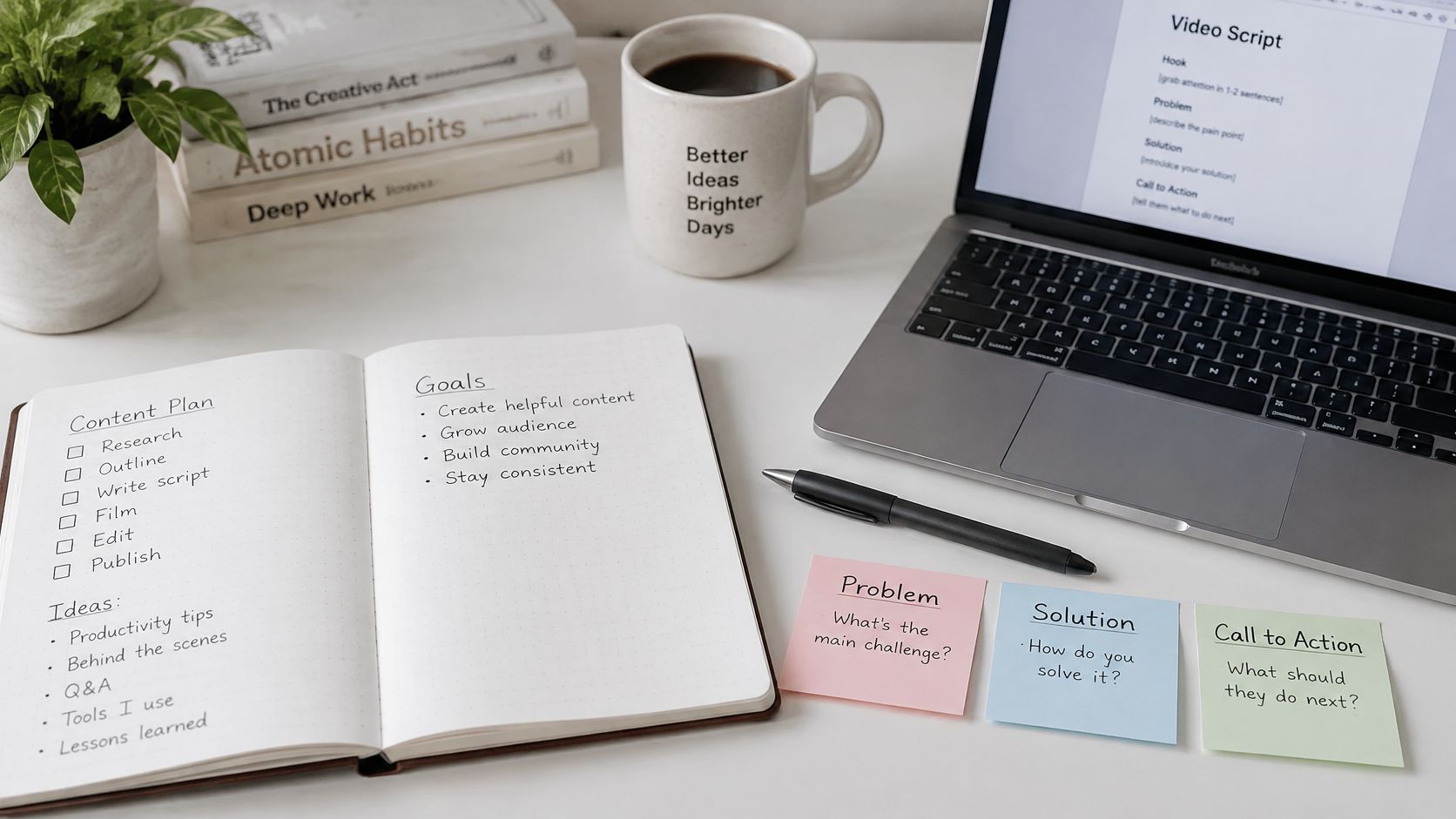
Write the Problem Line
Name the situation before the product appears. For this admin, a contractor is waiting and the workspace is still wide open.
Cut Scenes Around One Idea
Keep four to six scenes: the problem, the product’s role, two or three actions, the result, and one next action. Drop any scene that doesn’t serve the access question. Scene three can be spoken as a single line: open Permissions, choose Guest, and pick one project. A feature list reads fine on a page and sounds flat aloud, so read the draft with a timer.
Set the Word Budget
At 130 to 150 words a minute, a 90-second piece holds about 195 to 225 words. Write to that budget, then cut.
I once shortened a four-minute tour to ninety seconds, and the scenes I lost were the ones answering a second question.
Choosing a Style for Your Explainer Video
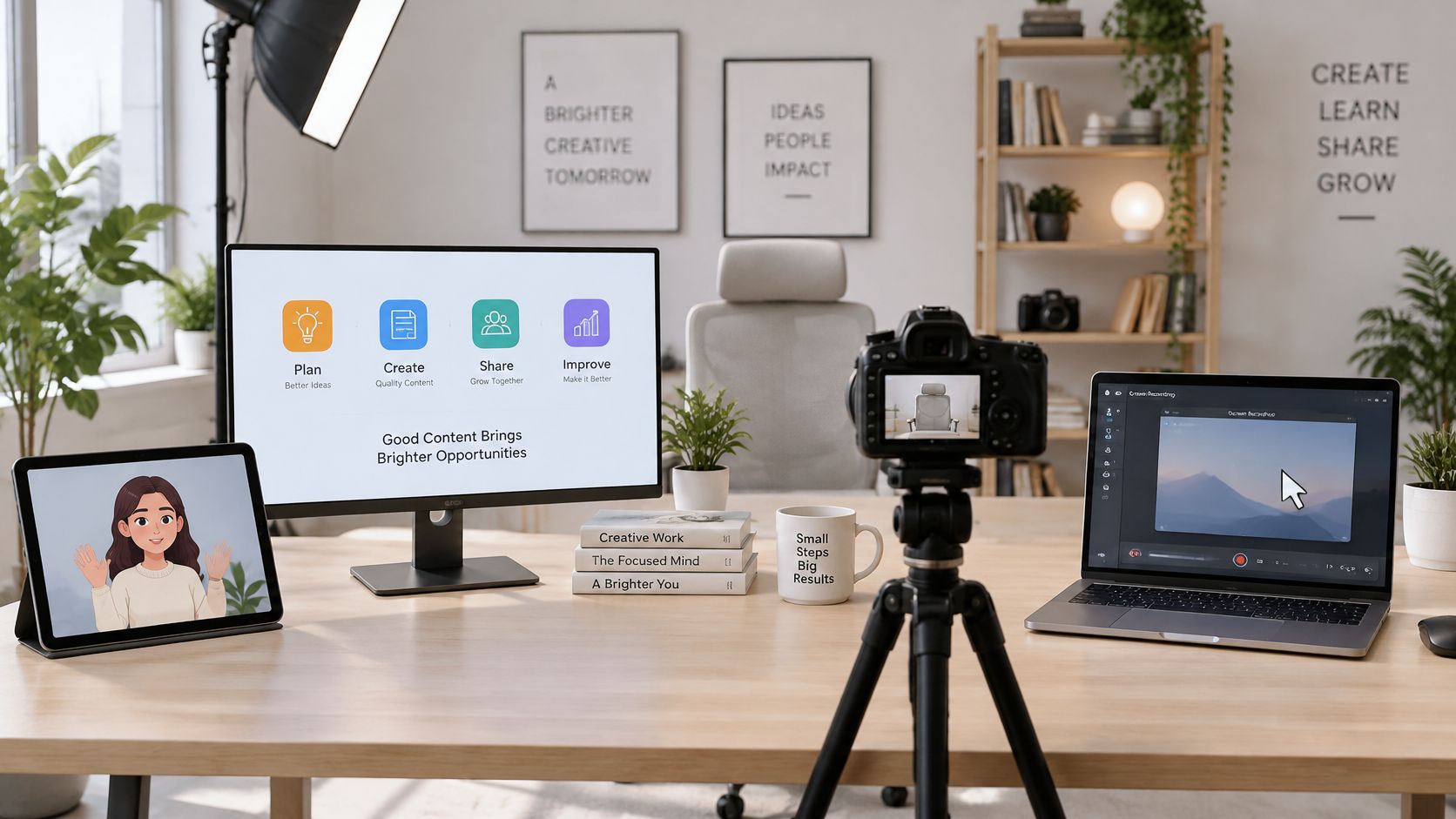
Screen recording fits the contractor steps, because the interface is the lesson. Motion graphics fit a fee a first-time borrower must grasp. Lock the style before you draw frames, since it sets the cost of every scene. Animated video helps when the idea has no screen to show.
| Style | Best for | Main cost driver | Main risk |
|---|---|---|---|
| 2D animation with characters | Processes involving people and abstract ideas | Custom character and scene design | Generic look without a brand system |
| Motion graphics with icons and text | Numbers, policy terms and sequences | Animation time per scene | Feels cold without a human voice |
| Live action | Trust-heavy stories with real staff or customers | Filming, location and talent | Hard to update when the product changes |
| Screen recording with voiceover | Software tasks and admin steps | Clean capture and cursor work | Dense interfaces overwhelm viewers |
Animoto’s report, covered by Business Wire in January 2026, found that 82.6% of consumers had watched videos they suspected were AI-generated, and 36% said that reduced trust in the brand. Keep synthetic voices and avatars off testimonials, money advice, and health claims. Drafts, captions, translations, and background assets are the low-risk uses, with consent and disclosure when a real voice is copied.
Trust-first claims stay in a human voice.
Storyboarding Visuals, Voiceover and Music Together
Give each scene one frame: a number, a rough sketch, on-screen text under about eight words, the spoken line, a duration, and a music cue.
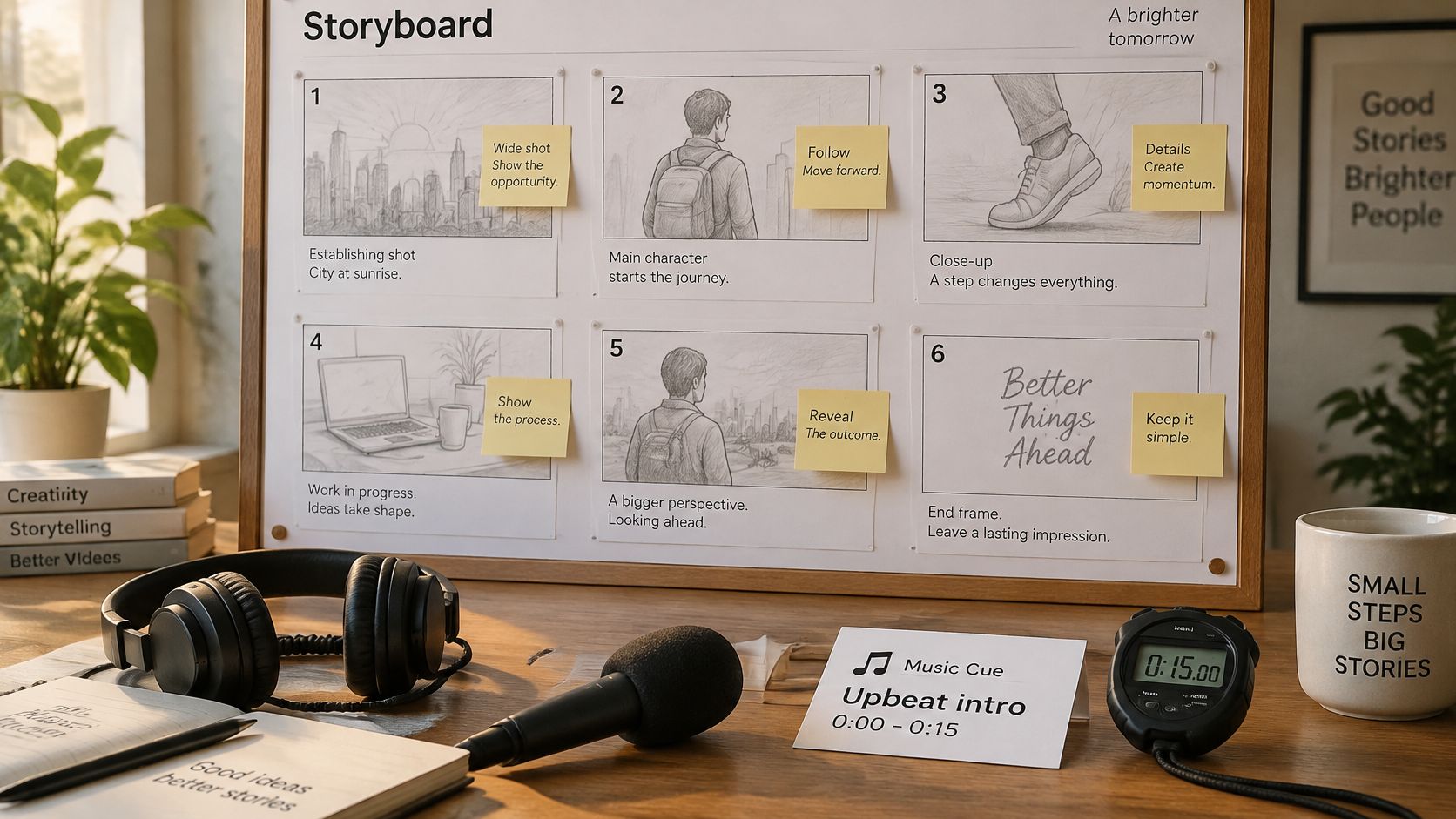
Sketch shapes, add timing, lock that timing, then record. Narration should fit the frames, not the other way around. For the admin lesson, capture the setup screen, use icons for the three roles, and keep a human voice on the opening line.
Drop the track under the voice, lift it for the reveal, and cut it on the closing action. Confirm the licence covers online and paid use, and get written consent before a synthetic voice is built from someone’s recording. One icon set and one palette make the piece look finished without a new design pass. The product owner signs the storyboard before animation starts. The same frame rules carry into a storyboard for your video when scenes repeat across versions.
Review Rounds, Captions and Testing With Novices
Cap reviews at two rounds. A subject expert checks accuracy first. Then three to five novices watch once and explain the access rule back in their own words. If they can’t restate it, the video has failed its one job, and the fix is rewriting the confusing line, not adding another review pass.
What a viewer already knows changes what they retain, and a packed screen raises the effort needed to follow it. In practice, a polished animation can still fail as a lesson. Captions, readable type, chapters, and a short recap give people a second path through the same idea. You can add subtitles to your video before the novice test instead of waiting for complaints.
- Captions file: timed to the spoken line
- Contrast check: readable on a phone screen
- Chapter markers: one per scene, so viewers can replay a step
- Transcript link: a text version beside the player
- One next action: a single button on the end card
Recutting the same explainer for every segment turns one revision into a dozen files. A template lets the team change text, voiceover, and scenes in one place. Wideo’s explainer templates are a workable start when that pile of versions is the core issue.
After the novice test, fix the words and leave the structure alone.
Publish and Measure the Video Against One Goal
Put the piece where the question is asked: the landing page, the help article, and the trial email. Export a 16:9 file with captions, and a shorter vertical cut only if social is part of the plan. Where to host an explainer video matters as much as the file type.
| Metric | What it tells you | Pair it with |
|---|---|---|
| Views | Reach only | Landing-page click-through |
| Average watch time | Whether viewers reached the answer | Drop-off point in the script |
| Click-through to the next step | Whether the call to action worked | Trial starts or documentation clicks |
| Conversion or support-ticket volume | The business outcome | Ticket counts on the same question before and after |
| Comprehension check | Whether viewers can explain the answer | Three-question post-video quiz |
A SaaS team reads trial users from the CRM. Each segment maps to one template. Creating the admin account triggers that version. Onboarding email and in-app help deliver it. Ticket counts on the contractor question, before and after, tell you if the lesson worked.
A piece that can’t answer its one question in the first thirty seconds won’t be rescued by polish.
Wideo’s tools cover explainer videos, app demos, marketing videos, intro videos, an animated video maker, subtitles, music, voiceover, text, and presentations. If your team needs a ninety-second lesson instead of a four-minute tour, start from a template and publish the version an admin will finish. Visit Wideo and build that cut around one question.