
That frustrating gap between a great idea and a finished video? We’ve all been there. It can feel like a huge chasm to cross. This is exactly where the next step in AI, especially multimodal systems like Gemini IA, is changing the entire game. It’s about closing that distance and moving past simple text commands into a world where your creative vision is the only real barrier.
The Next Leap in AI Video Generation: Why Multimodality Matters
We’re stepping into the era of multimodal AI. Think of it less like a tool and more like a creative partner—one that understands and weaves together text, images, audio, and even data to build a complete visual story. For anyone in marketing, content, or growth, this isn’t just a minor update; it’s a fundamental shift. AI is no longer just for knocking out tasks faster. It’s becoming a strategic asset for creating on-brand video content at scale.
Here’s a simple way to look at it: it’s the difference between handing an assistant a to-do list and brainstorming with a creative director. A multimodal system doesn’t just follow orders; it understands your intent. It can read a script for emotional tone, pull visuals that match that feeling, and even suggest the right pacing for a voiceover.
This integrated approach basically tears down the walls between coming up with an idea and actually producing it. Instead of a clunky, disjointed process bouncing between writers, designers, and editors, you get a single, smart workflow where all the creative pieces come together intelligently.
As we get into what this leap means for video, it helps to see it in the context of all the different AI tools for content marketing that are popping up. But video is where this technology really shines.
From Disjointed to Integrated Video Workflows
The real magic here is how multimodal AI collapses the old, fragmented video production pipeline. Suddenly, there’s a straight line from a simple creative brief to a finished video. For teams that need to get high-quality content out the door fast, this is huge.
To get a clearer picture of this shift, let’s compare the old way with the new.
From Traditional Workflow to Multimodal Creation
| Production Stage | Traditional Workflow | Multimodal AI Workflow |
|---|---|---|
| Ideation & Scripting | Manual process, separate from visual design. | AI assists with script generation based on a prompt or brief. |
| Asset Gathering | Manually searching stock libraries or creating new assets. | AI suggests or generates relevant images, clips, and audio. |
| Storyboarding | A separate, time-consuming step requiring a designer. | AI creates a visual flow instantly based on the script. |
| Editing & Assembly | A skilled editor pieces everything together manually. | AI assembles the entire video, syncing audio and visuals. |
| Revisions | A slow back-and-forth process with multiple stakeholders. | Quick, text-based edits to regenerate scenes or assets. |
What this table really shows is a move from a series of handoffs to a single, cohesive creation process.
This new workflow gives teams the power to:
- Move faster by automating the most time-consuming parts of production.
- Keep everything on-brand by having the AI process your brand guidelines right alongside the creative inputs.
- Open up video creation to everyone, letting people who aren’t video editors produce professional-looking content.
Ultimately, models like Gemini IA are proof that technology is finally tearing down the technical roadblocks to great storytelling. It lets your team put their energy into the message, not just the mechanics of the medium.
How Multimodal AI Translates Ideas Into Videos
This is where things get really interesting. Think of a system like Gemini IA as the ultimate creative translator. It’s built to bridge that gap between your initial idea—your brief—and a video that’s ready to go. It becomes a central hub where all sorts of information, like text, images, brand colors, and even data, all come together to create one cohesive final product.
The whole process kicks off with your core message. You can feed it a script, a link to a blog post, or even just a simple text prompt. The AI doesn’t just scan the words; it actually gets the meaning, the tone, and what you’re trying to achieve. From there, it intelligently starts pairing your text with the right visual elements, whipping up a dynamic storyboard in seconds.
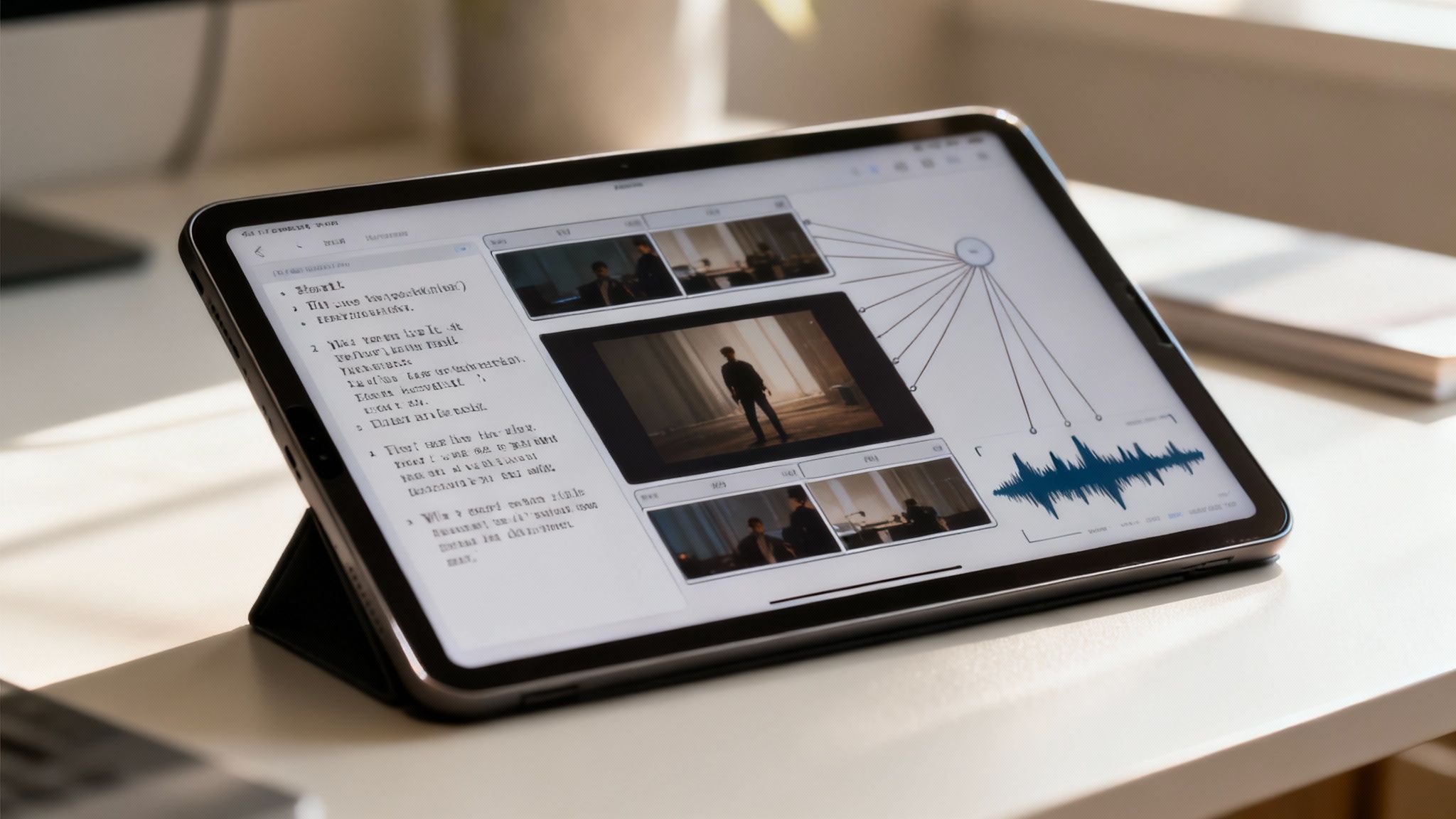
This kind of smart assembly completely gets rid of the friction that usually bogs down video production. The classic, endless back-and-forth between writers, designers, and editors? That’s replaced by a smooth, automated workflow.
From Raw Inputs to Polished Scenes
A multimodal system works on various inputs all at once to build a video from the ground up. It’s a bit like having an entire production team that works instantly and is always perfectly in sync.
Here’s a peek at what that looks like in action:
- Script Analysis: The AI digs into the script to pull out key themes and the emotional tone. An upbeat, promotional script will trigger suggestions for bright, energetic visuals. A more serious, educational one will prompt a more measured and informative style.
- Visual Selection: Based on its script analysis, the AI pulls in relevant images, stock footage, and your own branded assets from a library. It understands context, so a scene about “quarterly growth” gets paired with charts and professional imagery—not just random photos.
- Brand Alignment: You can give the AI your brand guidelines—logos, color palettes, and fonts. It then applies these rules across every single scene, making sure all the content it generates is perfectly on-brand without you having to make manual tweaks.
This isn’t just about slapping a logo on a template. The AI treats your brand identity as a core creative instruction, influencing everything from the color of on-screen text to the style of transitions between scenes.
Accelerating the Creative Cycle
For marketing, sales, and training teams, this approach dramatically speeds up how quickly you can create content. Instead of spending weeks on a single video, you can generate multiple versions in just a few minutes. That kind of speed is a huge advantage for testing different messages, localizing content for various markets, or creating personalized sales outreach videos.
The ability to quickly turn an idea into a tangible asset is a total game-changer. You can learn more about the practical steps involved and how to make videos using AI to see just how accessible this technology has become. The end result is a production process that’s not only faster but also more strategically aligned, letting you focus on the story you really want to tell.
Scaling Video Storytelling Across Your Business
So, let’s shift from theory to the real world. The true magic of multimodal AI really clicks when you see how different departments can use it to solve their day-to-day problems. This isn’t just about making one video a little faster; it’s about completely rewiring how your entire organization communicates with video.
The main idea here is making video creation accessible to everyone. When an AI like Gemini IA is the engine behind user-friendly platforms, any team member can become a video creator, no matter their technical chops. This breaks down the usual bottlenecks and empowers teams to tell their own stories, straight from the source.
Marketing and Sales Amplification
For marketing teams, the biggest win is scale. Period. Picture this: you’re launching a new product and need a dozen different video ads for all your social channels and target audiences. A multimodal AI can grab a single core concept—say, a product brief, an audience profile, and a few key images—and spit out multiple unique ad variations in minutes.
- Personalized Campaigns: Need an ad for a different demographic? Just tweak the text input and you’ve got a tailored version ready to go.
- A/B Testing: Instantly generate variations of an ad with different hooks or calls-to-action to see what actually works.
- Local Market Adaptation: Quickly swap out text overlays, voiceovers, or even culturally specific visuals for global campaigns without a headache.
Sales teams can tap into the same power for outreach that actually gets noticed. Instead of another generic email, they can generate personalized video pitches that pull in a client’s company name, their specific industry challenges, or relevant case studies. That kind of custom touch builds a real connection from the get-go. For anyone trying to get a foothold, understanding video marketing for small businesses is a must, and AI makes that process so much easier.
What you get is a far more agile and responsive communication strategy. Teams can react to market shifts, customer feedback, and sales opportunities with on-point video content almost immediately—moving at a speed that used to be unthinkable.
HR and Internal Communications
The benefits don’t stop with customer-facing teams. Just think about Human Resources and the constant need for clear, engaging communication with employees.
Onboarding is a perfect use case. HR can build a library of standardized training videos that are dead simple to update. When a company policy changes, they just update the text prompt. The AI then regenerates that part of the video, making sure every new hire gets the latest info. That kind of consistency is crucial for compliance and building a solid company culture.
It’s the same for internal announcements, like quarterly updates or new company initiatives. Leaders can turn a dry email or a boring slide deck into a snappy video summary. It makes complex information much easier for everyone in the organization to digest and remember. This is all part of a bigger shift toward video automation that improves efficiency in every corner of the business.
By pulling together different inputs—text, brand guidelines, and raw data—multimodal AI lets every team produce relevant, contextual video content at scale. It puts powerful storytelling tools directly into the hands of the people who know their subject matter best.
Putting Multimodal AI Into Practice
So, how does all this theory actually play out in the real world? Let’s walk through a few tangible workflows. These scenarios show you just how you can combine different inputs to get a professional video, showcasing how models like Gemini IA are making the whole creation process feel more natural. It’s really all about cutting out the manual grunt work that bogs teams down.

Picture your marketing team getting ready for a new social media campaign. Instead of the usual long, drawn-out production cycle, they can now use a text-to-video workflow that moves as fast as they can think. This isn’t some far-off concept; it’s quickly becoming the new normal for teams that need to create content on the fly.
From Text to Social Ads in Minutes
The objective here is simple: crank out a bunch of short, snappy video ads for various platforms. An AI-powered process completely tears down the walls between a simple idea and a video that’s ready to share.
Here’s what that workflow could look like:
- Give it the Core Message: You start with a simple text prompt, maybe a marketing tagline like, “Experience the future of clean energy.”
- Add Visuals: Next, upload a few key brand assets—a crisp product shot and your company logo will do.
- Set the Tone: You then define the mood you’re going for. Keywords like “energetic, inspiring, and modern” work perfectly.
- Generate the Magic: The AI takes all that and, in moments, spits out a dozen animated video variations. Each one has slightly different timing, text effects, and background music.
What you get is a whole suite of ads, ready to test, created in less time than it used to take just to write a creative brief. This kind of speed gives your team the power to A/B test different messages and visuals without sinking a ton of time or money into it, letting them find what works best, fast.
This workflow is a fundamental shift in the creative process. It moves the focus away from tedious production tasks and toward strategic decision-making. Marketers can now spend their time analyzing results and refining their message, not fiddling with timelines in an editing suite.
From Data to Visual Reports
Alright, let’s switch gears to another powerful use case: internal communications or stakeholder updates. Raw data in a spreadsheet is usually dense and a pain to decipher, but multimodal AI can spin that data into a compelling visual story. This is exactly where a data-to-video workflow comes in handy.
A business intelligence team, for instance, could take a spreadsheet full of quarterly sales numbers and transform it into a slick video summary for the leadership team. The process is just as straightforward.
- Feed it the Data: Upload a CSV file or link to a data source with key metrics like revenue growth, regional performance, and top-selling products.
- Give it a Script: Add a simple script to explain the main points, like “Q3 saw a 15% increase in sales, driven by strong performance in the EMEA region.”
- Apply Brand Rules: The AI automatically pulls in your company’s branding, making sure all the charts, graphs, and text look consistent with your visual identity.
The system then generates a clean, concise video that brings the data to life, making complex information easy for a non-technical audience to grasp. Instead of a boring, static report, stakeholders get a dynamic summary they can digest in under two minutes. This ensures that crucial business insights aren’t just seen—they’re actually understood. Tools like Wideo’s AI Video Generator are built specifically to put these kinds of advanced workflows into anyone’s hands.
Gaining a Strategic Advantage with AI Video
So, you have these incredibly powerful AI capabilities. The final, and most important, step is connecting them to real business results. The efficiency boost you get from multimodal AI isn’t just about shaving a few hours off your workday; it’s about directly impacting the metrics that matter. We’re talking higher audience engagement, better conversion rates, and a much stronger return on your marketing investment.
In a world where video is king, being able to produce high-quality content at scale is a massive competitive advantage. It’s that simple.
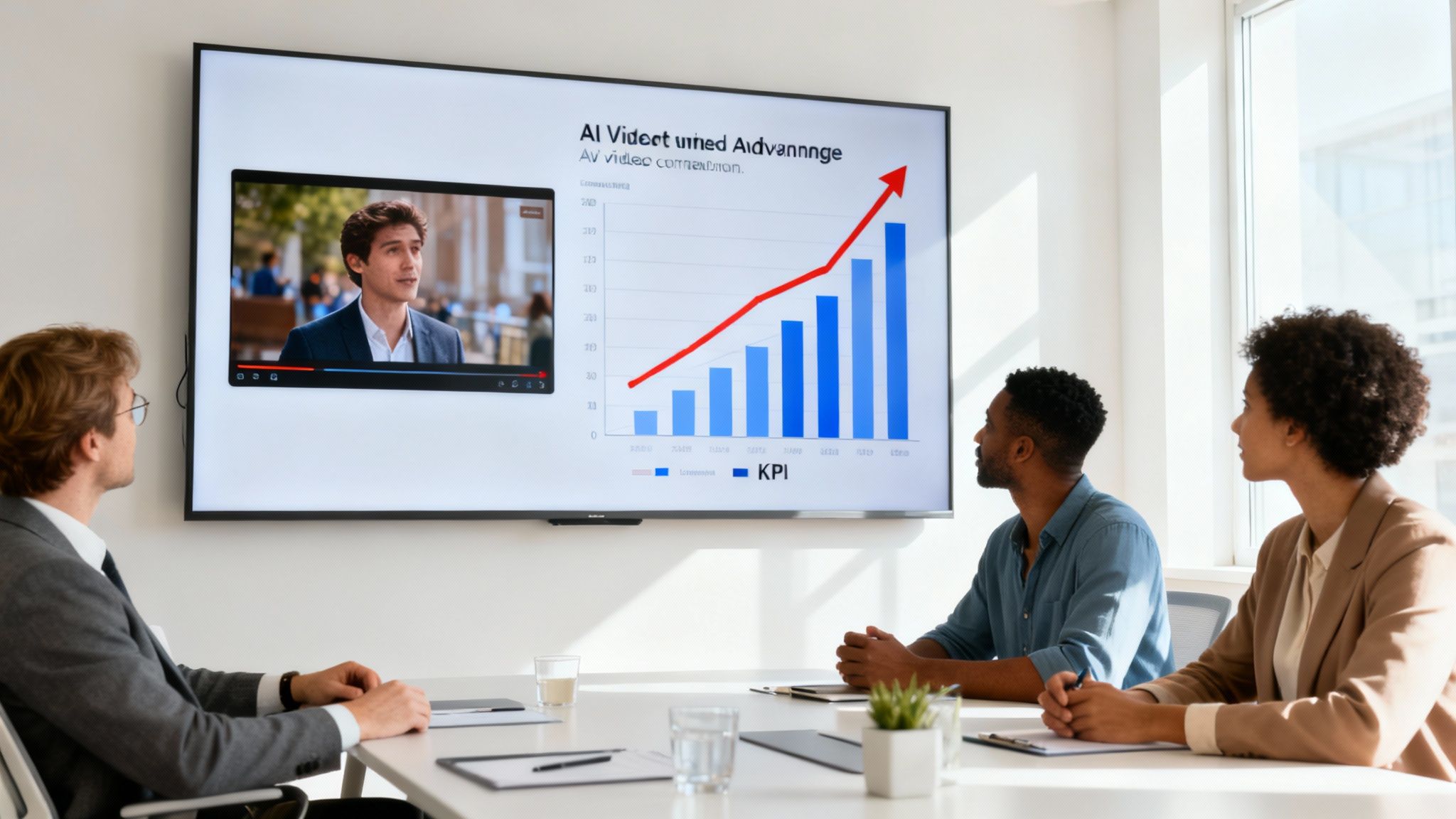
This is exactly where AI-powered video creation platforms come into play. They take the raw, complex power of models like Gemini IA and make it practical and accessible for your team. You don’t need to be a data scientist to use it; you just need to focus on your message and your audience.
The Power of Accessible AI Platforms
The real magic happens when foundational AI models are baked into user-friendly tools. These platforms are the bridge between an AI’s incredible potential and your team’s day-to-day workflow, knocking down technical barriers and making video creation something anyone can do.
By abstracting away the complexity, these tools allow marketing, sales, and HR teams to think like creators, not technicians. The focus shifts from how to make a video to what story the video should tell.
Putting Multimodal Theory Into Practice
This is where the rubber meets the road. An AI video generator takes all these principles and makes them tangible. Teams can instantly turn an article into a video, generate a script from a simple idea, or create an animated presentation without a lick of design experience. It puts the power of multimodal creation into a simple interface that delivers real, measurable value.
Platforms like these are a lifeline for teams looking to roll out a scalable video strategy. This is especially true when it comes to creating personalized video content that truly connects with specific audiences. By automating the grunt work, these tools free up your people to focus on higher-level strategy, like optimizing campaigns and telling compelling stories.
The result? A more agile, data-driven approach to video that directly supports your business goals.
Common Questions About AI Video Creation
As you start exploring this new way of making videos, a few questions are bound to pop up. Let’s tackle some of the common ones head-on to clear things up and show you just how practical this technology really is for your team.
Do I Need Technical Skills to Use AI for Video?
Not at all. In fact, that’s the whole point. Modern AI video platforms are designed to do the heavy lifting for you. You bring the creative ideas—the script, your brand colors, a logo—and the AI acts as your production partner, turning those inputs into a finished video.
This approach throws the doors wide open. Suddenly, anyone on the team can create high-quality video content, not just the folks with specialized editing or design skills. Marketers, salespeople, and even HR coordinators can jump in and produce what they need, right when they need it.
How Can AI Keep My Videos On Brand?
This is where a multimodal system really shines. Because the AI can process your brand guidelines, color palettes, logos, and fonts at the same time as your script, it’s a natural at keeping everything consistent. You just feed it the brand rules, and it treats them as a non-negotiable framework for every creative choice it makes.
This means every single video feels like it came from your team, even when you’re cranking out dozens of variations at scale. The system doesn’t just tack on your brand at the end; it builds the entire video around it from the ground up.
Is Gemini IA a Video Creation Tool?
It’s an important distinction to make. Gemini IA is a foundational large language model—think of it as the powerful engine under the hood. It shows what’s possible with multimodal AI, but it isn’t a standalone tool you can just log into to make a video.
Instead, you’ll work with specialized platforms built on top of these powerful AI engines. These tools provide the friendly interface, templates, and asset libraries you need to turn all that raw AI potential into a smooth, practical, and efficient video creation workflow.
Ready to put the power of multimodal AI to work? Wideo provides the tools you need to translate your ideas into compelling videos effortlessly. Explore our platform and start creating today with the Wideo AI Video Generator.
Related posts:
 Your AI Analytics Are Smart. But Are They Understood?
 AI Integration A Practical Guide for Business Growth
 Ai data processing: Practical strategies for pipelines, tools, and compliance
 Unlocking AI Performance in Modern Video Creation
 From Manual Handoffs to Automated Video: A Practical Guide to AI Workflows
 7 Essential Sources for Crucial AI Updates in 2025


