
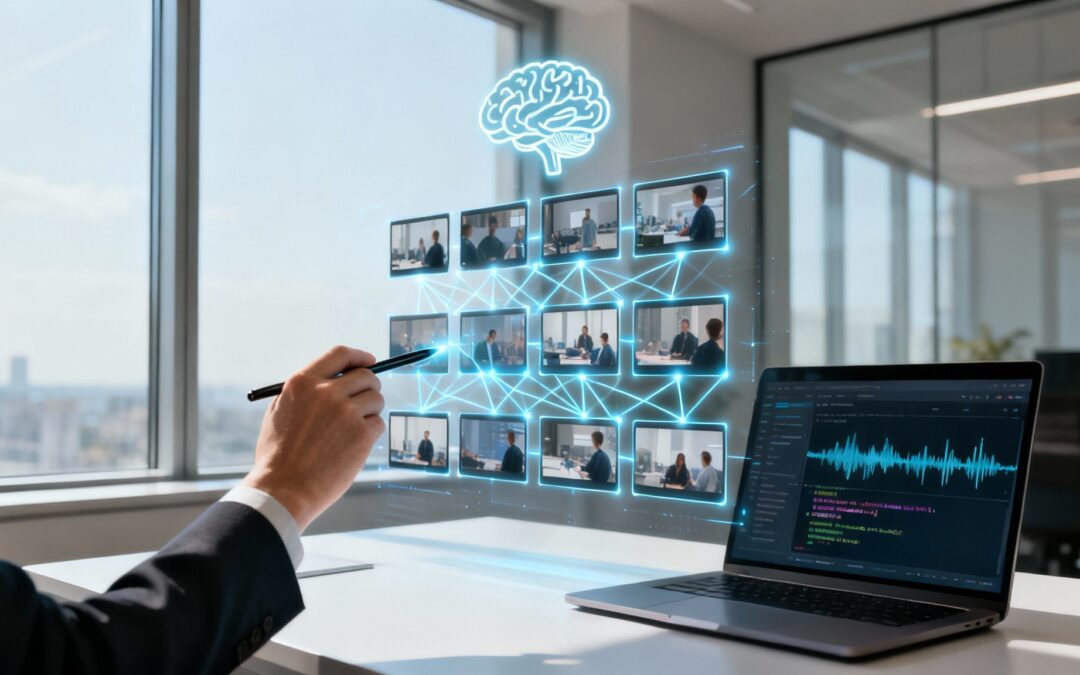
Video content has become an essential tool for engagement, education, and conversion across industries. Yet, the high costs, technical skills, and significant time commitment involved in production have long been major barriers for many organizations. Artificial intelligence is now systematically dismantling these obstacles, making professional video creation accessible, scalable, and remarkably efficient. The traditional production workflow, once measured in days or weeks, can now be condensed into mere minutes.
This article moves beyond abstract concepts to deliver a comprehensive list of practical AI use cases that are revolutionizing video content. We will explore 12 specific applications that empower teams in marketing, HR, sales, and more to automate and enhance their video strategies. You will learn how to transform static text, like blog posts or internal documents, into dynamic, engaging videos with AI-powered tools. We’ll also cover how to generate realistic voiceovers, personalize marketing messages at scale for thousands of individual customers, and automate tedious editing tasks, all while leveraging smart platforms like Wideo to handle the heavy lifting.
Forget theoretical discussions. This guide is built on actionable strategies and replicable methods. Each use case includes a breakdown of the business benefit, a step-by-step example workflow, and key performance indicators (KPIs) to measure your success. Prepare to discover how to integrate these AI-driven tactics directly into your operations, drastically reduce production friction, and unlock a new, more effective level of data-informed video marketing.
1. AI-Powered Video Generation from Text and Blog Content
One of the most powerful AI use cases for content marketing is the ability to automatically convert written text into dynamic videos. This technology analyzes source material like blog posts or articles, identifies core themes, and generates a video complete with relevant visuals, text overlays, and a matching voiceover. It drastically reduces production time, allowing teams to repurpose their content archives into a new, engaging format without needing extensive video editing skills.

This AI application empowers marketers to unlock the value hidden in their existing content. By transforming a high-performing blog post into a shareable LinkedIn video, for example, a marketing agency can reach a new audience segment that prefers visual media. Similarly, an insurance company can turn dense policy documents into simple, educational videos that improve customer comprehension and trust.
Strategic Application & Workflow
The core benefit is content scalability. Instead of creating one asset, you create a source text that can become multiple assets. For instance, an e-commerce platform can use a single product description to generate a concise video for its product page, a shorter version for Instagram Stories, and a GIF for email newsletters. This multiplies your content output from a single effort.
A typical workflow using a tool like Wideo’s AI video generator involves simply pasting a URL or text. The AI then produces a draft video, which you can quickly customize by swapping visuals or adjusting the AI-generated script.
Actionable Takeaway: Batch-process your top five most-read blog posts into videos. Share them on social media and track engagement metrics like watch time and click-through rate to measure the impact of this new format.
2. AI-Generated Voiceovers and Text-to-Speech Technology
Another transformative AI use case is the generation of high-quality, natural-sounding voiceovers directly from text. Modern text-to-speech (TTS) technology uses advanced machine learning to convert written scripts into professional audio, offering a vast selection of languages, accents, and emotional tones. This completely eliminates the need for expensive recording equipment, studio time, or hiring voice actors, making professional-grade audio accessible for any project.
This application is crucial for businesses aiming for global reach and personalization. An airline can instantly produce safety announcements in multiple languages for international flights, while a fintech platform can create clear, reassuring voiceovers explaining complex financial products to new customers. Similarly, non-profits can localize fundraising campaign videos for different regions, creating a more personal connection with donors worldwide.
Strategic Application & Workflow
The key benefit here is localization at scale. Instead of re-recording audio for every new market, you can generate dozens of localized versions from a single script in minutes. A car dealership could use this to create inventory update videos with voiceovers tailored to different linguistic demographics in their area, significantly broadening their customer engagement.
The workflow is incredibly straightforward. Using a tool with an integrated text-to-speech feature, you simply type or paste your script, choose a voice profile and language, and generate the audio file. This file can then be instantly added as the narration for your video, with options to adjust pacing and sync it perfectly with your visuals.
Actionable Takeaway: Take one of your existing marketing videos and re-create it with three different AI voiceovers: one male, one female, and one in a different language relevant to your audience. A/B test these versions on social media to see which voice profile resonates most effectively with your target demographic.
3. Personalized Video Marketing and Dynamic Content Insertion
One of the most impactful AI use cases is creating hyper-personalized videos at scale. This technology dynamically inserts viewer-specific data like names, locations, or purchase history into a master video template. The result is a unique video for each recipient, making marketing messages feel less like a broadcast and more like a one-to-one conversation, which dramatically boosts engagement and conversion rates.

This AI application allows businesses to connect with customers on a personal level. For instance, a car dealership can send a video to a lead featuring the exact car model they viewed, addressed to them by name. Similarly, an e-commerce store can send a post-purchase thank you video that showcases complementary products based on the customer’s recent order, creating a powerful and relevant upsell opportunity.
Strategic Application & Workflow
The primary advantage is enhanced customer relevance. By tailoring content to individual data points, you transform generic campaigns into valuable, personal communications. A non-profit, for example, could send a personalized video to each donor showing their specific contribution’s impact, fostering a deeper connection and encouraging future donations. This level of customization was previously impossible to achieve at scale.
Wideo’s tools streamline this process. Learn more about how personalized video marketing works by connecting a data source (like a CRM or spreadsheet) to a video template. The AI then automatically generates thousands of unique video versions, each customized with the data from each row.
Actionable Takeaway: Identify a high-value customer segment, such as recent first-time buyers. Create a personalized “welcome” video that includes their name and references their first purchase. A/B test this against a generic welcome email and compare click-through rates and repeat purchase behavior over 30 days.
4. AI-Driven Video Analytics and Performance Insights
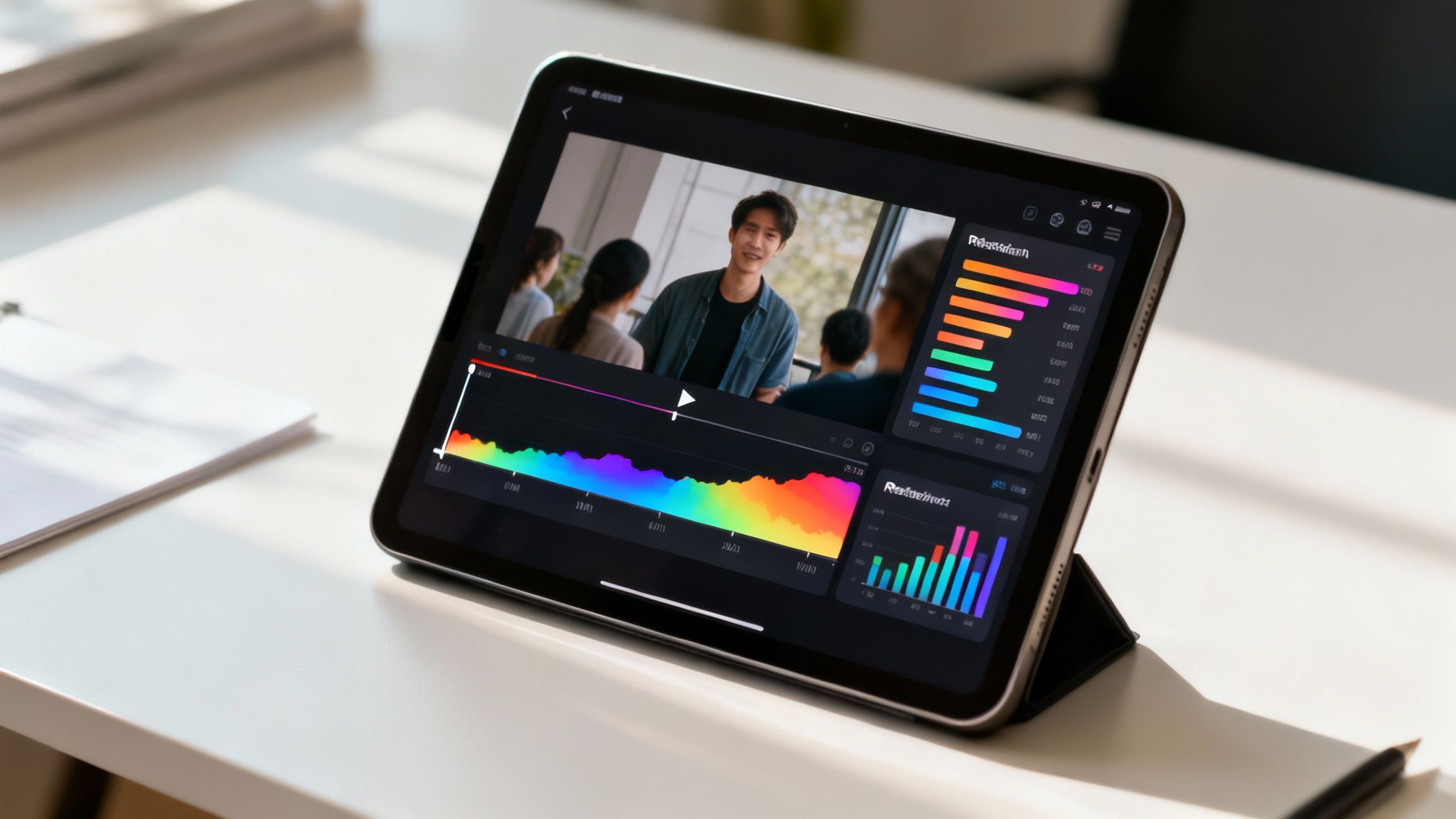
Beyond creation, AI is revolutionizing how we measure video effectiveness. This use case involves machine learning systems that analyze vast amounts of performance data to uncover actionable insights. These tools track viewer engagement, pinpoint exact drop-off moments, and correlate video elements with conversion metrics, helping creators understand precisely what resonates with their audience and why.
This technology moves video strategy from guesswork to data-driven decision-making. A non-profit can analyze donor videos to see which narratives generate the most pledges, while a car dealership can identify which vehicle features shown in a video lead to more showroom visit requests. The AI identifies patterns that a human analyst might miss, recommending optimal video length, pacing, or even color schemes for future content.
Strategic Application & Workflow
The core benefit is performance optimization at scale. AI analytics platforms can process thousands of data points to provide predictive insights, helping you refine your video strategy before investing heavily in production. For instance, an airline could use AI to analyze engagement on various promotional videos, discovering that clips featuring destination experiences outperform those focused on aircraft amenities, directly informing their next campaign.
A typical workflow involves connecting your video hosting platform (like Wideo, YouTube, or Vimeo) to an AI analytics tool. The system processes viewer data, generating dashboards with heatmaps, retention graphs, and demographic breakdowns. It can then provide specific recommendations, such as “Videos under 60 seconds with a call-to-action at the 45-second mark see a 20% higher click-through rate.”
Actionable Takeaway: Analyze the viewer retention graphs for your last three marketing videos. Identify the top two moments where engagement peaked and the primary point where viewers dropped off. Use these insights to create a new video template that replicates the successful elements and reworks the content that caused the drop-off.
5. Automated Video Editing and Scene Detection
One of the most practical AI use cases involves automating the tedious process of video editing. AI algorithms can analyze raw footage to detect scene changes, identify key moments, and even remove unwanted segments like silences or filler words. This technology uses computer vision to understand video content and apply professional editing techniques, such as cuts and transitions, with minimal human input, making polished video production accessible to everyone.
This AI application drastically accelerates post-production workflows. For example, a marketing agency can upload a 60-minute webinar recording and use AI to automatically generate several short, engaging clips for social media, each focusing on a different key topic. Similarly, an HR department can transform lengthy training session recordings into concise, digestible modules for onboarding new employees, saving significant time and resources.
Strategic Application & Workflow
The core benefit is production efficiency. AI handles the initial, time-consuming “rough cut” so that creators can focus on storytelling and final polish. An automotive dealership, for instance, can quickly compile highlight reels from test drive footage, while a non-profit can efficiently edit raw testimonial videos into powerful impact stories without needing a dedicated video editor for every project.
A common workflow involves uploading raw footage to a platform that uses AI scene detection. Wideo’s template-based system simplifies this further by allowing you to drop clips into pre-structured scenes, letting the platform handle the timing and transitions. The AI provides a first draft, which you can then refine by adjusting cuts or adding branding elements.
Actionable Takeaway: Record a long-form internal presentation or client consultation. Use an AI editor to automatically generate five distinct “micro-learning” clips. Share these with your team or clients and ask for feedback on clarity and usefulness to validate this high-speed workflow.
6. AI-Powered Video Search and Content Discovery
One of the most valuable AI use cases for organizations with large video libraries is the ability to search content semantically. Instead of relying on manual tags, AI uses computer vision and natural language processing to index and categorize video footage automatically. This technology can identify objects, actions, scenes, and even spoken words, allowing teams to find specific clips using simple, descriptive searches. It turns a chaotic archive into a fully searchable, intelligent asset database.
This AI application drastically accelerates content discovery and repurposing. For instance, a marketing agency can instantly locate all clips featuring “happy customers using a smartphone” from years of footage for a new campaign. Similarly, a non-profit can search its entire archive for “volunteers planting trees” to quickly assemble a compelling video for a grant application, saving hours or even days of manual review.
Strategic Application & Workflow
The core benefit is asset velocity. It removes the friction of finding and reusing existing content, maximizing the ROI of every video you’ve ever produced. A large enterprise can give its global marketing teams access to a centralized, AI-indexed library, ensuring brand consistency and enabling rapid creation of localized promotional videos without having to shoot new footage.
A typical workflow involves an AI system like Google Cloud’s Video Intelligence API automatically processing and tagging uploaded videos. A user can then perform a search like “red car driving on a coastal road at sunset” and receive precise, timestamped results from across the entire library. This footage can then be compiled into a new video project.
Actionable Takeaway: Use an AI search tool on your existing video archive to identify five high-quality B-roll clips you had forgotten about. Incorporate these clips into your next social media video to add visual variety and production value without any additional cost.
7. Automated Brand Compliance and Video Governance
For large organizations, maintaining brand consistency and regulatory compliance across all video content is a significant challenge. This AI use case involves systems that automatically scan videos to ensure they adhere to strict brand guidelines, messaging standards, and legal requirements. These tools can flag off-brand colors, fonts, unapproved messaging, or ensure mandatory disclaimers are present, preventing costly errors.
This AI application is a critical governance tool for regulated industries. An insurance firm can use it to automatically verify that every video includes specific regulatory language, while a financial services company can confirm that promotional videos contain legally required disclaimers. It empowers global enterprises to enforce brand standards consistently across departments and regions, protecting brand integrity and mitigating legal risk without manual reviews for every single asset.
Strategic Application & Workflow
The core benefit is risk mitigation at scale. It shifts compliance from a manual, error-prone final check to an automated, integrated part of the creation process. For example, a global airline can deploy a preset brand kit and rules engine, ensuring that marketing teams in different countries create videos with the correct logos, color palettes, and on-brand messaging, preventing brand dilution.
Within a platform like Wideo for Teams, you can configure a centralized brand kit and define compliance rules. When a team member creates a video, the AI flags any deviations from these standards in real-time. This allows for immediate correction before the video even enters a formal review cycle, saving time and ensuring every asset is compliant from the start.
Actionable Takeaway: Define three critical compliance rules for your video content (e.g., logo placement, disclaimer text, and a specific phrase to avoid). Implement these as automated checks in your video creation platform and monitor the number of flagged violations over 30 days to measure its impact on content quality.
8. AI-Generated Backgrounds, Visual Effects, and Scene Composition
One of the most transformative AI use cases is the ability to automatically generate or alter video backgrounds and apply visual effects. This technology lets creators produce professional-looking videos without needing a studio, green screen, or complex editing software. AI can instantly remove a cluttered background, insert a branded virtual environment, or apply cinematic color grading, making high-quality video production accessible to anyone.
This AI application empowers teams to maintain a consistent, professional brand image regardless of where their videos are filmed. An HR professional can record a polished onboarding video from their home office, or a sales representative can create a personalized client pitch that appears to be from corporate headquarters. For enhancing visual elements and scene composition, an AI-powered background remover tool can significantly streamline production workflows by isolating subjects with precision.
Strategic Application & Workflow
The key benefit here is professionalism on-demand. This technology democratizes video production, eliminating the barrier of expensive equipment and locations. A non-profit can create a compelling fundraising appeal filmed by a volunteer at home, swapping the background for imagery related to their cause. Likewise, a fintech startup can produce sleek explainer videos without booking a studio, ensuring a polished look that builds credibility.
The workflow is incredibly simple. Within a tool like Wideo, you upload your footage, and the AI automatically detects the subject and background. You can then choose from a library of virtual environments or upload a custom brand image. The platform seamlessly composites the subject into the new scene, allowing for quick adjustments to lighting and effects.
Actionable Takeaway: Record a short team update video in your current environment. Use an AI background replacement tool to insert your company’s branded office background. Share both versions internally to demonstrate the immediate impact on professionalism and brand consistency.
9. Automated Thumbnail and Preview Generation
One of the most impactful AI use cases for video visibility is the automated generation of eye-catching thumbnails. This technology scans a video to identify the most compelling frames, such as peak action shots or clear facial expressions, and then applies design principles to create thumbnails optimized to maximize click-through rates. It eliminates the tedious manual work of scrubbing through footage and designing graphics from scratch.
This AI application ensures that your video’s first impression is a powerful one. A marketing agency can instantly generate multiple thumbnail options for a client’s YouTube campaign, A/B testing them for optimal performance. Similarly, an e-commerce platform can create attractive preview images for hundreds of product videos, ensuring a consistent and professional look across their site without significant design overhead.
Strategic Application & Workflow
The primary benefit is improved engagement at scale. A compelling thumbnail is often the deciding factor for a viewer to click play. AI automates the creation of these critical assets, ensuring even large video libraries have professional, click-worthy covers. For example, a non-profit can automatically generate thumbnails for an entire series of fundraising videos, each tailored to grab attention on different social platforms.
A typical workflow within a tool like Wideo involves uploading your finished video. The AI then suggests several thumbnail options by analyzing the content for key moments and applying customizable templates. You can then select the best option or make minor tweaks to the text and color scheme before publishing.
Actionable Takeaway: Use an AI tool to generate three distinct thumbnail variations for your next promotional video. Post them to a platform like LinkedIn or Twitter as a poll to ask your audience which one they would click. Use the winning design to maximize your video’s initial engagement.
10. AI-Enhanced Closed Captioning and Subtitle Generation
One of the most practical AI use cases today is the automated generation of accurate, synchronized closed captions and subtitles. This technology uses machine learning to transcribe audio from a video, creating perfectly timed text overlays. It makes video content accessible to a wider audience, including those with hearing impairments and viewers in sound-off environments, which is crucial for engagement on social media platforms.
This AI application ensures your message reaches everyone, everywhere. For instance, a non-profit can use auto-captions to make its fundraising videos accessible, maximizing donor reach. Similarly, an airline can generate multilingual subtitles for its in-flight safety videos, ensuring clear communication for international passengers. It’s an essential tool for compliance, inclusivity, and boosting viewer retention.
Strategic Application & Workflow
The core benefit is enhanced engagement and accessibility. With the majority of social media videos being watched without sound, captions are no longer optional. They make your content instantly understandable, stopping the scroll and increasing watch time. This also significantly improves video SEO, as search engines can crawl the transcribed text to better understand and rank your content.
A typical workflow in a platform like Wideo involves uploading your video and activating the auto-caption feature. The AI processes the audio and generates a time-stamped transcript. You can then quickly review and edit the text for accuracy or add speaker labels before publishing the final video.
Actionable Takeaway: Enable auto-captions on your next three social media videos. Compare the average watch time and engagement rate (likes, shares) against three previous videos that did not have captions to measure the direct impact on viewer retention.
11. Predictive Analytics for Video Campaign Performance
One of the most strategic AI use cases involves forecasting a video’s success before it ever goes live. Predictive analytics models analyze content elements like scene pacing and emotional tone, alongside audience data and distribution plans, to forecast key metrics. This AI-driven foresight allows teams to de-risk their campaigns by identifying potential underperformers and making data-backed creative adjustments pre-launch.
This capability transforms video marketing from a reactive to a proactive discipline. For instance, an e-commerce brand can predict which product video variant is most likely to drive conversions before spending a significant budget on ad placements. Similarly, a non-profit can forecast the potential fundraising impact of different campaign videos, ensuring they deploy the one with the highest probability of inspiring donations and maximizing their cause’s reach.
Strategic Application & Workflow
The primary advantage is budget optimization. By predicting performance, you allocate resources to videos with the highest likelihood of achieving your goals, minimizing wasted ad spend. This is a critical AI use case for maximizing marketing ROI. An airline, for example, can analyze several promotional video concepts to predict which will generate the highest booking lift, investing only in the most promising creative.
A workflow might involve uploading draft videos to an enterprise analytics platform. The AI analyzes historical performance data and the new video’s attributes to generate a predictive score for engagement or conversion. This allows for A/B testing creative concepts before any public launch.
Actionable Takeaway: Use predictive analytics to score two different video ad concepts for your next campaign. Run a small, controlled test with the top-scoring video to validate the prediction, then use the results to refine your predictive model for future campaigns.
12. AI-Powered Content Recommendation and Curation
Another of the most impactful AI use cases is the ability to automatically recommend and curate video content for users. These systems use machine learning to analyze viewing history, user preferences, and behavioral data to predict what a viewer will want to watch next. This powers everything from personalized video playlists to dynamic content suggestions, keeping audiences engaged longer.
This AI application is key to increasing user retention and session duration. An airline can recommend destination videos based on a user’s recent flight search, while a non-profit can guide a potential donor through a curated sequence of educational videos about their mission. Similarly, an e-commerce site can suggest relevant product demo videos to a shopper browsing a specific category, increasing the likelihood of a purchase.
Strategic Application & Workflow
The core benefit is prolonged engagement. By intelligently guiding viewers to the next piece of content, you create a seamless and sticky user experience that maximizes content consumption. For instance, a corporate training platform can build a personalized learning path by recommending the next video module based on an employee’s performance in a previous one.
The workflow involves integrating a recommendation engine that tracks user interactions. As users watch, like, or skip videos, the AI refines its understanding of their preferences and adjusts future suggestions. This technology isn’t limited to video; it’s part of a broader shift where AI integration in publishing industry trends is also personalizing written content delivery.
Actionable Takeaway: On your website or platform, create a “Recommended For You” video section powered by user data. A/B test the AI-driven recommendations against a static “Most Popular Videos” list to measure the lift in average watch time and videos-per-session.
12 AI Video Use Cases: Side-by-Side Comparison
| Feature | Implementation complexity | Resource requirements | Expected outcomes | Ideal use cases | Key advantages |
|---|---|---|---|---|---|
| AI-Powered Video Generation from Text and Blog Content | Medium — NLP + templating and layout generation | Moderate — text models, media library, rendering pipeline | Fast conversion of written content into short videos, consistent branding | Content repurposing, social clips, marketing automation | Rapid production, lowers video creation barrier, cost-effective |
| AI-Generated Voiceovers and Text-to-Speech Technology | Low–Medium — integrate TTS APIs and voice models | Low — cloud TTS or lightweight on-prem inferencing | Natural-sounding voiceovers in multiple languages and tones | Localized marketing, training, multi-market comms | Fast, cheap, consistent voice branding, scalable localization |
| Personalized Video Marketing and Dynamic Content Insertion | High — CRM integration, templating, data pipelines | High — customer data, rendering variants, storage | Individualized videos with higher engagement and conversions | One-to-one marketing, sales outreach, retention campaigns | Strong personalization, improved CTR/conversion, scalable at volume |
| AI-Driven Video Analytics and Performance Insights | Medium–High — analytics pipelines and ML models | Moderate — telemetry, storage, modeling tools | Actionable insights on engagement, retention, and content ROI | Campaign optimization, content strategy, creative iteration | Data-driven optimization, identifies drop-offs, guides edits |
| Automated Video Editing and Scene Detection | Medium — computer vision + editing rules | Moderate — processing power for video analysis | Faster editing, segmented clips, cleaner raw-to-final workflow | Webinar clipping, highlights, training material editing | Big time-savings, consistent edits, democratizes production |
| AI-Powered Video Search and Content Discovery | Medium — indexing, CV and NLP search layers | Moderate — index storage, annotation and retrieval systems | Faster asset retrieval and repurposing of existing footage | DAMs, archival search, campaign assembly | Reduces search time, improves reuse, lowers duplication costs |
| Automated Brand Compliance and Video Governance | High — rules engine, visual/text verification, workflows | Moderate — rule configs, monitoring and audit logs | Consistent brand adherence and fewer regulatory violations | Regulated industries, large distributed teams, enterprise | Risk reduction, faster approvals, centralized governance |
| AI-Generated Backgrounds, Visual Effects, and Scene Composition | Medium–High — segmentation, synthesis and rendering | High — GPU/real-time processing for effects | Studio-quality backgrounds and effects from simple footage | Remote shoots, virtual studios, low-budget productions | Professional look without studio, flexible shooting locations |
| Automated Thumbnail and Preview Generation | Low — keyframe detection + design heuristics | Low — light image processing and template engines | Platform-optimized thumbnails that increase CTR | YouTube/social campaigns, bulk video libraries | Saves design time, improves discoverability, A/B ready |
| AI-Enhanced Closed Captioning and Subtitle Generation | Low–Medium — ASR, alignment, translation layers | Low–Moderate — speech models and translation services | Accurate captions, multi-language subtitles, better accessibility | Social, training, compliance, multilingual distribution | Faster captioning, accessibility compliance, SEO benefits |
| Predictive Analytics for Video Campaign Performance | High — forecasting models and feature engineering | High — historical data, modeling infrastructure | Pre-launch performance forecasts and optimization suggestions | Campaign planning, budget allocation, A/B planning | Reduces underperformance risk, optimizes spend pre-launch |
| AI-Powered Content Recommendation and Curation | High — recommender systems and real-time personalization | High — user data, continuous model training, infra | Increased watch time, retention and personalized journeys | Consumer platforms, training platforms, e‑commerce | Boosts engagement, drives discovery and retention |
Your Next Step: Integrating AI Into Your Video Strategy
As we’ve explored across a dozen powerful AI use cases, the landscape of video creation and marketing is undergoing a seismic shift. This is not a distant, futuristic concept; it is the new operational standard for high-performing teams across every industry, from automotive marketing and non-profit fundraising to corporate HR and fintech. The examples detailed throughout this article, from AI-powered script-to-video generation to predictive performance analytics, all point to a single, transformative truth: AI empowers you to create smarter, more effective video content at an unprecedented scale.
The common thread woven through these applications is a dual-engine of efficiency and intelligence. By automating historically time-consuming tasks like voiceover recording, scene editing, brand compliance checks, and subtitle generation, you reclaim countless hours. This reclaimed time is your new strategic asset, freeing your creative and marketing teams to focus on high-impact activities like narrative development, campaign strategy, and audience engagement, rather than getting bogged down in repetitive production workflows.
The Strategic Shift from Manual Labor to Intelligent Automation
The real value of integrating these AI use cases extends far beyond simple time savings. It represents a fundamental evolution in how video strategy is conceived and executed. Instead of treating video as a high-effort, singular asset, you can now approach it as a dynamic, scalable communication channel.
- From One-to-Many to One-to-One: AI-driven personalization allows you to move away from generic messaging. You can now automatically generate thousands of unique video variations tailored to individual customer data points, transforming a broad campaign into a series of personal conversations.
- From Guesswork to Data-Driven Decisions: Predictive analytics and AI-powered performance insights remove the ambiguity from video marketing. You no longer have to guess which thumbnail will perform best or which content will resonate; you can leverage data to make informed decisions that directly impact your KPIs.
- From Content Bottlenecks to Content Velocity: The ability to instantly transform text-based assets like blog posts, case studies, or internal documents into polished videos breaks down production barriers. This allows you to maintain a consistent and high-volume output, keeping your audience engaged across all platforms without burning out your team.
Key Takeaway: The strategic integration of AI is not about replacing human creativity; it’s about augmenting it. AI handles the mechanical, repetitive, and data-intensive tasks, allowing your team to amplify their strategic and creative talents to achieve superior business outcomes.
Your Actionable Roadmap for AI Adoption
The sheer number of possibilities can feel overwhelming, but the path to integration is straightforward. The most successful adoption strategies begin with a focused, incremental approach. Don’t try to implement all twelve AI use cases at once. Instead, identify your most significant operational bottleneck or strategic gap and start there.
- Identify Your Biggest Pain Point: Is your team struggling to produce video content at the required scale? AI-powered video generation from text is your starting point. Are your engagement rates suffering from generic messaging? Focus on personalized video marketing.
- Run a Pilot Project: Choose a single campaign or workflow to test an AI-powered approach. For example, use AI to generate subtitles for your next batch of social media videos or A/B test AI-generated thumbnails on your YouTube channel.
- Measure and Compare: Define clear KPIs before you start. Compare the results of your AI-enhanced pilot project against your traditional methods. Look at metrics like production time, cost per video, click-through rates, and conversion rates.
- Scale What Works: Once you have demonstrated a clear ROI on a small scale, you can build a business case for broader adoption. Systematically integrate the proven AI tools and workflows across more teams and campaigns.
The future of video is not about working harder; it’s about working smarter. By strategically embracing these accessible and powerful AI use cases, you position your organization to not only keep pace but to lead the way in a competitive digital landscape. The tools are here, the methods are proven, and the opportunity to redefine what’s possible with video is yours to seize.
Ready to move from theory to practice? Wideo is an all-in-one platform designed to make these advanced AI use cases accessible for your team today. Start transforming your text into professional videos, generating voiceovers, and personalizing campaigns in minutes by exploring the powerful toolkit at Wideo.
Related posts:
 Ai algorithms: How They Power Modern Tech and Everyday Apps (ai algorithms)
 A Practical Guide to Implementing AI Solutions
 The Top 10 AI Trends Marketers Must Watch in 2025
 A Practical Guide to AI Innovation and Business Growth
 Ai Avatar Mastery: Create Your ai avatar for Marketing
 AI Integration A Practical Guide for Business Growth


