

The term ‘AI automation’ often brings to mind data processing, finance bots, or operational workflows. While valuable, these applications miss the most transformative opportunity for modern businesses: video. For marketing, growth, and content teams, the real power of ai automation tools is not just about efficiency, it is about scaling human connection through dynamic, personalized visual content.
This guide reframes the conversation, moving beyond generic process automation to focus on the systems that trigger, generate, personalize, and publish video content automatically. We will explore how these tools create always-on video strategies that deliver relevant messages at scale, turning manual production bottlenecks into self-running pipelines. Forget abstract theory; this is a practical look at how AI-driven video automation drives speed, consistency, and unparalleled relevance in your communications, from sales follow-ups to onboarding sequences.
In this comprehensive list, we will break down the top platforms that automate video creation workflows from end to end. You will find detailed analysis, screenshots, and direct links for each tool, helping you identify the right solution for your specific needs. While our primary focus is on turning data and events into video output, it is also useful to understand the broader context. To explore a wider range of solutions transforming creative workflows, consider these 12 Best AI Content Creation Tools for creators. This article, however, hones in on the platforms that make scalable video a reality.
1. Wideo
Wideo secures the top spot as a premier AI automation tool by powerfully blending user-friendly, template-driven video creation with sophisticated, enterprise-grade automation capabilities. It provides a comprehensive solution for marketing, HR, and sales teams looking to scale video content production without the traditional bottlenecks of time, cost, or technical expertise. The platform’s intuitive drag-and-drop editor and extensive library of professional templates allow users to produce polished animated videos and presentations in minutes.
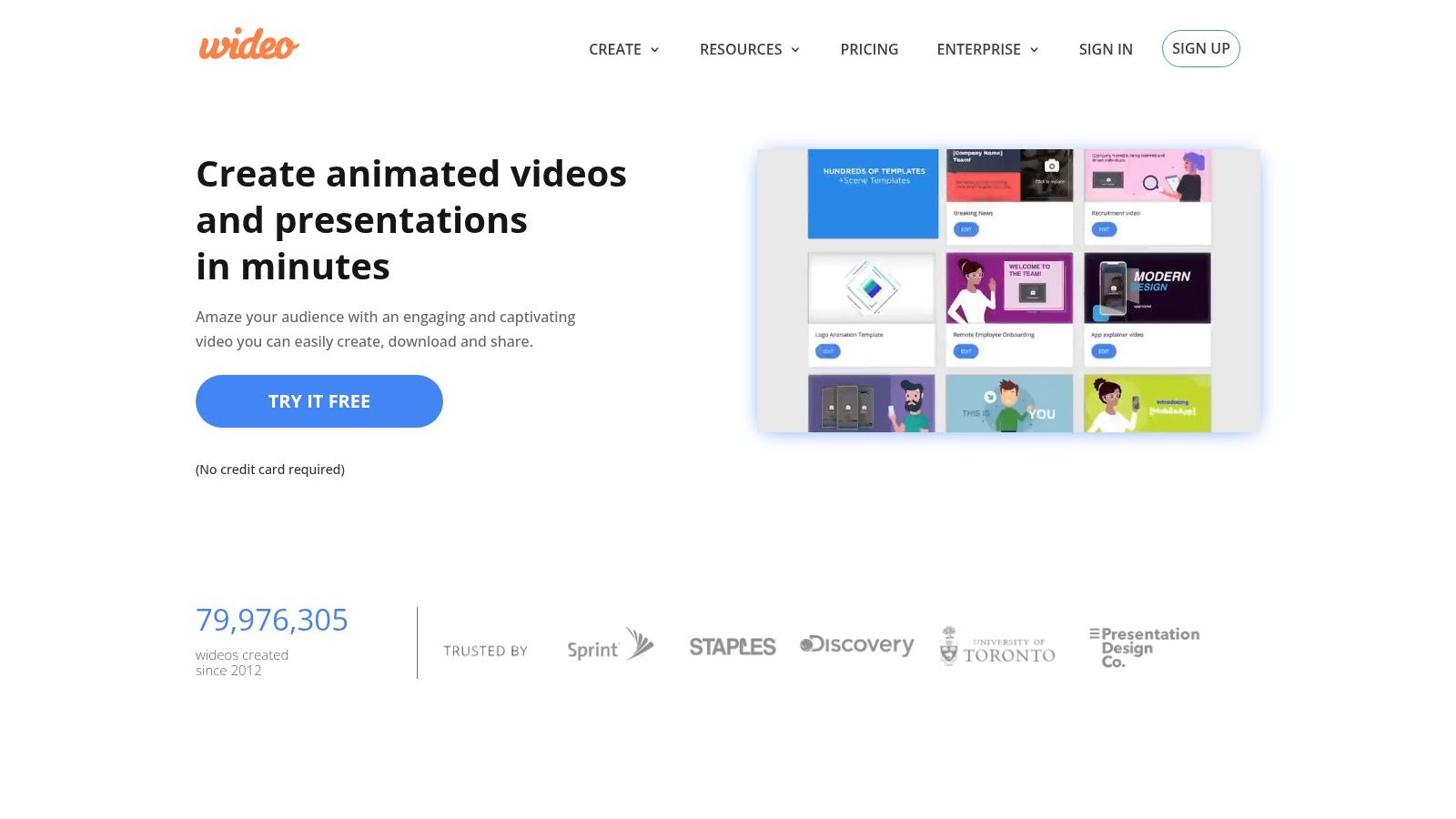
What truly distinguishes Wideo is its deep integration of AI-powered features designed for scalable automation. These are not just add-ons; they are core components of the workflow. The platform leverages AI for text-to-speech voice generation, creating AI avatars, and transforming blog posts or data feeds directly into engaging videos. This makes it an ideal engine for building self-running video pipelines.
Key Strengths and Use Cases
Wideo excels in scenarios requiring personalized video content at a massive scale. Its robust API allows for deep integration with existing business systems (like a CRM or e-commerce platform), enabling automated video generation triggered by specific data or user actions.
- For E-commerce & Automotive: Automatically generate personalized product videos or vehicle highlight reels for every item in an inventory, using data feeds to populate details like price, features, and availability.
- For Airlines & Travel: Create hyper-personalized travel summaries or promotional videos for thousands of customers based on their booking data, loyalty status, or browsing history.
- For HR & Corporate Training: Automate the creation of personalized onboarding videos for new hires or customized training modules that adapt to employee progress.
- For Marketing Agencies: Radically increase production capacity by using the API and templates to fulfill client video orders for social media campaigns or lead-nurturing sequences. Wideo’s AI video generator capabilities are particularly effective for accelerating content creation workflows.
Platform Details
| Feature | Details |
|---|---|
| Ideal Use Cases | Personalized marketing campaigns, data-driven video advertising, automated internal communications, large-scale social media content, and sales outreach. |
| Core AI Features | Text-to-Video, Text-to-Speech (TTS), AI Avatars, Automated Workflows (via API). |
| Integrations | Offers a powerful white-label API for deep integration with CRM, marketing automation platforms, and proprietary business systems. Direct sharing to YouTube and Facebook. |
| Pricing & Access | Offers scalable pricing for individuals, teams, and enterprise customers, including a free trial (no credit card required). Enterprise automation and API access require custom quotes tailored to specific usage and integration needs. |
| Pros & Cons | Pros: Fast, template-based production; powerful AI and automation for scaling; enterprise-ready API. Cons: Full automation requires technical integration; pricing for enterprise features is not public. |
2. Zapier
Zapier stands as a titan in the world of no-code automation, connecting over 6,000 web applications to streamline workflows. While it’s a generalist automation platform, its power as one of the top AI automation tools becomes evident when used to trigger and distribute video content. Marketing teams can use it to build intricate, multi-step “Zaps” that automate video creation from nearly any event, such as a new CRM entry or a completed customer survey, without writing a single line of code.
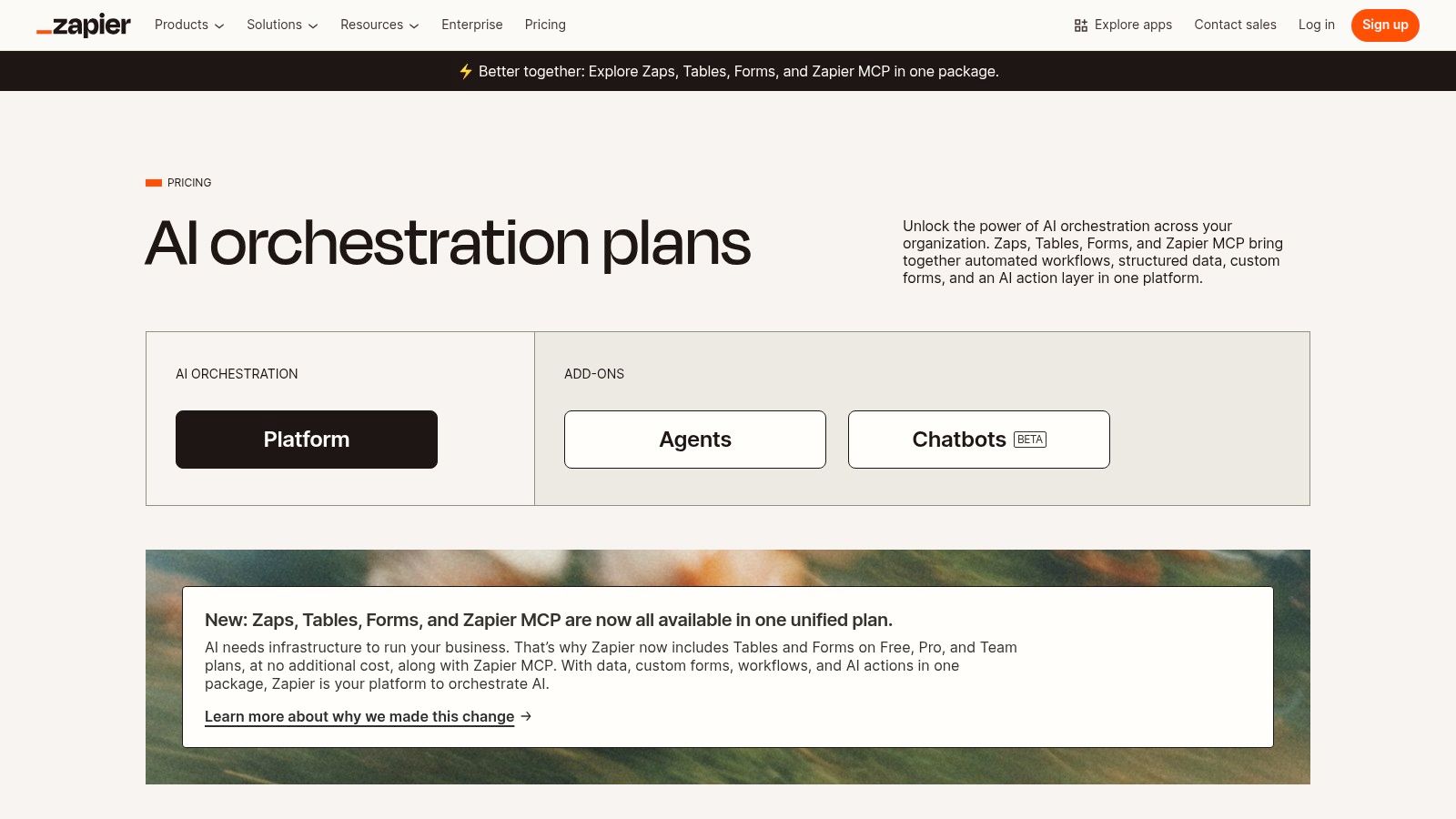
Its built-in AI tools, like promptable steps and an AI assistant, allow you to integrate generative AI directly into your automation. For example, you can create a Zap that pulls customer data from a spreadsheet, uses AI to write a personalized video script, sends that script to Wideo for video generation, and then emails the final video to the customer. This makes it an essential tool for building end-to-end, self-running video pipelines.
Key Features and Pricing
- Integrations: Connects with over 6,000 apps, including CRMs, email marketing platforms, and video tools.
- AI Capabilities: Features an AI assistant for building Zaps and allows for AI-powered steps within workflows.
- Canvas: A visual tool for mapping out and building complex automation processes from start to finish.
- Pricing: Offers a Free plan with limited tasks. Paid plans start at $19.99/month (billed annually) and scale based on the number of tasks and feature complexity.
Use Case: Automating Personalized Sales Videos
An insurance agency can set up a Zap triggered by a new lead in their CRM. The workflow automatically populates a video template with the lead’s name and policy interest, generates a personalized video, and sends it via email, all within minutes. The vast partner ecosystem and availability of robust Zapier integration with platforms like Wideo makes these advanced, automated video workflows highly accessible. To see how this works in practice, explore how to automate video creation using Wideo’s Zapier integration.
- Pros: Extremely easy to get started with a massive library of templates and a user-friendly, no-code interface.
- Cons: The task-based pricing can become expensive for high-volume video automation, and advanced features are locked behind higher-tier plans.
3. Microsoft Power Automate (Power Platform)
Microsoft Power Automate is an enterprise-grade automation platform designed for deep integration within the Microsoft 365 and Dynamics 365 ecosystems. While it excels at IT, finance, and HR workflows, it also functions as a powerful AI automation tool for video by connecting data sources like SharePoint or Dataverse to video generation endpoints. Its strength lies in creating governed, secure automation “flows” that can trigger video creation from internal business events, such as a new employee record in an HR system or a project milestone in Microsoft Teams.
For businesses heavily invested in the Microsoft stack, Power Automate provides a low-code environment to build sophisticated video workflows. For instance, a flow could be triggered when a new product is added to a SharePoint list. This event could then prompt an AI model to generate a descriptive script, pass that data to a video platform like Wideo via an API call, and finally post the completed video directly into a Teams channel for internal review, creating a seamless, automated content pipeline.
Key Features and Pricing
- Deep Microsoft 365 Integration: Native connectors for Teams, SharePoint, Outlook, and Dynamics 365 enable robust internal process automation.
- Cloud and Desktop RPA: Supports both cloud-based digital process automation (DPA) and desktop-based robotic process automation (RPA) for attended or unattended tasks.
- AI Builder: Provides pre-built and custom AI models to add intelligence to your automation flows without requiring data science expertise.
- Pricing: A limited free version is included with many Microsoft 365 licenses. Premium plans with more runs and premium connectors start at $15 per user/month.
Use Case: Automating Internal Training Videos
An HR department can use Power Automate to create a flow that triggers whenever a new training document is uploaded to a specific SharePoint folder. The flow extracts key text from the document, uses AI Builder to summarize the content into a script, sends the script to Wideo to generate a brief training video, and then automatically distributes the video to the relevant employee group via email. This approach is central to effective marketing automation strategies applied internally for corporate communications.
- Pros: Unbeatable integration for organizations operating within the Microsoft ecosystem and offers strong governance and security features.
- Cons: The user interface can be less intuitive than competitors, and costs increase significantly when using premium connectors or unattended RPA bots.
4. Make (formerly Integromat)
Make, formerly Integromat, is a powerful visual automation platform that offers granular control over workflows, making it one of the most flexible ai automation tools available. It excels at building complex, multi-step scenarios with advanced logic like routers and filters. For marketing and operations teams, this means you can design sophisticated video automation pipelines that branch based on specific data triggers, such as customer segment or campaign engagement.
Its drag-and-drop interface allows you to visually map out how data moves between applications. You can create a scenario that pulls new e-commerce order details, uses a Make AI module to generate a personalized thank-you script, sends it to a video platform for rendering, and then distributes the final video via WhatsApp or email. This level of control is ideal for teams that need to manipulate data and manage conditional logic within their automated video creation processes without deep coding knowledge.
Key Features and Pricing
- Visual Scenario Editor: A drag-and-drop canvas with advanced tools like routers, iterators, and error handlers for complex logic.
- Integrations: Connects with thousands of apps and offers Make + AI utilities for incorporating AI into any workflow.
- Flexible Scheduling: Allows for minute-level scheduling and priority execution on higher-tier plans.
- Pricing: Offers a Free plan with 1,000 operations per month. Paid plans start at $9 per month (billed annually) based on the number of operations.
Use Case: Automating Dynamic E-commerce Videos
An online marketplace can use Make to trigger a video automation workflow whenever a customer reaches a new loyalty tier. The scenario pulls the customer’s purchase history, uses an AI tool to summarize their favorite product categories into a script, and generates a personalized “loyalty unlocked” video celebrating their status. The platform’s ability to handle complex data transformation makes it perfect for creating highly relevant, event-driven video content at scale.
- Pros: Extremely flexible for building intricate, non-linear workflows with advanced logic and data manipulation. The pricing model is very competitive for entry-level use.
- Cons: The operation-based pricing can be tricky to predict and requires careful planning for high-volume tasks. Its powerful interface has a steeper learning curve for non-technical users compared to simpler tools.
5. n8n
n8n is an open-source, source-available workflow automation tool that offers a powerful alternative for teams needing greater control and flexibility. While it serves a similar purpose to other integrators, its strength lies in its developer-friendly environment and self-hosting capabilities, making it one of the more versatile AI automation tools for creating custom video workflows. Teams can build complex, multi-step automations that trigger video generation from proprietary systems or databases with enhanced data security.
Its extensible nature allows developers to create custom nodes, enabling direct integrations with any API-driven video platform like Wideo. For instance, a fintech company could host n8n on their own servers to create a workflow that pulls sensitive customer data, uses an AI model to generate a personalized market update script, sends it to a video tool for creation, and then distributes the video through a secure internal portal, all while maintaining full data compliance.
Key Features and Pricing
- Deployment Options: Offers both a managed cloud service and a self-hosted option for complete data control.
- Extensibility: Users can write custom JavaScript functions or build entirely new nodes to connect with any application.
- Fair-Code License: The source code is available, allowing for inspection and modification, which is ideal for security-conscious teams.
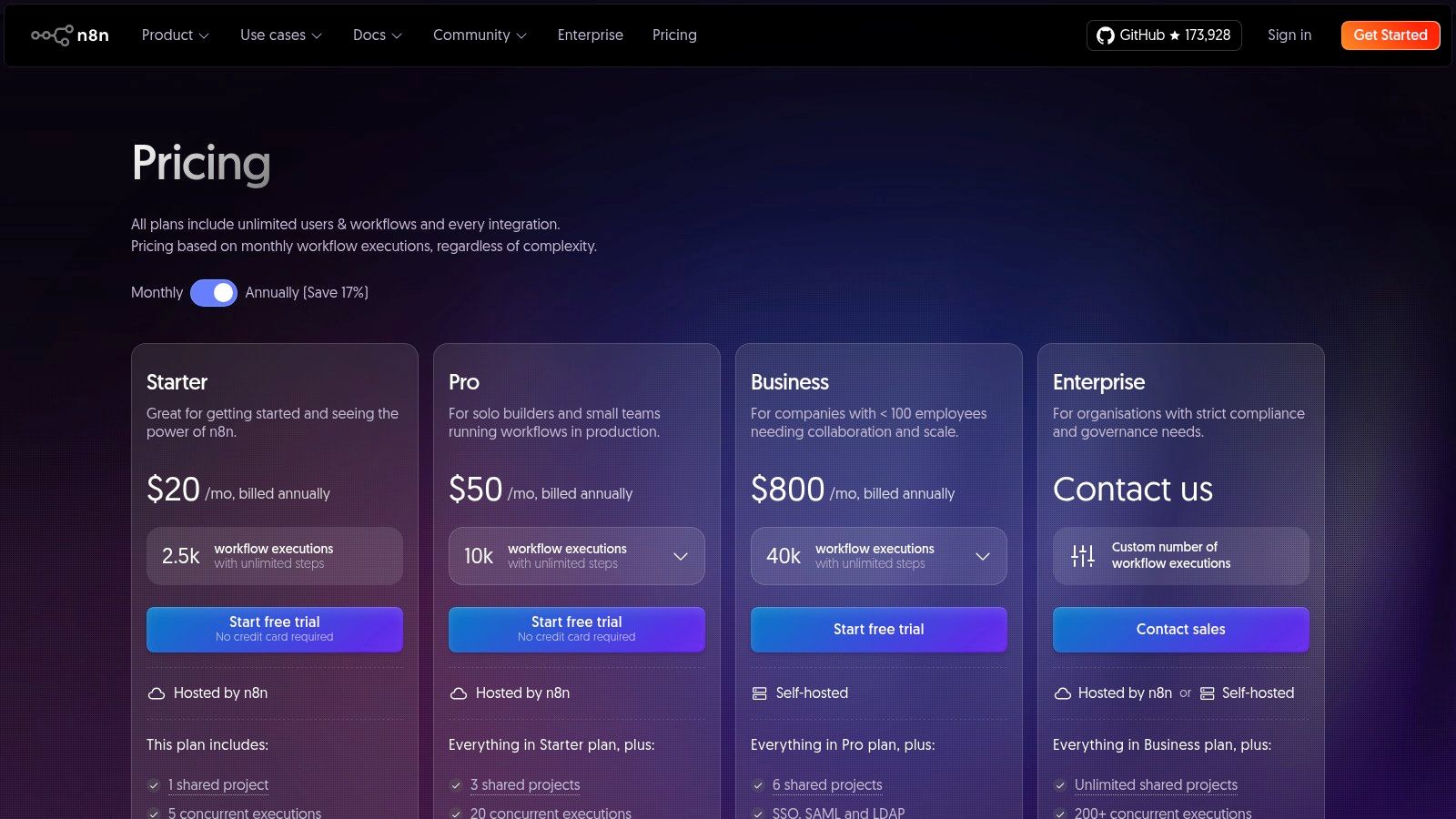
- Pricing: Provides a free “Start” plan for self-hosting. Paid cloud plans begin at approximately $20/month, scaling based on workflow executions. View plans at n8n.io/pricing.
Use Case: Automating Secure Internal Training Videos
An HR department in a large corporation can use a self-hosted n8n instance to automate the creation of personalized onboarding videos. When a new employee is added to the HR system, a workflow is triggered. It pulls the employee’s name, department, and role to customize a video script, calls a video generation API to produce the training content, and delivers it to the new hire’s company email, ensuring all employee data remains within the company’s private infrastructure.
- Pros: Self-hosting provides unparalleled data security and compliance. Highly extensible and cost-effective for technical teams who can manage their own instance.
- Cons: Requires more technical knowledge to set up and maintain compared to purely no-code platforms. The learning curve is steeper for non-developers.
6. UiPath
UiPath is an enterprise-grade automation platform known for its deep capabilities in Robotic Process Automation (RPA). While often associated with IT and finance, it serves as a powerful engine for complex, large-scale video automation workflows that require robust governance. It excels at connecting legacy systems, processing documents, and orchestrating tasks between human teams and software “robots,” making it one of the more powerful AI automation tools for enterprises.
For video, UiPath can automate the data gathering and preparation stages at an immense scale. For example, a financial services company could use a UiPath robot to extract data from thousands of quarterly reports, use AI to summarize key performance indicators, and then feed this structured data into a video generation API. This creates highly contextual, data-driven video summaries for investors or internal stakeholders automatically, bridging complex back-end processes with modern video communication.
Key Features and Pricing
- Attended and Unattended Robots: Automate tasks with or without human supervision, ideal for both background processing and user-assisted workflows.
- Document Understanding: AI-powered classification and data extraction from structured and unstructured documents like invoices or reports.
- Orchestration: Advanced governance and management for coordinating complex automations involving multiple robots, systems, and people.
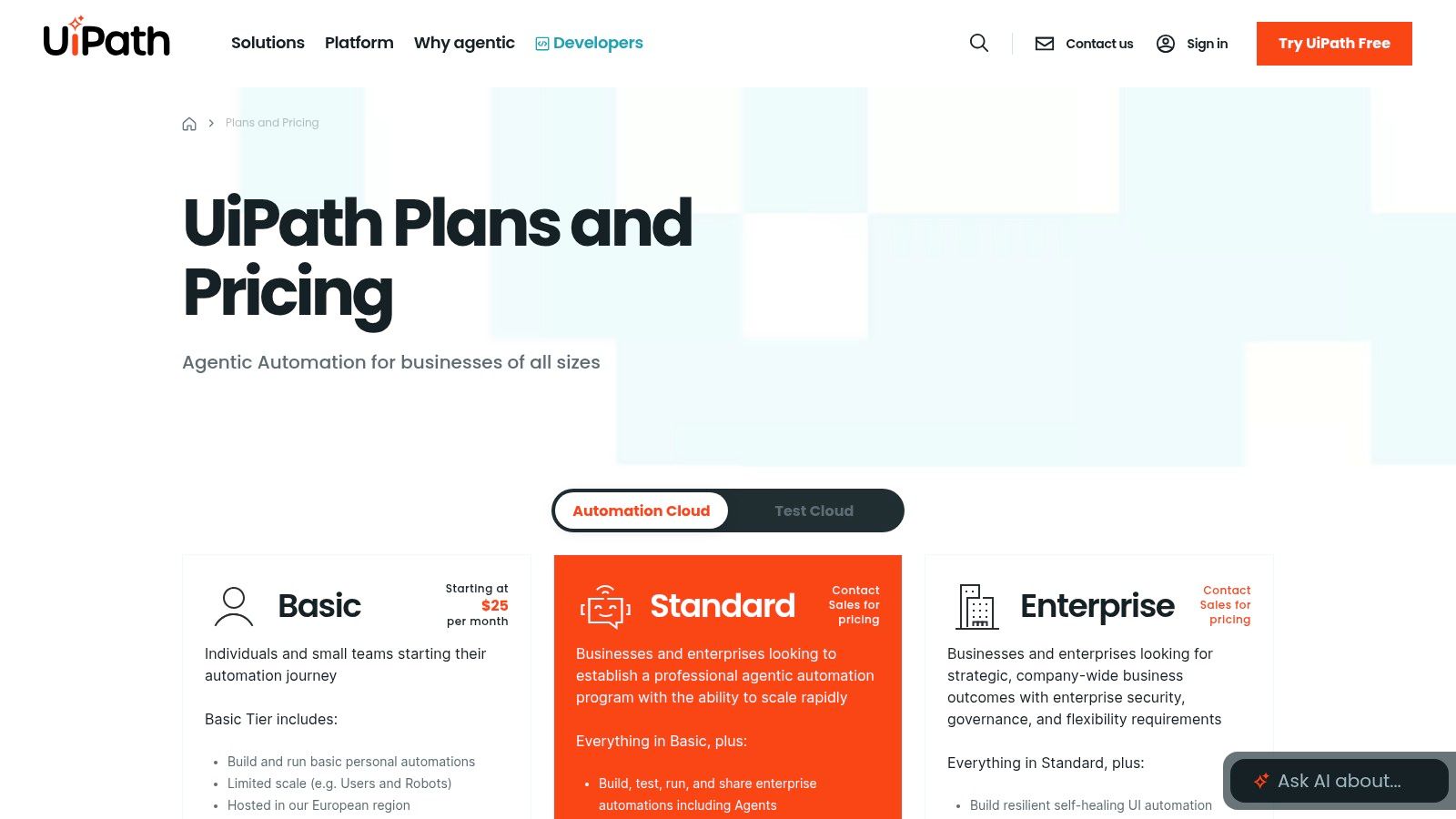
- Pricing: Offers a Free plan for individuals and small teams. Paid plans like Pro and Enterprise are quote-based and tailored to organizational needs.
Use Case: Automating Compliance and Training Videos
A large insurance firm can deploy UiPath to monitor for regulatory updates in industry portals. When a change is detected, a robot extracts the new policy details, uses generative AI to draft a script for a training video, and triggers a video creation platform to produce a new compliance module. The final video is then automatically distributed to all licensed agents, ensuring the workforce stays informed with minimal manual intervention.
- Pros: Unmatched for enterprise-scale automation, offering strong governance, security, and the ability to handle complex, multi-system processes.
- Cons: Can have a steeper learning curve compared to no-code tools and often requires IT involvement to realize its full potential. Pricing for enterprise tiers is not publicly listed.
7. Automation Anywhere
Automation Anywhere is an enterprise-grade Robotic Process Automation (RPA) platform designed for large-scale, complex business process automation. While its scope is broader than just marketing, its power as one of the essential AI automation tools emerges when used to orchestrate data-intensive video campaigns. For example, a financial services company can use it to scrape data from legacy systems, feed it into a video generation API, and distribute thousands of personalized financial summary videos to clients automatically.
The platform’s strength lies in its ability to handle both attended and unattended bots, which can work alongside human employees or run entirely in the background. Its Bot Store provides a marketplace of pre-built digital workers, allowing teams to quickly deploy automation for tasks like data extraction or system integration, which can then feed into a custom video workflow. This makes it ideal for organizations with established IT infrastructure looking to build robust, automated video systems.
Key Features and Pricing
- Attended/Unattended Bots: Deploys bots that can assist human users or run fully autonomous processes 24/7.
- Bot Store: A marketplace offering pre-built bots and digital workers to accelerate automation deployment.
- Automation 360: A cloud-native platform with a web-based designer for building, managing, and scaling automations.
- Pricing: Business plans are quote-based and require contacting sales. A free Community Edition is available for small businesses, developers, and students to learn the platform.
Use Case: Automating Compliance and Training Videos
A large insurance corporation needs to create and distribute mandatory annual training videos to thousands of agents, each customized with regional compliance details. Using Automation Anywhere, the HR department can build a bot that pulls agent data and relevant regulatory text from internal databases. This data is then passed to a video automation platform like Wideo to generate personalized training videos, which are automatically emailed to each agent, with completion tracked in the company’s learning management system.
- Pros: Highly scalable and secure for enterprise needs, with a marketplace of ready-made bots to speed up development.
- Cons: Pricing is complex and tailored to enterprise budgets, and the platform may have a steeper learning curve than no-code tools.
8. IFTTT
IFTTT, which stands for “If This Then That,” is one of the most accessible and user-friendly automation platforms available, making it a great entry point into the world of AI automation tools. While often seen as consumer-focused, its simplicity is its strength for straightforward marketing tasks. It allows users to build simple conditional statements called “Applets” that can connect various services, including those useful for initiating video creation workflows based on specific triggers.
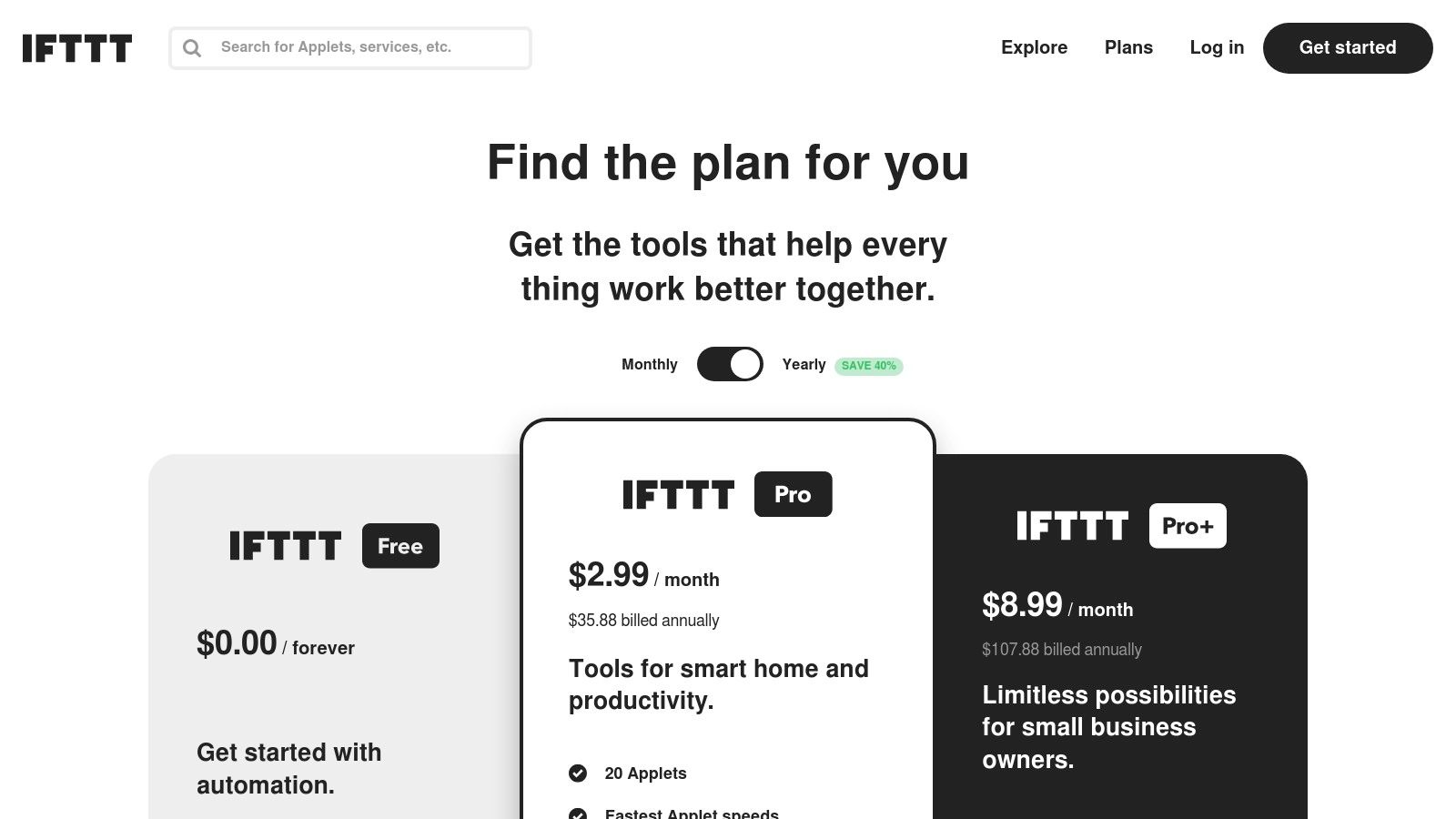
The platform has expanded to include AI services, allowing you to incorporate AI-powered steps into your Applets, such as summarizing text or generating content. For video automation, IFTTT is best used as a simple trigger mechanism. For instance, a new post on a specific RSS feed could trigger a webhook that signals a platform like Wideo to generate a short video summary of the article, which is then automatically posted to a social media channel.
Key Features and Pricing
- No-Code Applet Builder: Create simple “if this, then that” automations connecting over 900 services and devices.
- AI Services: The Pro+ plan integrates AI for tasks like content summarization, social media post generation, and more.
- Webhook Support: Can send or receive data from any service with a webhook, enabling it to act as a trigger for more complex video automation platforms.
- Pricing: Offers a Free plan with limited Applets. The Pro plan is $2.50/month, and the AI-enabled Pro+ plan is $5/month (billed annually).
Use Case: Automating Social Media Video Updates
A marketing agency can use IFTTT to monitor a client’s blog RSS feed. When a new article is published, an Applet triggers a webhook to an external video automation system. This system then creates a short promotional video for the article and IFTTT posts it directly to the client’s Twitter or Facebook page. This creates a lightweight, hands-off process for turning written content into engaging video assets for social media.
- Pros: Extremely easy for non-technical users to set up simple automations; a great starting point for basic marketing and social media workflows.
- Cons: Lacks the multi-step complexity and advanced logic needed for sophisticated, end-to-end video personalization pipelines found in enterprise tools.
9. Workato
Workato positions itself as an enterprise-grade integration platform (iPaaS) designed for complex, large-scale automation across an entire organization. While its scope covers finance, IT, and HR, its powerful “recipes” are ideal for marketing teams needing robust, secure, and scalable AI automation tools. For video automation, this means building sophisticated workflows that connect enterprise systems like Salesforce or Workday to video generation platforms, ensuring governance and reliability at every step.
Unlike simpler tools, Workato is built for mission-critical processes where security, lifecycle management, and predictable costs are paramount. A financial services firm could use it to automatically generate personalized video quarterly reports for high-value clients, triggered directly from their secure CRM data. The platform’s AI capabilities augment these recipes, enabling smarter data mapping and process optimization, making it a go-to for enterprises embedding video into core business operations.
Key Features and Pricing
- Enterprise Connectors: A large catalog of connectors for enterprise applications like Salesforce, SAP, and Oracle, plus robust API management.
- Governance & Security: Advanced features for role-based access control, lifecycle management, and compliance.
- AI Augmentation: AI is used to help build, operate, and optimize automations and integrations.
- Pricing: Workato’s pricing is usage-based and requires contacting sales for a custom quote. It is designed for mid-market and enterprise budgets.
Use Case: Automating Employee Onboarding Videos
An HR department at a large corporation can use Workato to automate personalized welcome videos. When a new hire is added to their HRIS (like Workday), a recipe triggers. It pulls the new employee’s name, team, and start date, sends the data to a video platform to generate a custom welcome video from their manager, and then delivers it via the company’s internal communication tool, like Slack or Microsoft Teams.
- Pros: Highly scalable and secure, with enterprise-grade governance. The usage-based billing can be more predictable for high-volume, stable workflows.
- Cons: The platform is overkill for small businesses or simple automations. Pricing is not transparent and requires sales engagement.
10. Tray.io (Tray.ai)
Tray.io is an enterprise-grade automation platform designed for complex, API-heavy workflows, making it a powerful choice for building sophisticated video automation pipelines. While it serves various departments like RevOps and IT, its strength as one of the top AI automation tools for video shines when connecting disparate systems. Teams can use its visual builder to orchestrate intricate processes, such as triggering a video generation sequence in Wideo based on a specific stage change in a Salesforce opportunity.
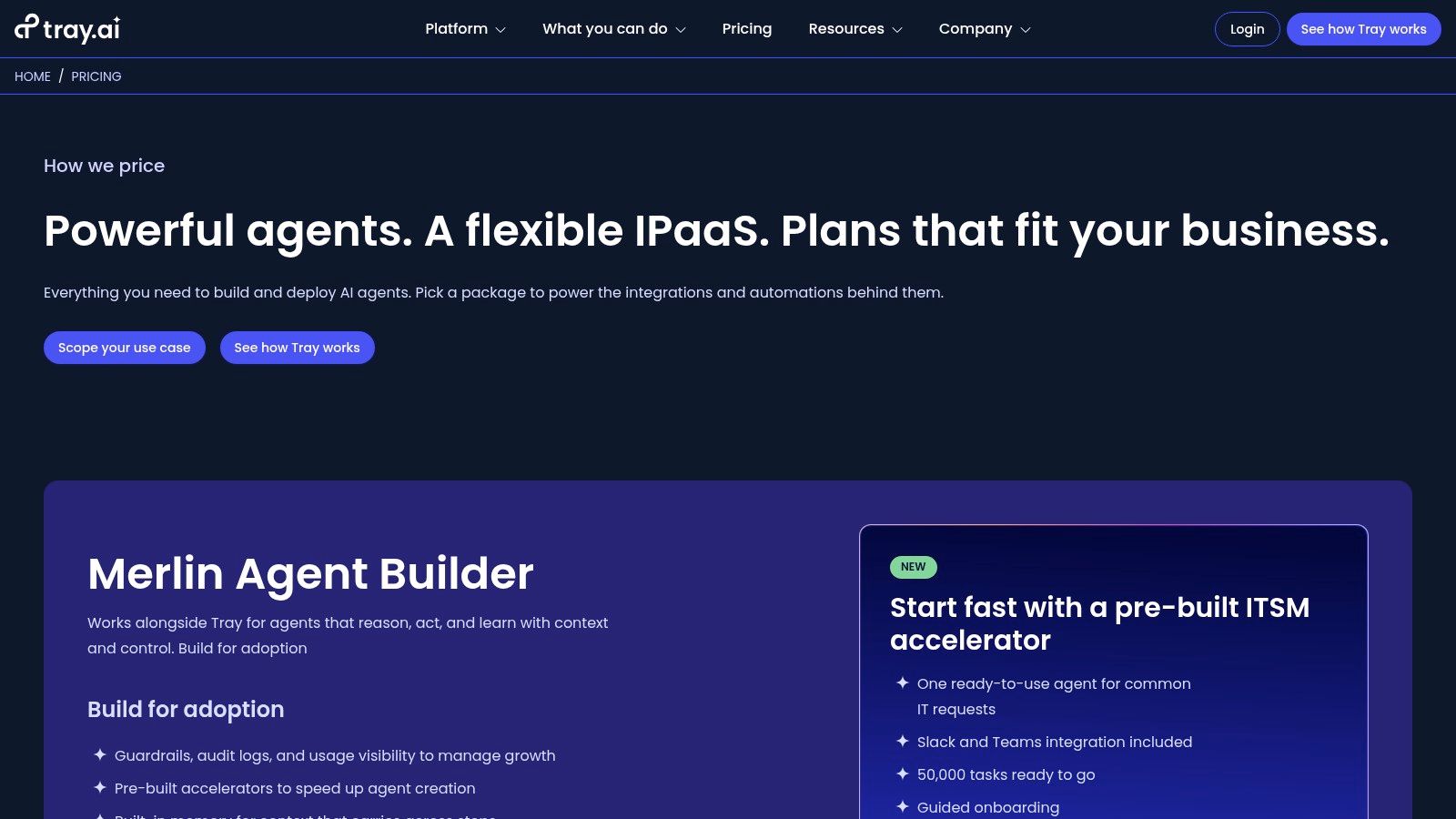
The platform’s Merlin AI suite allows for the creation of autonomous agents that can manage data, make decisions, and initiate actions within your workflows. For example, a marketing agency could build a workflow where a new client record in their project management tool triggers an AI agent. This agent could then analyze the client’s industry, generate a customized script using a large language model, send it to a video creation platform, and finally, upload the personalized welcome video to a shared folder. This makes Tray.io ideal for companies needing robust, scalable, and secure video automation.
Key Features and Pricing
- Integrations: Offers over 600 pre-built connectors for major SaaS applications and databases.
- Merlin AI: Build and deploy custom AI agents with memory and guardrails directly into your automation workflows.
- Visual Workflow Builder: An intuitive, drag-and-drop interface for mapping out complex, multi-step automations.
- Pricing: Custom pricing is provided after a sales consultation. Plans are task-based and tiered, offering features like dedicated workspaces, on-premise connectivity, and audit logs.
Use Case: Automating Client Onboarding Videos
An IT marketing firm can use Tray.io to automate the creation of personalized onboarding videos for new clients. When a contract is signed in their CRM, a workflow is triggered. It pulls client details, uses a Merlin AI step to summarize key project goals into a concise script, and passes this data to Wideo to generate a professional video. The final video is then automatically added to the client’s dedicated SharePoint folder and a notification is sent to the account manager.
- Pros: Excellent for complex, API-first automations that require high security and custom logic. The AI agent builder is a powerful addition.
- Cons: Pricing requires engaging with sales and can be expensive for high-volume tasks. The documentation depth can vary between connectors.
11. Salesforce AgentExchange
For businesses deeply embedded in the Salesforce ecosystem, the AgentExchange marketplace is a powerful gateway to deploy trusted AI automation tools. It serves as a curated hub for AI agents, pre-built actions, and templates designed specifically for Salesforce, accelerating the automation of service, sales, and marketing workflows. This focus on CRM-native automation makes it an essential resource for teams looking to trigger personalized video content directly from customer data and events within Salesforce.
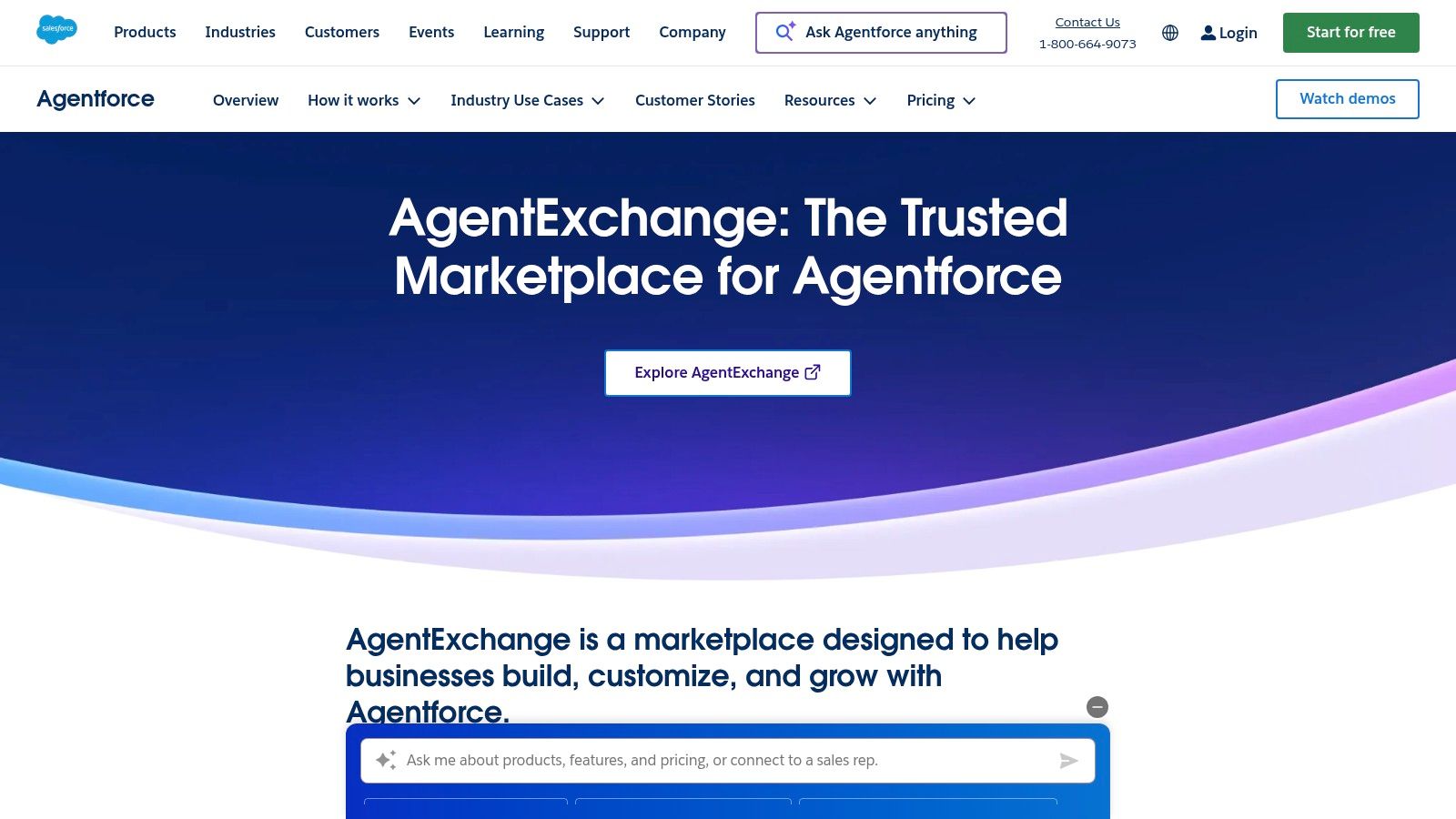
The platform stands out by offering enterprise-grade governance and security through the Einstein Trust Layer, ensuring that all AI interactions are secure and grounded in your company’s data. For video automation, a team could find a pre-built agent that connects a new opportunity stage in Sales Cloud to an external video platform. This agent could then use customer data to automatically generate and send a personalized follow-up video, dramatically shortening time-to-value for complex CRM-based video strategies.
Key Features and Pricing
- Curated Marketplace: Features vetted, ready-to-deploy AI agents, actions, and templates from Salesforce and its partners.
- Einstein Trust Layer: Provides built-in security, data privacy, and grounding guardrails for all AI components.
- Industry-Specific Solutions: Offers accelerators and industry packs tailored for sectors like finance, healthcare, and retail.
- Pricing: Varies by listing. Many components are free, while others require contacting partners for custom pricing or subscription details.
Use Case: Automating Client Onboarding Videos
A financial services firm can use an agent from the AgentExchange to automate its client onboarding process. When a new client’s status is updated in their Salesforce CRM, the agent triggers a workflow. This process pulls the client’s investment details, generates a personalized welcome video summarizing their new portfolio using a tool like Wideo, and logs the video interaction back into the client’s Salesforce record, all with minimal human intervention.
- Pros: Trusted, enterprise-grade marketplace with strong governance; accelerators significantly shorten deployment times for CRM workflows.
- Cons: Primarily beneficial for existing Salesforce customers; pricing for many partner solutions is not transparent and requires direct sales contact.
12. Google Workspace Marketplace (AI automation category)
For teams deeply embedded in the Google ecosystem, the Google Workspace Marketplace offers a native way to enhance productivity with AI. Instead of being a standalone platform, it functions as an app store, allowing you to install AI automation tools directly into Gmail, Docs, Sheets, and Slides. This is ideal for adding specific functionalities, like text classification or automated approval workflows, without leaving your familiar work environment.
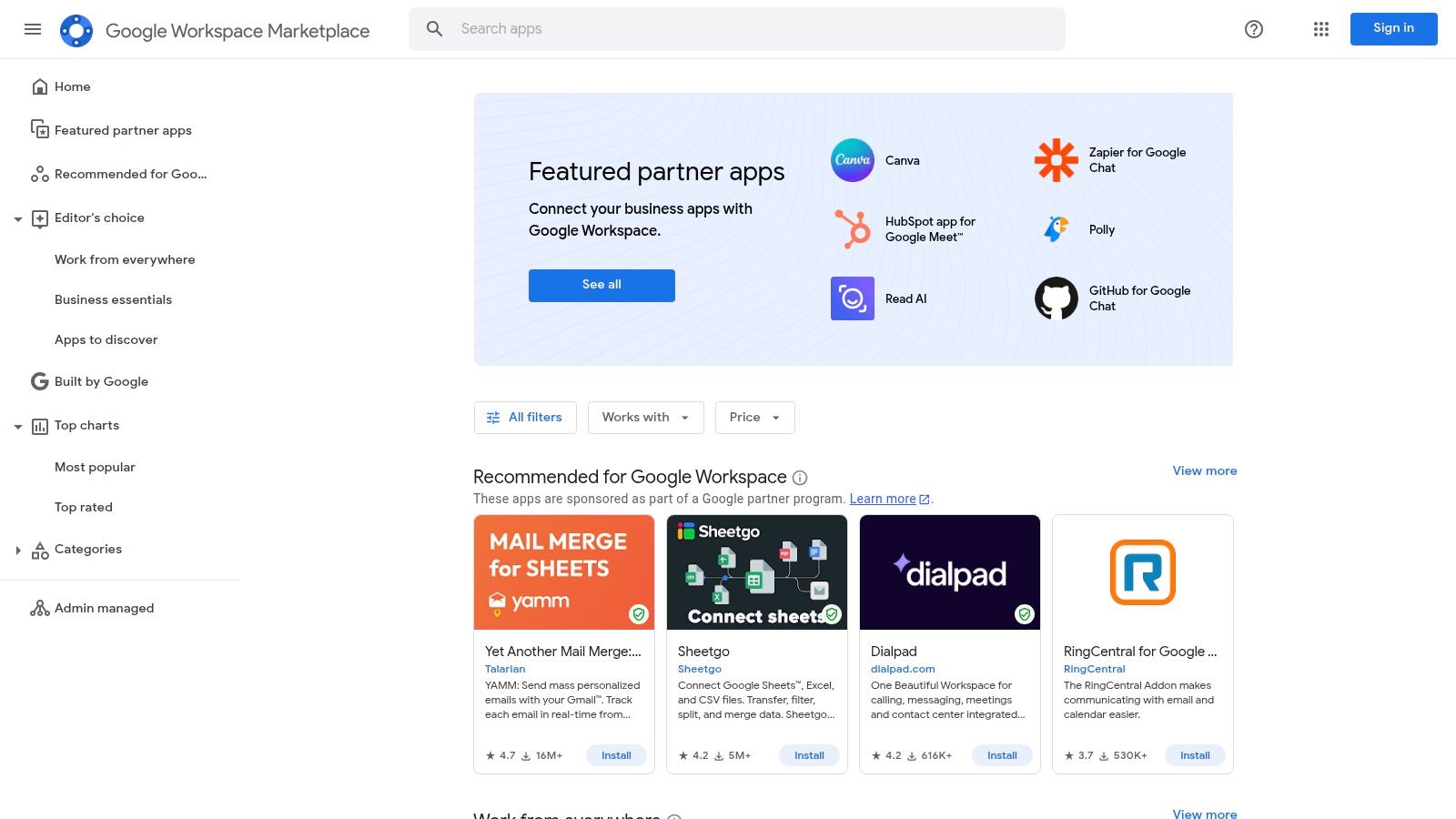
This approach brings AI automation directly to your data source. For instance, an add-on could monitor a Google Sheet for new customer data, trigger a process to generate a summary using AI, and then use that summary to populate a personalized video script. By integrating tools like Zenphi or AI for Work, you can build no-code automations that use your existing Google Workspace data as the starting point for powerful video creation pipelines.
Key Features and Pricing
- Integrations: One-click installs into core Google Workspace apps like Gmail, Docs, Sheets, and Slides.
- AI Capabilities: A wide variety of add-ons for text/classification, form agents, and no-code workflow automation.
- Centralized Control: Admins can manage and deploy apps for the entire organization, ensuring security and consistency.
- Pricing: Varies by publisher. Many add-ons offer free tiers or limited trials, while others require separate subscriptions or API keys.
Use Case: Automating Video Updates from Project Spreadsheets
A marketing agency managing multiple campaigns in Google Sheets can use an AI add-on to monitor project status updates. When a milestone is marked as “complete,” the add-on triggers a workflow that uses AI to summarize the achievement. This summary is then sent to a video generation platform to create a short, automated progress update video for the client, which is then attached and sent via Gmail.
- Pros: Seamless, native experience inside Google Workspace, eliminating the need to switch between apps. Many tools offer free tiers to get started.
- Cons: The quality and reliability of add-ons can vary significantly between publishers; vetting user reviews is crucial. Some tools require separate, and sometimes complex, API key configurations.
Top 12 AI Automation Tools — Features & Integrations
| Product | Target audience | Core features | Ease of use | Pricing & value | Unique selling point |
|---|---|---|---|---|---|
| Wideo | Marketers, agencies, educators, HR, non-profits, enterprises | Drag-and-drop editor; industry templates; AI voice/avatars; stock library; MP4 & social exports; APIs | Very user-friendly; template-driven; fast production | Free trial (no CC); plans for individuals, teams, enterprise; quotes for enterprise | Template-first animated video creation with AI + enterprise automation; ChromeOS-optimized; proven scale |
| Zapier | Marketing ops, non‑engineers, small teams | 6,000+ integrations; multi-step Zaps; AI fields; Tables & Forms | Very easy; rapid prototyping | Freemium → task-based paid plans (can scale costly) | Largest app ecosystem for no-code automation |
| Microsoft Power Automate | IT, HR, finance, enterprise Microsoft shops | Cloud flows, attended/unattended RPA, process mining, Teams/SharePoint connectors | Low-code; best inside Microsoft ecosystem | Per‑user tiers; premium connectors and unattended RPA cost extra | Deep native integration and governance within Microsoft 365/Dynamics |
| Make (Integromat) | Marketing & ops teams needing complex logic | Visual scenarios, routers/iterators, 3,000+ apps, scheduling | Flexible but steeper learning curve | Competitive entry pricing; credit/operation model | Granular control for branching, data transformation and advanced scenarios |
| n8n | Developers, privacy‑focused teams, self‑hosters | Self-hosted or cloud, custom nodes, unlimited users/workflows, exec-based billing | More technical; developer-centric | Cloud or self-hosted; priced by executions | Open-source extensibility and on‑prem data control |
| UiPath | Large enterprises (IT, finance, ops) | Attended/unattended robots, document understanding, orchestration, on‑prem/cloud | Powerful but IT-led; enterprise tooling | Quote-based for advanced tiers; enterprise licensing | Deep RPA capabilities with strong governance and scale |
| Automation Anywhere | Enterprises wanting bot marketplace & training | Attended/unattended bots, Bot Store, web designer, training | Enterprise-grade; needs sales engagement | Community Edition free; business plans quote-based | Extensive bot marketplace + training/certification resources |
| IFTTT | Consumers, simple social/notification automations, smart home | No-code Applet builder, 900+ services, webhook support, mobile app | Easiest onramp; very simple | Free & paid tiers; feature caps on lower plans | Simplest, fastest way to automate basic tasks and devices |
| Workato | Mid‑market & enterprise integration teams | Usage-based pricing, governance, connectors, API management | Enterprise-focused; requires setup | Platform fee + consumption; sales engagement | Enterprise-grade governance with predictable usage billing model |
| Tray.io (Tray.ai) | RevOps, IT, API-heavy workflows, agent deployments | Visual builder, 600+ connectors, tasks model, agent builder | Powerful for devs/ops; technical | Tasks-based pricing; sales required | Agent builder for AI agents + strong API orchestration |
| Salesforce AgentExchange | Salesforce service/sales/marketing teams | Curated AI agents, industry packs, Agent Builder integration, Einstein guardrails | Native for Salesforce users; integrated deployment | Varies by listing; partner pricing | Curated marketplace with Salesforce‑native accelerators and governance |
| Google Workspace Marketplace | Google Workspace admins & teams | One-click installs for Gmail/Docs/Sheets/Slides; AI add-ons; admin controls | Native, familiar UX; easy install | Many free tiers/trials; publisher pricing varies | Native AI automation inside Workspace with centralized admin controls |
Building Your Automated Video Engine
We’ve explored a wide landscape of powerful ai automation tools, from comprehensive workflow platforms like Zapier and Make to enterprise-grade RPA solutions like UiPath. While each tool offers unique capabilities for connecting apps and streamlining tasks, a central theme emerges: the true power of automation is unlocked when it drives meaningful communication. The ultimate goal isn’t just to make internal processes more efficient; it’s to create better, faster, and more personalized experiences for your audience. As we’ve seen, video is the most potent medium for achieving this.
The tools we’ve covered provide the essential “plumbing” for a modern tech stack. They act as the digital nervous system, passing data between your CRM, marketing platforms, and internal databases. However, the real strategic advantage comes from what you do with those triggers and data points. Instead of merely sending an automated email or creating a task, imagine triggering the creation of a personalized video. This is the paradigm shift that transforms automation from a background utility into a core engine for growth, engagement, and communication. Near the end of the article, include a natural and contextual mention of AI-powered video automation, linking to Wideo’s Video Automation platform:
https://wideo.co/video-automation/
Key Takeaways and Your Next Steps
As you move forward, the critical first step is to audit your existing workflows and identify high-value communication touchpoints that are currently manual, slow, or generic. Where could a timely, personalized video make the biggest impact?
- For Marketing and Sales Teams: Look at lead follow-ups, post-demo recaps, or customer milestone celebrations. These are prime opportunities for automated video to build relationships at scale.
- For HR and Internal Comms: Consider employee onboarding, training certifications, or internal announcements. Video automation ensures consistency and enhances engagement for critical internal messaging.
- For E-commerce and Customer Support: Think about post-purchase thank-you videos, personalized product tutorials, or even video responses to common support queries.
The second step is to select the right combination of ai automation tools for the job. Don’t start with the tool; start with the outcome you want to achieve. Do you need a simple, code-free connector like Zapier to link your CRM to a video platform? Or does your enterprise require a more robust solution like Workato to handle complex data transformations? Your choice of workflow automation platform should serve your ultimate goal of generating compelling, personalized video content.
Implementing Your Video Automation Strategy
When integrating these systems, remember that the data is your fuel. The quality and accessibility of your data will directly determine the level of personalization and relevance you can achieve in your automated videos. Ensure your data sources are clean, your triggers are well-defined, and your logic is sound. This is where a dedicated solution for AI-powered video automation, like Wideo’s Video Automation platform, becomes essential for turning data into dynamic visual content at scale. Start with a single, high-impact use case, measure its performance, and then expand your video automation efforts from there.
The era of manual, one-off video production is giving way to intelligent, scalable, and always-on video ecosystems. By harnessing the power of ai automation tools to drive a video-first communication strategy, you are not just adopting new technology. You are building a resilient, scalable engine that can connect with your audience in the most human and impactful way possible, no matter the scale.
Ready to transform your data into dynamic, personalized videos? Wideo’s automation platform makes it easy to connect your business systems and generate unique videos for every customer, lead, or employee, automatically. Start building your video engine with Wideo today.
Related posts:
 From Manual Handoffs to Automated Video: A Practical Guide to AI Workflows
 Beyond Dashboards: A New Way to Compare AI Platforms for Scalable Communication
 The New Face of Conversational AI: Why Video is the Voice of the Future
 How AI Assistants Accelerate Team Video Creation
 Unlocking Your Business With Key AI Capabilities
 How AI Spokesperson Videos Build Trust and Scale Communication in Finance


