

What if you could turn your best-performing blog post into a compelling social media video—not in weeks, but in minutes? That’s the new reality for content teams, where text to video AI acts as the bridge between written ideas and finished, ready-to-publish videos.
This technology is transforming how businesses think about scalable content creation, moving video from a high-cost, slow-moving project into a fast, repeatable part of any marketing, sales, or training strategy.
The End of Traditional Video Bottlenecks
For years, businesses have been stuck. The demand for high-quality video is relentless, but it always crashes against the wall of steep costs, specialized skills, and painfully slow production times. This friction creates a bottleneck, limiting how often marketing, sales, and training teams can actually use video—the most powerful communication medium they have.
Most companies are sitting on a goldmine of written content: blog posts, case studies, product descriptions, and internal guides. The problem has never been a shortage of ideas. It’s always been the slog of turning that text into something people can watch.

A New Path to Scalable Video
Text to video AI completely flips this script. It’s a key enabler of fast, repeatable, and automated video creation, tearing down technical barriers and letting you instantly transform any piece of text into a video. This isn’t a far-off concept; it’s a practical tool that makes video production a core part of your daily workflow.
This shift lets your team move from slow, one-off video projects to a continuous, scalable strategy. The change is driven by a few massive benefits:
- Unmatched Speed: Get first drafts of videos in minutes. This means you can test and launch campaigns at a pace that was impossible before.
- True Scalability: Need to create dozens of video variations for different channels or audiences? You can do it without multiplying your effort.
- Radical Accessibility: Anyone on your team—from marketers to HR specialists—can create professional-looking videos. No video editing degree required.
- Cost Efficiency: Slash the expenses tied to hiring production crews, buying pricey software, or outsourcing to agencies.
This guide is for marketers, growth leaders, and content teams who want to move from written content to high-impact video at scale without traditional production complexity. We’ll show you how text-to-video AI is the key to unlocking a powerful video strategy today.
Instead of treating video like a resource-intensive special project, you can now treat it just like any other content you produce—something you create consistently and at scale. This opens up opportunities across your entire organization, from sales outreach and customer onboarding to internal announcements and training materials. It’s all about making video an accessible, everyday tool for communication.
From Text to Impact: Practical Use Cases for AI Video
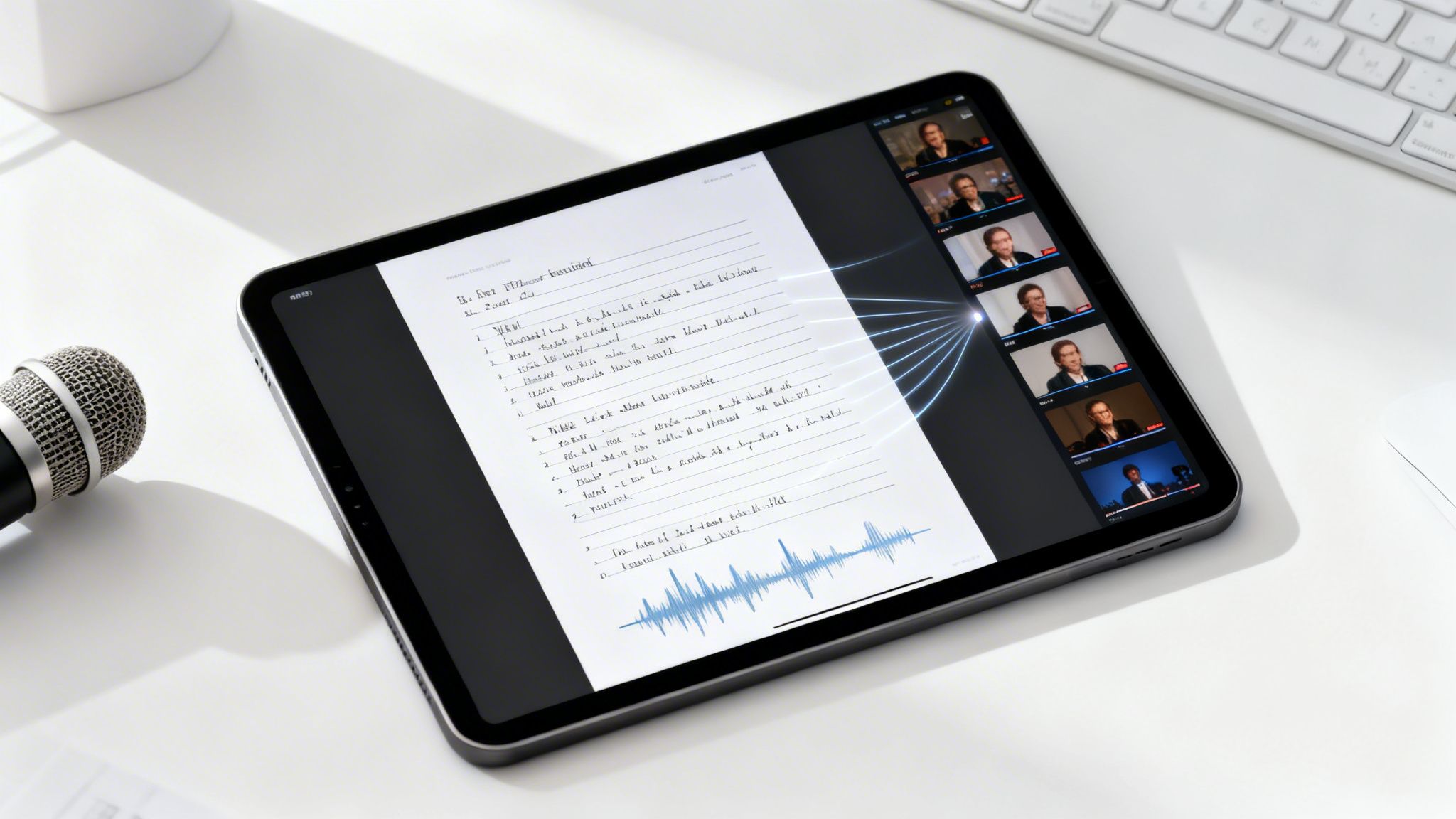
Forget the dense, technical jargon about AI models. Think of text to video AI as an automated storyteller for your business. You feed it a script, blog post, or any written document, and it steps in as the director, editor, and producer, all rolled into one. It’s the bridge that takes an idea from a simple page to a polished, professional video.
The real question isn’t how it works, but what you can do with it. This technology unlocks scalable video creation across your entire organization.
Why This Matters for Your Strategy
Remember how website builders opened up web design for everyone? Text to video AI is doing the exact same thing for video production. It’s democratizing the process. What used to be a complicated, specialized, and expensive task is now becoming a repeatable and efficient process that any team can tackle.
Here are concrete ways businesses are leveraging text to video AI to achieve their goals.
1. Repurposing Written Content into Video Assets
Your best-performing content deserves a second life. Instead of letting valuable blog posts and articles collect dust, you can instantly transform them into engaging video formats.
- Scenario: A marketing team has a comprehensive blog post that drives significant organic traffic.
- Workflow: They paste the article’s text into an AI video tool. The AI generates a summary video with relevant stock footage, voiceover, and captions, perfect for sharing on LinkedIn, Twitter, or in an email newsletter.
- Outcome: The reach of their best content is amplified, engaging audiences who prefer watching over reading.
2. Scaling Video Creation for Campaigns and Announcements
Product launches, seasonal campaigns, and company announcements require timely, consistent messaging. Text to video AI allows you to produce the volume of video needed to support these initiatives without burning out your team.
- Scenario: A company is launching a new product and needs different video ads for Facebook, Instagram, and YouTube.
- Workflow: They create a core script and use an AI tool to generate dozens of variations with different calls-to-action, opening hooks, or background visuals.
- Outcome: The marketing team can A/B test video ads rapidly, optimizing for performance without the high costs and long timelines of traditional production.
3. Enhancing Sales Outreach and Onboarding
Personalization is key in sales, but creating custom videos for every prospect is impractical. AI changes that.
- Scenario: A sales development representative wants to stand out in a prospect’s crowded inbox.
- Workflow: Using a pre-approved template, the SDR generates a short, personalized video summarizing how their solution addresses the prospect’s specific pain points mentioned in a recent discovery call.
- Outcome: Higher email open rates, increased engagement, and more booked meetings. This same workflow can be used to create custom onboarding videos for new clients, reducing churn and improving the customer experience.
4. Reducing Time and Cost Barriers
The most significant advantage is the removal of friction. The time and money saved by automating the initial production process can be reinvested into strategy, creativity, and distribution.
- Scenario: An HR department needs to create training videos for a new internal software.
- Workflow: Instead of hiring a video production agency, an HR specialist writes a simple script for each module and uses a text to video tool to create a full series of training videos.
- Outcome: The company saves thousands of dollars and completes the training library in days, not months. When the software is updated, they can simply edit the script and regenerate the video instantly.
At its core, text to video AI is about removing the roadblocks that have traditionally kept businesses from producing video consistently. It’s a market that’s exploding, projected to skyrocket from USD 323.7 million in 2023 to USD 2,479.7 million by 2032.
This growth is fueled by businesses realizing they can create powerful promotional and internal content without needing expensive video teams. For a deeper dive, check out our guide on how to make videos using AI for more tips.
How Text to Video AI Transforms Marketing and Sales
If you’re on a marketing or sales team, you know the pressure to create more engaging content never stops. This is where text to video AI stops being a neat idea and starts becoming a serious tool for driving revenue. Forget seeing video as a massive, one-off project. Think of it as a steady stream of high-impact assets supporting every stage of your customer’s journey.
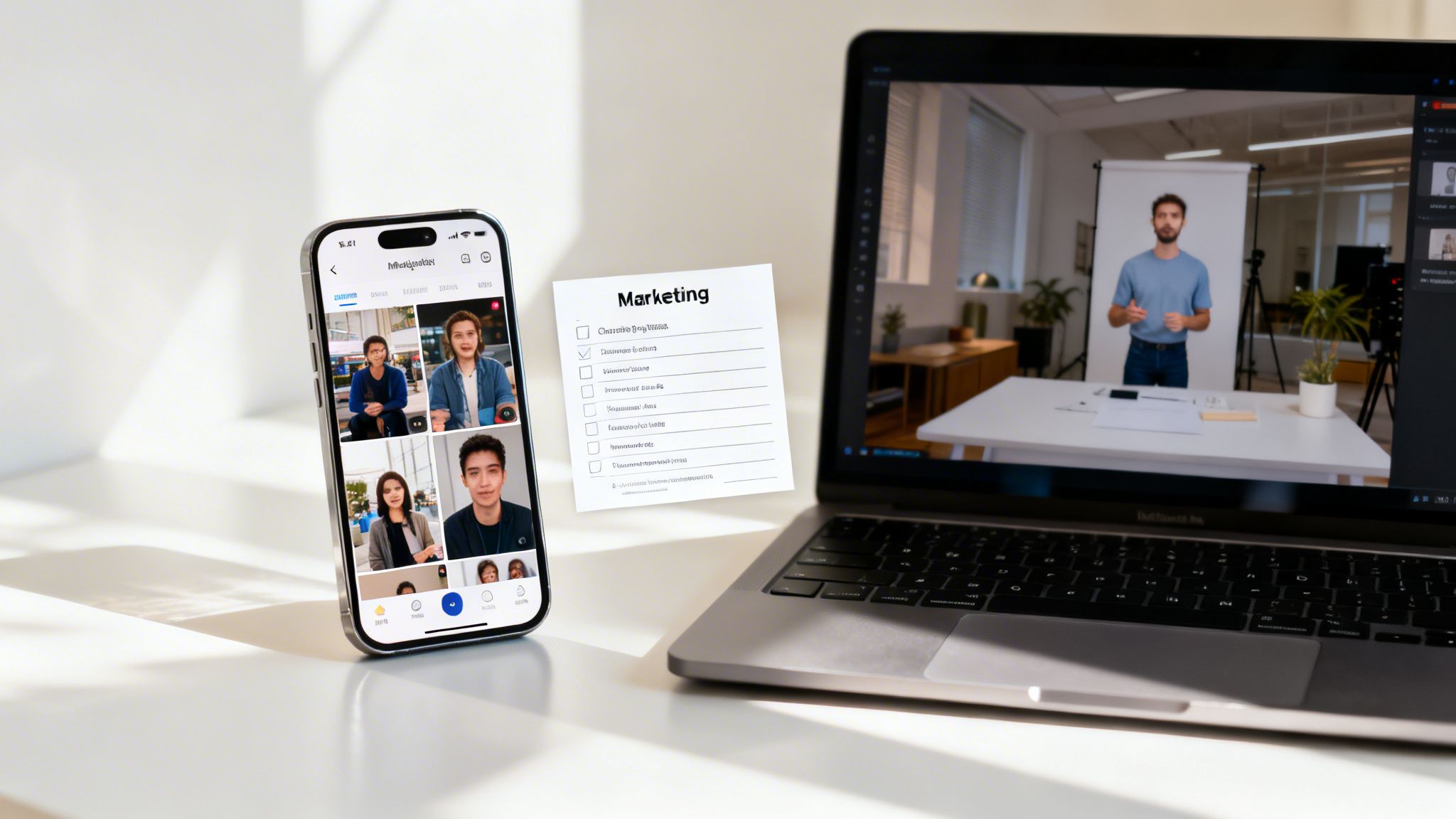
The core idea is refreshingly simple: take all the great written content you’ve already created and give it a second life as video. That killer blog post your team spent weeks perfecting? It can now be a series of snackable social media clips. A dry, technical product spec sheet? Instantly transformed into a compelling demo video.
Unlocking Marketing Agility and Scale
Picture this: your team is prepping for a huge product launch. The old way meant creating video ads for different platforms and audiences would be a monster task. With text to video AI, that whole process gets a lot simpler.
You can feed it a single script and spit out dozens of variations in minutes, each with different visuals or calls-to-action. This is a game-changer for rapid A/B testing.
Here are a few ways marketers are putting this to work:
- Blog Post Repurposing: Turn your top-performing articles into short, snappy summary videos for LinkedIn, Instagram, or TikTok.
- Rapid Ad Creation: Spin up multiple ad variations for your paid social campaigns to find what resonates without the crazy turnaround times of traditional video.
- Product Demo Videos: Convert technical product descriptions or feature updates into clear, concise explainer videos perfect for landing pages or email campaigns.
To really get a feel for the potential here, it helps to see how this fits into the bigger picture of AI applications in digital marketing and how all these tools work together.
Empowering Sales Teams with Personalized Outreach
On the sales side, personalization is everything. Text to video AI gives sales reps a secret weapon to create custom video messages at scale, which is proven to boost engagement and reply rates.
Instead of another boring text email, a salesperson can use a template to generate a short, personalized video that speaks directly to a prospect’s pain points.
Key sales applications include:
- Personalized Video Prospecting: Create unique video messages from email templates to stand out in a crowded inbox.
- Visual Proposal Summaries: Turn the highlights from a detailed proposal into a quick follow-up video.
- Customer Onboarding and Support: Build a library of short, helpful videos that answer common questions or walk new customers through setup.
From Bottleneck to Flywheel
The table below paints a clear picture of the before-and-after. It shows the shift from a slow, one-way process to a fast, iterative cycle of creating, testing, and optimizing.
Marketing and Sales Video Creation Before and After AI
| Task | Traditional Video Production | Text to Video AI Workflow |
|---|---|---|
| Blog-to-Video Conversion | Manual scripting, storyboarding, asset sourcing, and editing (Days to weeks) | Paste blog text, AI generates scenes, voiceover, and footage (Minutes) |
| Creating Ad Variations | Requires reshoots or significant re-editing for each version (High cost and time) | Modify text prompt to generate multiple ad versions instantly (Minimal cost and time) |
| Personalized Sales Video | Impractical and not scalable; requires individual recording for each prospect | Use templates to auto-generate personalized videos from CRM data (Highly scalable) |
| Product Update Videos | Involves scheduling with a video team for every minor update (Slow and costly) | Update a script and regenerate the video in minutes (Fast and efficient) |
By getting rid of the production friction, text to video AI turns content creation into a powerful flywheel. With a tool like Wideo’s AI Video Generator, teams can just paste their text and let the platform build a video with relevant footage and an automated voiceover. This finally makes scalable video a practical reality for any business.
Boosting Internal Communications and Training with AI Video
Text to video AI isn’t just for grabbing customer attention. Some of its biggest wins happen inside a company, where clear communication is the glue that holds everything together. Too often, we rely on dense documents, endless email chains, and slides that put people to sleep.
Video is a better way to get a message across internally. It captures tone, makes complex ideas simple, and is far more engaging than a wall of text. The roadblock has always been that internal teams—HR, Operations, L&D—are not video production crews. Text to video AI completely flips that script.
From Dry Documents to Engaging E-Learning
Think about the classic employee onboarding experience. New hires get a mountain of PDFs dropped on them. It’s overwhelming and not a great way to learn. With a text to video workflow, that experience gets a total makeover.
- Onboarding Modules: A training manager can copy-paste chunks of an onboarding manual into an AI tool and instantly generate a series of bite-sized learning videos.
- Software and Process Training: Instead of static screenshots, you can create quick video walkthroughs. When something changes, just update the script and generate a new video.
- Compliance and Policy Updates: A quick, two-minute summary video can break down important policy changes, making sure everyone sees and understands what’s new.
By turning dense text into video, you make learning more accessible and a lot more effective. The result is faster onboarding, better compliance, and a sharper, more skilled team.
Scaling Company-Wide Announcements
Keeping everyone on the same page is a real challenge, especially with remote teams. A text announcement can get buried in a flood of emails, and its tone is easy to misread. Video adds the clarity and personal touch that helps important messages land.
An internal comms manager can draft a script for a company update and use a text to video AI platform to have a polished, on-brand video ready in minutes.
This is a game-changer for:
- Executive Messaging: Leaders can share updates without the headache of scheduling a full video shoot.
- Change Management: Communicate big shifts in a way that cuts down on confusion.
- Celebrating Wins: Quickly create videos to shout out team successes and boost morale.
Tools like Wideo’s AI Video Generator put professional video creation in the hands of the people with the knowledge, letting them share it more effectively with everyone.
Integrating AI Video Into Your Content Workflow
Jumping into text to video AI doesn’t mean you have to tear up your entire content strategy. Think of it as weaving this new technology into your existing operations to make what you’re already doing even better. The real goal here is to build a simple process that turns your written content into a steady stream of engaging videos.
Step 1: Audit Your Existing Content Library
Your journey starts with what you already have. Most companies are sitting on a goldmine of written material. Your first job is to do a quick content audit and find the best candidates for a video makeover.
Prime candidates for your first video projects include:
- Top-Performing Blog Posts: Pinpoint articles with the highest traffic and engagement.
- In-Depth Whitepapers and Reports: Break down the key findings into a short, digestible video summary.
- Customer Case Studies: Transform a text-based success story into a compelling video.
- Product FAQs: Convert common questions into simple, visual explainer videos.
Step 2: Define Clear Goals for Your Video Initiatives
Once you’ve picked out your content, you need to decide what “success” looks like. Without clear goals, your video efforts will just be noise.
Try to tie your video goals to specific business outcomes. For example:
- Marketing: Is the goal to boost social media engagement or drive traffic to a landing page?
- Sales: Do you want to increase email reply rates or shorten the sales cycle?
- Internal Communications: Are you trying to make employee onboarding more efficient or get more eyes on company announcements?
By setting measurable goals upfront, you can accurately track the impact of your text-to-video efforts and demonstrate a clear return on investment.
Step 3: Draft Scripts Optimized for Video
Sure, you can just paste a block of text into an AI tool, but a little prep goes a long way. Writing for video is different than writing a blog post. It needs to be concise and conversational.
Keep your sentences short and to the point. Read your script out loud to make sure it flows naturally. This simple prep work gives the AI a solid foundation to build on, resulting in a much better final product. For teams looking to scale this, digging into the principles of video automation can provide a framework for creating an efficient workflow.
Step 4: Generate and Customize Your First Videos
Now for the fun part. With your content chosen, goals set, and script polished, you’re ready to generate your first video. This is where the magic of a text to video AI platform really shines.
The process is designed to be incredibly simple. You just paste your text, and the platform gets to work, building a sequence of video scenes, automatically picking relevant stock footage, adding an AI-generated voiceover, and syncing captions.
Here’s a peek at what the workspace looks like, where your text is turned into a visual storyboard almost instantly.

This interface shows how the AI breaks down a script into individual scenes, each paired with suggested visuals. That first draft happens in seconds. From there, your team can quickly jump in and customize things like fonts, colors, and background music to make sure every video perfectly matches your brand. The AI does the heavy lifting, leaving you to focus on the creative finishing touches.
The Future of Content Is Scalable Video
Let’s get one thing straight: text to video AI isn’t coming for anyone’s job. It’s here to make the job better. By stripping away the technical headaches and sky-high costs that have always gatekept video production, it frees up teams to double down on what really moves the needle: strategy and storytelling. This tech represents a massive shift, moving video from a rare, high-stakes project to a simple, everyday part of how businesses communicate.
Think about the core ingredients of any winning content strategy. They’re all here.
- Unprecedented Speed: Got an idea? You can have a video in minutes, not months.
- Massive Scalability: Take one script and effortlessly turn it into dozens of targeted videos.
- Unwavering Consistency: Every single video looks and feels exactly like your brand.
- Universal Accessibility: You no longer need a specialized production crew to make professional-quality video.
A New Era of Content Strategy
This completely changes how you plan your content. The question is no longer, “Can we afford to make a video for this?” Instead, it’s, “Which blog post are we turning into a video today?” It’s a move from a world of scarce resources to one of content abundance. That means more room to experiment, quicker feedback from your audience, and a better shot at connecting with people where they’re already spending their time.
To really nail this scalable video approach, it helps to understand the bigger picture of content creation with AI, no matter the format. When you integrate these tools thoughtfully, you’re not just churning out more content—you’re creating smarter, more effective assets that deliver real results.
Embracing this capability is no longer an option but a necessity for staying competitive and connecting with audiences in a video-first world. You now have the blueprint to get started.
The last piece of the puzzle is picking the right tool to make it all happen. An AI-powered text-to-video creation platform like Wideo’s AI Video Generator acts as the perfect bridge between your text and a polished video. It does the heavy lifting—finding stock footage, generating a voiceover, adding captions—so your team can stay focused on the message. Anyone can paste a script and get a video back instantly, making scalable video a practical reality for any business ready to meet the demands of today’s audiences.
Frequently Asked Questions
Got questions about using text to video AI? You’re not alone. Here are some straightforward answers to the things people usually want to know before they jump in.
Do I Need Any Video Editing Experience?
Absolutely not. That’s one of the best parts about text to video AI platforms. They’re built for people who don’t have a background in video production. If you can write a document or a simple script, you’ve got all the skills you need. The AI does the heavy lifting—finding the right footage, timing the scenes, and even adding the voiceover.
Can The AI Videos Match My Brand Guidelines?
Yes, and this is a big deal for most teams. Modern text to video AI tools are designed with brand consistency in mind. You can usually set up a brand kit by uploading your logo and plugging in your specific brand colors and fonts. Once you save those settings, the AI applies them to every video it creates. This ensures everything looks and feels like it came from your team, no matter who hits the “generate” button.
The whole point is to let the AI handle the technical stuff while you keep total creative control over your brand and message. Every video should feel like yours.
How Long Does It Take To Create A Video?
The first draft is incredibly fast. From the moment you paste in your text, you’ll often have a video in just a few minutes, complete with visuals, a voiceover, and captions. How long it takes from there is up to you. If you want to make a few quick tweaks to the text or swap out an image, you might spend another 10-15 minutes. The entire process, from script to finished product, is a world away from the weeks or months traditional video production can take.
Ready to stop writing about video and start creating it? With Wideo, you can turn any text into a professional video in minutes. See how easy it is to scale your content strategy with our AI Video Generator.
Related posts:
 Beyond Dashboards: A New Way to Compare AI Platforms for Scalable Communication
 The New Face of Conversational AI: Why Video is the Voice of the Future
 How AI Assistants Accelerate Team Video Creation
 Unlocking Your Business With Key AI Capabilities
 12 Practical AI Use Cases for Video Automation in 2025
 Beyond Transcription: How AI Subtitles Became a Strategic Layer in Video Marketing


