Forget the days of static slides and endless bullet points. In a world saturated with information, your ability to communicate ideas clearly and memorably is more critical than ever. The solution isn’t a better slide deck; it’s a dynamic, engaging video presentation that connects with your audience on a deeper level.
This guide will walk you through how to make a video presentation that not only informs but also persuades and inspires. We’ll cover the entire process, from initial strategy to final distribution, focusing on the principles that turn a simple recording into a powerful communication tool.
Why Your Next Presentation Needs to Be a Video
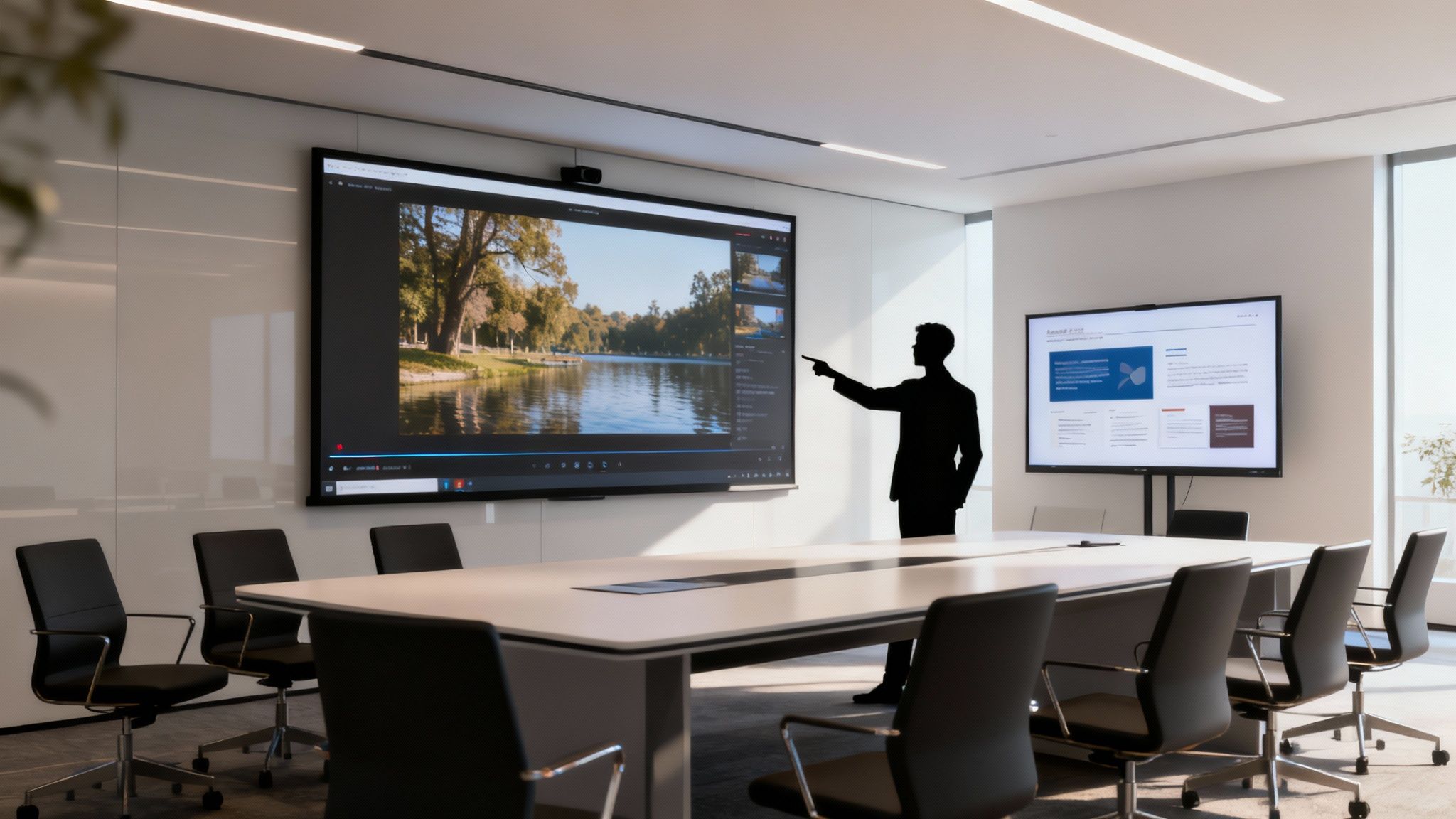
Before we dive into the “how,” let’s anchor ourselves in the “why.” Traditional presentations often talk at an audience. Video presentations, on the other hand, create an experience. They combine visuals, narration, and storytelling to transform a monologue into a compelling narrative that holds attention and drives your message home.
This isn’t just about aesthetics; it’s about effectiveness. We are biologically wired to respond to stories and visual cues. A well-crafted video taps into this, making complex information digestible and abstract concepts tangible.
Consider the difference: a slide listing product features is forgettable. An animated explainer video showing how those features solve a real customer’s problem? That’s persuasive. This is the core of effective communication—turning data into a story that resonates.
The goal is to stop presenting at your audience and start creating an experience for them. Video is the bridge that turns passive viewers into active, engaged participants who feel connected to your message.
By guiding your audience with controlled pacing, purposeful tone, and intentional visuals, you ensure your core message isn’t just seen—it’s felt.
Step 1: Planning — The Foundation of a Great Video Presentation

The most impactful video presentations aren’t born from jumping straight into editing software. They begin with a strategic foundation. This planning phase is your blueprint, ensuring every visual, every word, and every second on screen serves a single, powerful purpose.
Define Your Audience and Set Clear Objectives
Before you do anything else, answer this question: What is the one thing you want your audience to think, feel, or do after watching?
Vague goals like “inform” or “engage” won’t cut it. Be specific. A clear, measurable objective is your north star.
Imagine you’re an educator creating a training module. A weak objective is “to teach employees about the new software.” A strong objective is: “Equip the sales team to use the new CRM’s reporting feature to identify their top five leads in under three minutes.”
This level of clarity defines everything:
- Who are you speaking to? (Sales team members who are likely busy and results-driven.)
- What do they care about? (Efficiency, closing deals, practical tools.)
- What does success look like? (The ability to perform a specific, time-saving task.)
Understanding your audience’s pain points and motivations allows you to frame your message as a solution, not just as information.
Outline Your Key Message and Story
With a clear objective, you can now craft your narrative. A simple story structure is often the most effective way to organize your ideas and guide the viewer from one point to the next.
Let’s stick with the educator example. The story could follow a simple arc:
- The Hook (The Problem): Start with a relatable frustration. “Tired of spending the first hour of your day sifting through spreadsheets to find your best leads?”
- The Solution (The Introduction): Introduce the new CRM feature as the hero of the story. “Our new reporting tool automates this entire process.”
- The “How” (The Demonstration): Show, don’t just tell. A quick, 45-second screen recording demonstrates the feature in action.
- The Payoff (The Benefit): Reinforce the value. “Now you can pinpoint your top opportunities before you even finish your first cup of coffee.”
- The Call to Action: Tell them exactly what to do next. “Log in and create your first custom report today.”
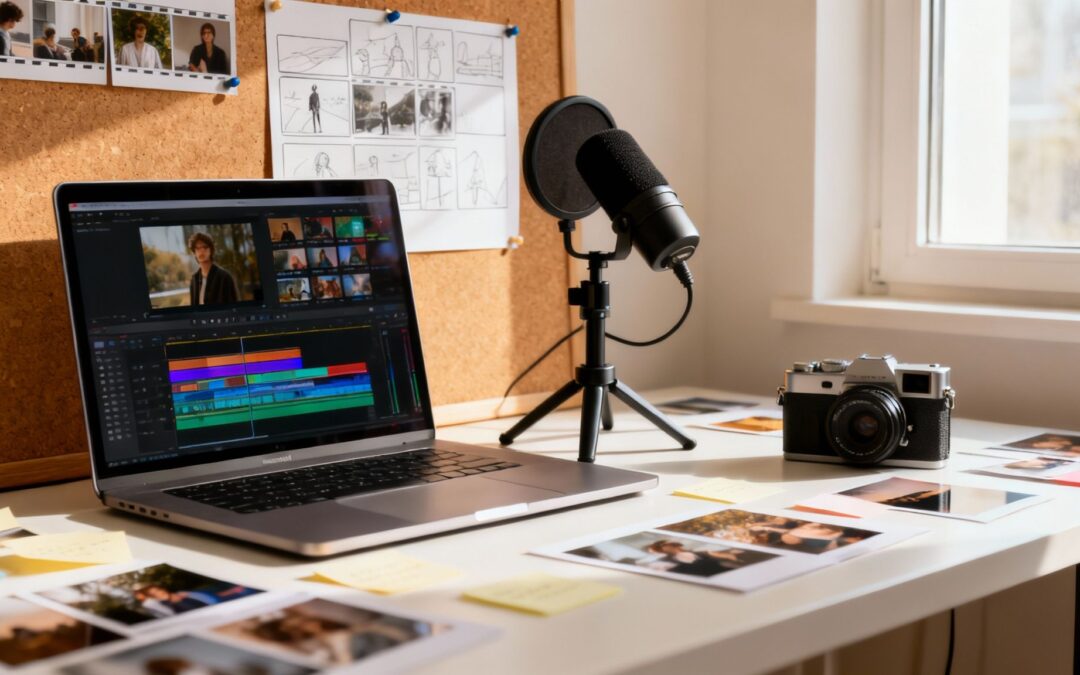
This narrative flow turns a dry tutorial into a compelling story of problem and resolution. To visualize this journey frame-by-frame, our guide on how to create a storyboard is a fantastic resource for mapping out your scenes before production begins.
Step 2: Designing — Crafting a Cohesive Visual Experience
With your plan in place, it’s time to bring your story to life visually. The goal here is clarity and consistency. Your visuals shouldn’t just look good; they should reinforce your message, guide the viewer’s attention, and align perfectly with your brand.
Choose Visuals and Templates That Align With Your Brand
Every visual element—from the color palette and typography to the style of icons and imagery—should feel intentional. A consistent visual style builds trust and professionalism.
Your video presentation is an extension of your brand. Every visual choice, from the icon style to the color of a chart, should feel intentional and cohesive, reinforcing your brand’s identity without a single word.
Start by selecting a template or creating a style guide that includes:
- Your Brand’s Color Palette: Use your primary brand colors for emphasis and secondary colors for background elements.
- Legible Fonts: Choose one or two clean, easy-to-read fonts for titles and body text.
- Consistent Imagery: Whether you use illustrations, photos, or screen recordings, maintain a consistent style throughout.
Select the Right Video Format for Your Message
The format of your video sets the tone and expectations. Different objectives call for different approaches. Choosing the right one is crucial for resonating with your audience.
Here are a few popular formats that work exceptionally well for presentations:
| Video Format | Best For | Why It Works |
|---|---|---|
| Animated Explainer | Simplifying complex ideas, services, or processes. | Engages viewers with dynamic visuals and makes abstract concepts easy to understand. |
| Customer Story | Building trust and providing social proof. | Uses authentic, relatable narratives to connect with viewers on an emotional level. |
| Onboarding Walkthrough | Training new customers or employees on a product or system. | Provides clear, step-by-step guidance that is easy to follow and revisit. |
| Educational Tutorial | Demonstrating expertise and delivering valuable knowledge. | Positions you as an authority and provides shareable content that helps your audience. |
Choosing the right format ensures your content is delivered in the most effective and engaging way possible for your specific goal. You can discover more trends shaping video presentation success to see what’s currently capturing audience attention.
Step 3: Producing — Bringing Your Story to Life with Audio
Once your visuals are mapped out, it’s time to engage another powerful sense: hearing. Audio is the emotional engine of your video presentation. A clear voice-over provides guidance, while background music sets the mood and enhances the narrative flow.
Add a Voice-Over or Narration to Guide the Flow
A professional-sounding voice-over is the backbone of your presentation. It adds a human touch, builds trust, and allows you to convey nuance and emphasis that text alone cannot. You don’t need a high-end studio; a quality USB microphone in a quiet room with soft furnishings (to absorb echo) can produce excellent results.
When recording, focus on:
- Clarity: Enunciate your words clearly.
- Pacing: Speak at a natural, deliberate pace—not too fast, not too slow.
- Tone: Match your tone of voice to the content. An enthusiastic tone works for a product launch, while a calm, authoritative tone is better for a technical tutorial.
Enhance the Mood with Background Music
Subtle background music can dramatically elevate the viewing experience, making your presentation feel more polished and emotionally resonant. The key is to choose a track that complements your message without distracting from it. An upbeat, optimistic track can create excitement, while a soft, ambient score can foster focus and reflection.
Remember, the audio should support the story, not overpower it. If you notice the music more than the message, it’s too loud.
Step 4: Enhancing — Making Your Key Messages Stick
With your core video assembled, the final creative step is to add enhancements that boost comprehension and retention. This is where you ensure your most important points land with maximum impact, even for viewers watching without sound.
Add Text to Video to Highlight Key Messages
Given that a significant portion of viewers watch videos on mute, especially on social media, on-screen text is no longer optional—it’s essential. Use text overlays strategically to:
- Highlight Key Statistics: Make important numbers stand out (e.g., “Save 5 Hours Per Week”).
- Emphasize Powerful Quotes: Display a key takeaway or testimonial for added impact.
- Introduce New Sections: Use title cards to structure your presentation and guide the viewer.
This combination of spoken narration and visual text creates a powerful one-two punch that makes your presentation memorable and accessible to all viewers. Using a tool like a guide to a post-production scheduler can help keep this final stage organized and efficient.
Step 5: Presenting and Sharing — Maximizing Your Impact
You’ve created a fantastic video presentation. Now, it’s time to get it in front of the right audience. An effective distribution strategy ensures your hard work achieves its intended goal, whether that’s educating your team, engaging customers, or persuading stakeholders.
Tips for Keeping Viewers Engaged
When presenting your video, either live or as a standalone piece of content, remember that engagement is about narrative flow.
- Pace Your Information: Don’t rush. Give viewers time to absorb each point before moving to the next.
- Maintain Clarity: Ensure your core message is simple and easy to follow. Avoid jargon and complexity.
- Use a Story-Driven Flow: A clear beginning (the problem), middle (the solution), and end (the call to action) will keep viewers hooked.
Adapt Versions for Different Platforms
One size rarely fits all. The full-length video perfect for a team meeting or a training portal needs to be adapted for other channels.
- Internal Meetings & Webinars: Use the full, detailed version.
- Social Media (LinkedIn, etc.): Create a short, punchy 30-60 second clip with bold text overlays to capture attention in a busy feed.
- Website & Blog Posts: Embed the video to increase visitor engagement and dwell time.
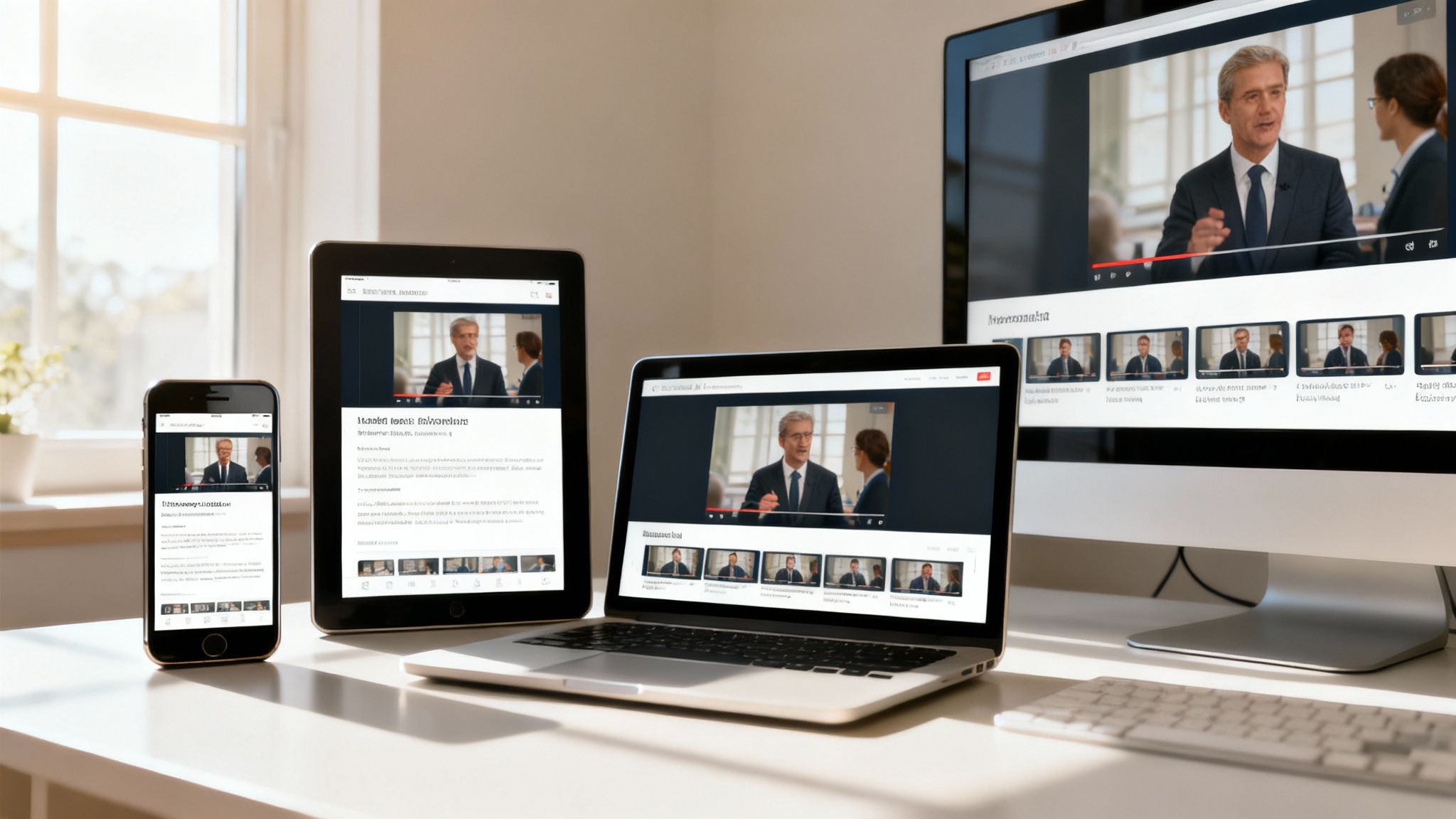
When embedding on your website, it’s crucial to follow responsive web design principles to ensure a flawless viewing experience on any device.
The goal isn’t to just blast your video everywhere. It’s about strategically placing the right version in the right environment to spark the conversation or action you’re looking for.
Scaling Your Video Production
Creating compelling video presentations consistently can be a challenge, especially for busy teams. This is where the right tools become invaluable.
If you’re looking to create engaging presentation-style animations from scratch, a platform like Wideo’s animated video solution provides intuitive tools to bring your ideas to life.
For organizations needing to scale their efforts, personalizing presentations for different teams or audiences, Wideo’s video automation solution can streamline the process, saving immense time while maintaining brand consistency.
By mastering how to make a video presentation, you’re not just upgrading your slides—you’re adopting a more powerful, persuasive, and engaging way to share your ideas with the world.