
By 2030, AI is projected to be involved in 90% of online video content, and the same forecast says AI tools could eliminate $140 billion in cumulative traditional production costs worldwide, according to AI video market projections for 2026 and beyond.
That matters because most companies still treat visual content like a special project instead of a business system.
The teams that change this mindset early won’t just publish more. They’ll communicate faster across acquisition, sales, onboarding, service, and internal operations.
The End of One-Off Video Production
A marketing team launches a campaign. Sales asks for follow-up clips. HR needs onboarding materials. Customer success wants feature walkthroughs. Operations needs a stakeholder update. In many companies, each request starts from zero.
That old model breaks because demand for recorded messages now comes from every department, not just brand marketing. A better view is to treat visual content as a repeatable layer across the business, similar to email templates, CRM workflows, or knowledge bases. If you’re mapping that shift, this collection of business video ideas is useful because it shows how many workflows already depend on audiovisual communication.
Practical rule: If a company creates the same type of explanation more than once, it shouldn’t rebuild the asset manually every time.
An ecommerce team can reuse product footage for marketplace variants. A SaaS company can turn one release demo into role-specific customer updates. An insurance group can adapt a claims explainer for new policyholders, brokers, and internal training.
Beyond Prompts Understanding Video to Video AI
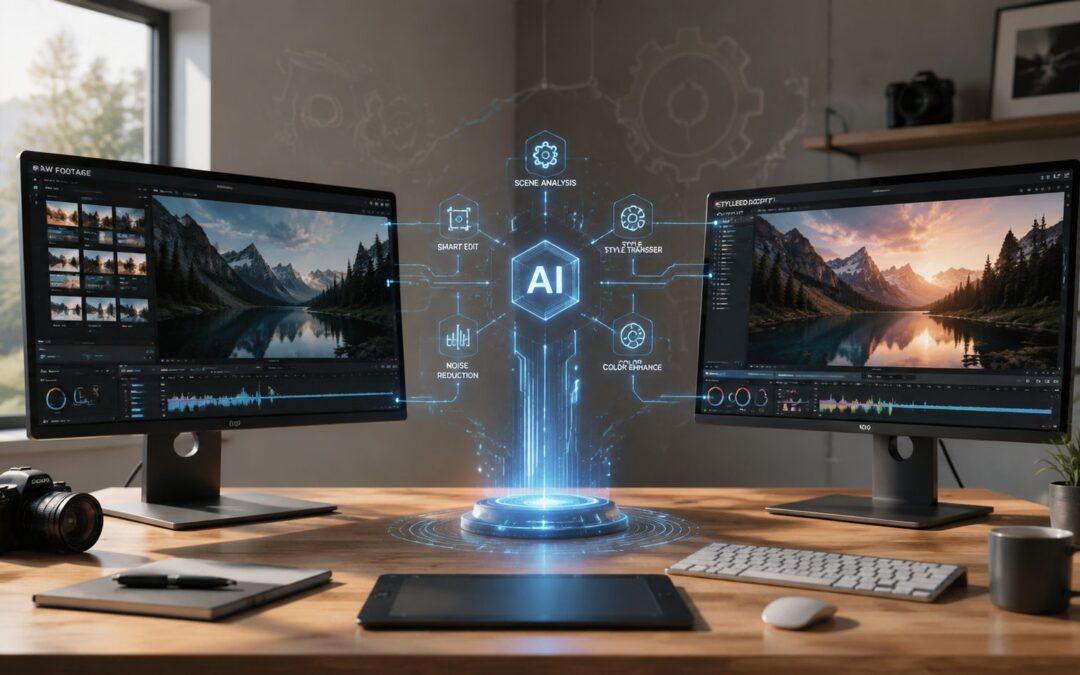
Video to video AI is easier to understand if you stop thinking about it as “make a clip from words” and start thinking about it as “transform an existing clip with control.”

Text-to-video starts with a blank canvas. Video-to-video starts with footage you already have, then changes style, framing, composition, or motion behavior while keeping the underlying scene structure. If you want a primer on the wider category, this guide on what is AI video gives helpful background before you get into operational use cases.
The business value is control. Independent explanations note that these systems can preserve scene timing, camera motion, and object identity from an existing clip while modifying style or composition, because they learn appearance from text-image data and motion from unlabeled video, as described in this plain-English explanation of how AI video systems work.
It is akin to repainting a house you already built rather than asking a machine to invent the house, the floor plan, and the furniture from scratch.
That distinction matters in real companies. A real estate firm can restyle the same property walkthrough for different audiences. A travel brand can reframe destination footage for short social placements without reshooting. A SaaS team can create personalized video communication workflows from one base demo instead of recording separate clips for every customer segment.
Keep the source clip when accuracy matters. The more your business cares about product detail, identity, or timing, the more useful transformation becomes compared with full generation.
How It Works From Latent Diffusion to Business Reality
Under the hood, many current systems use latent diffusion. That sounds technical, but the business takeaway is simple: the model compresses the clip into a smaller representation, works there, and then reconstructs the result in a way that helps preserve motion continuity.
Without that approach, frames can drift and flicker like a bad slideshow.
According to this technical explanation of AI video generation frameworks, modern video-to-video systems often rely on latent diffusion for smoother temporal consistency, and local deployment commonly needs a high-end GPU with at least 16 GB of VRAM for acceptable performance. That makes this an infrastructure decision, not a novelty feature.
Why business teams should care
If you’re in finance, that means compliance explainers need stable charts, products, and logos across frames. In education, it means lesson footage has a better chance of staying coherent when you create alternate formats. In media operations, it means editors can produce more versions without every dynamic asset looking obviously machine-made.
A company exploring self-hosted workflows should compare hardware cost, review burden, and output needs before assuming local setup is the right path. Teams that don’t want that technical overhead often start with a managed AI video generator workflow instead.
Real World Applications Across Your Business
The gap between teams is rarely creativity. It is throughput.

One company treats every video request like a custom build. Another treats video like a repeatable business process, closer to email automation than to a film shoot. The difference shows up in response time, review load, and how many customer or employee moments the business can support.
In the first model, sales waits on marketing for a prospect-specific clip. HR records separate onboarding videos for each role. Customer success recreates tutorials after every product release. Internal communications falls back to slide decks because recording fresh footage every month takes too much coordination.
In the second model, teams start with approved source footage and a set of rules. They reuse the same visual base, then adjust the message, voiceover, captions, examples, or framing for a specific audience. That makes video-to-video AI less like a creative toy and more like translation infrastructure for business communication. One message goes in. Multiple fit-for-purpose versions come out.
That operating model is already spreading. Wyzowl reports that 95% of video marketers say video helps increase brand awareness. For a business team, the implication is straightforward. If video already performs well, the bottleneck shifts from whether to use it to whether you can produce enough useful versions without building a larger studio operation.
Where this shows up in practice
- Customer acquisition: Ecommerce teams can turn one product shoot into marketplace videos, landing page variants, and abandoned cart follow-ups that match different buyer objections or offer structures.
- Sales enablement: SaaS reps can reuse the same demo footage but tailor the explanation for finance, security, operations, or executive stakeholders.
- Onboarding and retention: Banks, insurers, and telecom providers can adapt welcome videos and service updates by product line, region, or customer stage.
- Internal communication: Operations and HR teams can publish one leadership message in different versions for field staff, managers, and executives, with examples that match each group’s day-to-day work.
- Training: L&D teams can create role-specific lessons from one approved recording instead of refilming each scenario from scratch.
The pattern is the same across functions. Keep the footage stable. Change the layer around it.
A real estate team, for example, may record one listing walkthrough, then create versions for social channels, email follow-up, and marketplace distribution using a real estate video automation approach. The asset is no longer a single finished file. It becomes a source system that can feed multiple workflows.
That is also why prompt quality alone is not enough. Businesses need approved templates, clear input data, and review checkpoints so each version stays useful instead of sounding generic or off-brand. The guidance in avoiding generic AI content applies here because video personalization breaks down fast when the underlying inputs are vague.
The practical shift is from handcrafted production to managed variation with human review in the right places.
Designing Your Automated Visual Content Engine
A business system needs inputs, rules, triggers, and distribution.

The commercial case is getting stronger. Independent market reporting says the AI video generator market reached $614.8 million in 2024 and is projected to reach $2.56 billion by 2032, a sign that these tools are moving into a defined software category with enterprise relevance, as summarized in this review of AI video generator market statistics.
The operating model
Start with the data source. That might be a CRM, LMS, HRIS, product catalog, claims system, or internal reporting sheet. Then create a master template around approved footage, message blocks, and visual rules. Set a trigger such as deal stage change, new hire created, product shipped, renewal approaching, or support case resolved. Choose the delivery channel, usually email, SMS, app message, support portal, or internal hub.
If the output starts sounding generic, the problem usually isn’t the medium. It’s weak inputs and vague templates. This write-up on avoiding generic AI content is useful because it focuses on specificity, which matters just as much in model-generated visual content as in writing.
Here’s how that workflow looks in a simple implementation. A SaaS company pulls account data from its CRM, maps it into a template built from approved demo footage, triggers generation when a customer reaches a new onboarding milestone, and sends the finished asset through email or an in-app message. For teams that need a no-code path for this kind of process, platforms like Wideo’s video automation tools can connect template-based production with distribution without manual editing on each send.
Navigating the New Risks and Governance
The hard part isn’t making a clip. The hard part is deciding when the clip is trustworthy.
Creator-focused demos often skip the operational question. Did the edit preserve product details, legal language, face consistency, brand colors, and context across every version? Guidance from tool vendors also notes that stacking too many angle or style instructions can create competing constraints and visual drift, which is why camera-angle editing guidance for AI video points teams toward simpler prompts and stronger references.
You need review rules before you need more prompts.
Which processes in your company are still waiting on a human to remake the same message, when a governed video to video AI workflow could turn that message into infrastructure?
If your team is trying to move from manual production to a repeatable system, Wideo is one way to connect templates, existing footage, automation triggers, and distribution into a practical workflow for business communication.
Related posts:
 Text to Video AI: The Ultimate Guide to Scalable Content Creation
 OpenAI: The Engine Behind Scalable AI Video Creation
 How an LLM Powers Your Entire Video Creation Strategy
 The AI Image Generator Is Your New Video Starting Point
 Beyond the Hype: How to Build Your “Day AI” and Win in 2026
 The Smartest Artificial Intelligence Applications Are All About Communication


