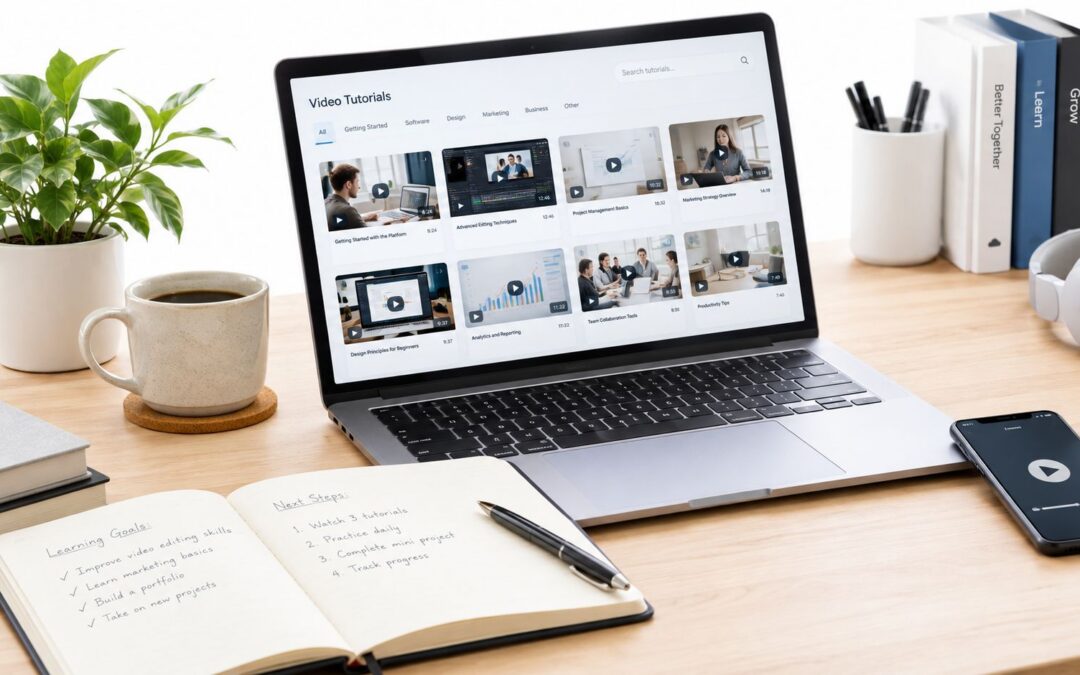
Your help center is probably doing the same quiet job every support library does, customers skim, miss the answer, and open a ticket anyway. A video knowledge base changes that pattern by turning static FAQ pages into a searchable layer of short, practical answers that people can watch, replay, and act on fast.
By 2019, Cisco projected video would account for 80% of all internet traffic worldwide, and as of January 2018, 85% of U.S. internet users watched videos online source. That matters for support and product teams because people already expect learning to happen through moving, visual guidance, not just dense text.
A lot of teams still treat help content like a filing cabinet. They write an article once, publish it, and hope the right person finds it. A video knowledge base works more like a service desk on rails, where the same answer can be found from search, embedded in an article, or routed into onboarding and training without starting over each time.
If your customers keep asking the same questions, why keep answering them in the slowest format possible?
Why Customers Skip Help Articles and What Changes With Video
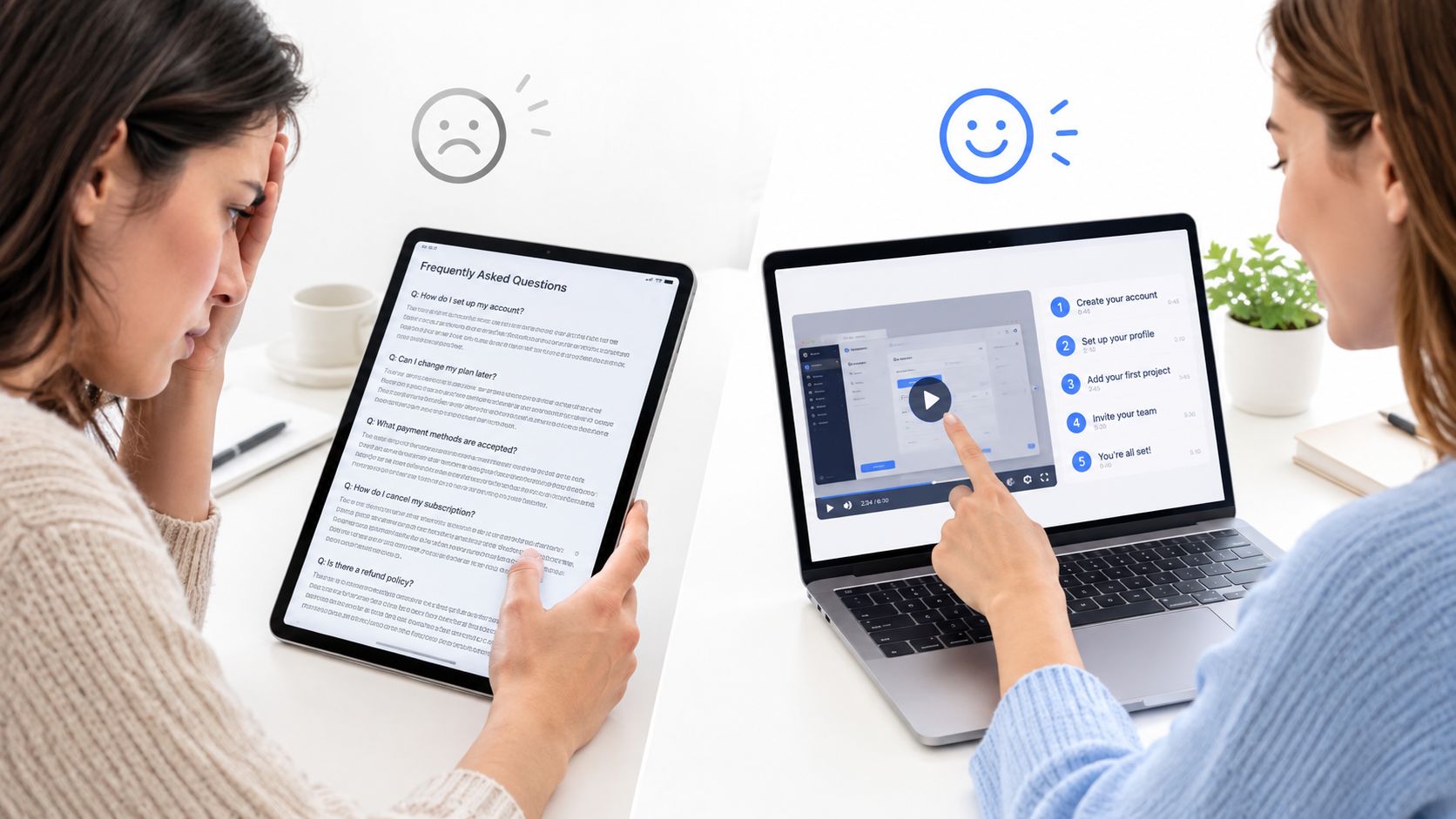
A support agent knows this moment well. A customer lands on a long article about a billing setting, scans the first screen, and leaves because the answer is buried under setup notes, edge cases, and policy language. The customer opens a ticket, the agent repeats the same steps, and the team pays twice for one answer.
A video knowledge base changes the behavior because it matches how people already learn online. The article no longer needs to carry the whole load. Instead, it can point to a short audiovisual piece that shows the exact path through the interface, or the exact troubleshooting sequence, while the text still covers context and exceptions.
That shift is practical, not cosmetic. Support teams use it to reduce repeat questions, success teams use it to make onboarding less confusing, and product teams use it to explain feature changes without writing a fresh long-form article for every release. The win is operational efficiency, because one answer can serve customer acquisition, onboarding, retention, internal communication, and employee training at the same time.
Practical rule: if a customer must click, compare, or confirm something on screen, short visual guidance usually beats a wall of text.
For a simple internal reference on how tutorials fit into customer education, see Wideo’s step-by-step tutorial guidance.
What a Video Knowledge Base Really Is
A video knowledge base is not a pile of recordings. It’s a governed knowledge layer where each answer is searchable through titles, captions, transcripts, metadata, and supporting documents. It functions like a library with two entrances, one for people who already know the title they want, and one for people who only remember a phrase, a problem, or what the screen looked like.
That’s why a playlist or gallery isn’t enough. A playlist shows what exists, but a knowledge system helps people find the right moment inside the right asset. Support, onboarding, and training all benefit from that difference because users don’t want to browse a catalog, they want the answer inside the answer.
A good video knowledge base fits beside your existing help center rather than replacing it. Product release notes can stay text-first, while a short walkthrough sits inside the article for the users who need visual guidance. Internal teams can use the same structure for process training, policy explanation, and manager updates, as long as ownership and metadata stay clean.
For teams building educational content, Wideo’s educational video workflow is a useful example of how structured content can be packaged for repeated use.
Where Video Answers Outperform Text and Where They Do Not
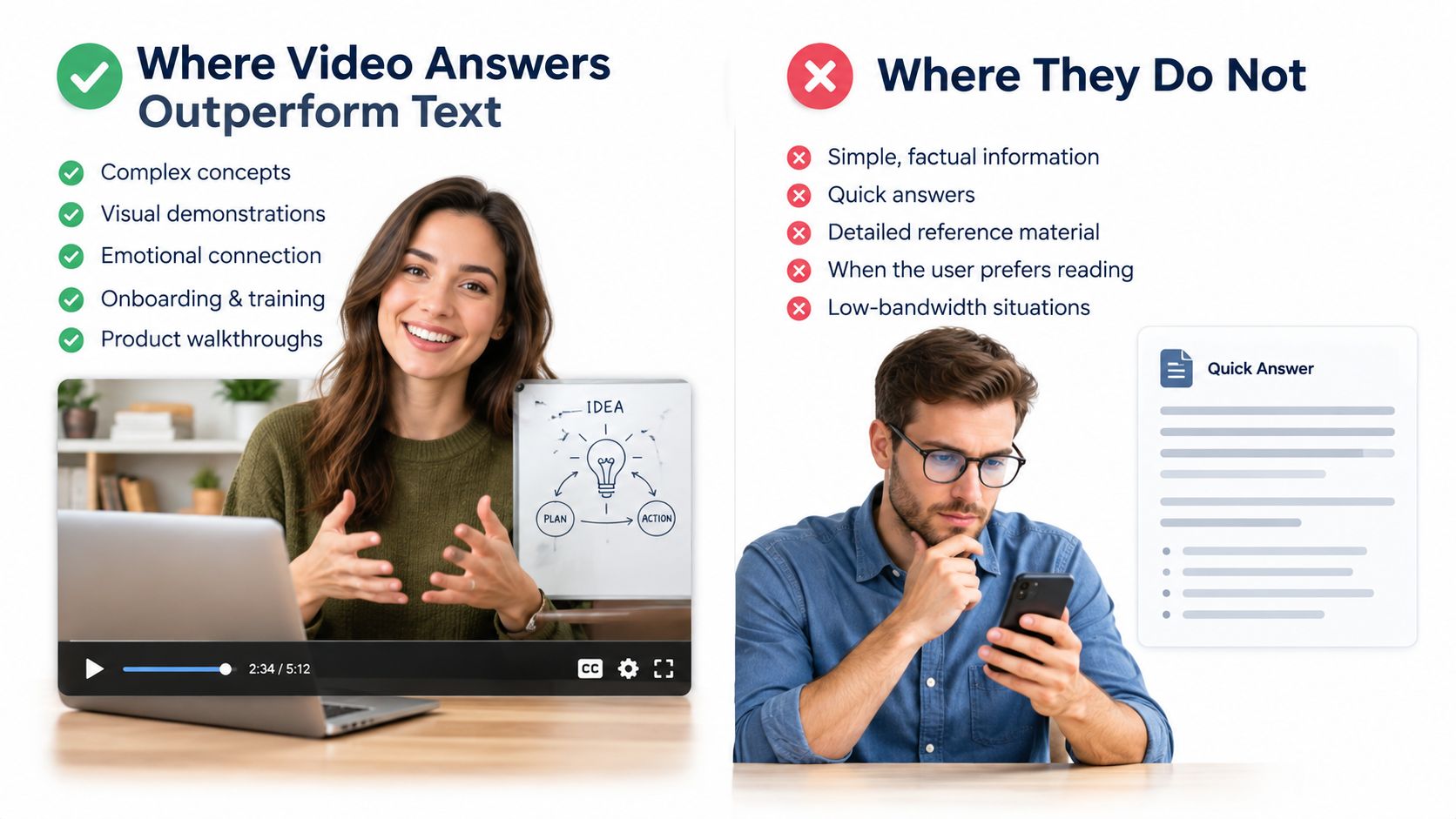
Video is strongest for procedural and visually dependent answers and is most effective when clips stay under 2–3 minutes, while text still dominates for quick lookup and policy detail, pointing to hybrid articles rather than video-only libraries. Clueso explains the hybrid pattern clearly.
That means a SaaS team should use a short recording for “how do I connect this integration,” but keep the policy language in text. An ecommerce team may use a walkthrough for returns or size selection, while the shipping policy stays as a readable article. In finance, insurance, and telecom, the same logic applies, product steps can be shown, compliance wording should remain easy to scan.
A simple decision rule
- Use visual content when the user must follow screen actions, compare interface states, or confirm a setup.
- Keep text when the question is about policy, legal language, or a fast lookup.
- Embed both when the issue is common enough to deserve self-service, but complex enough to need reassurance.
- Favor hybrid articles when search intent is ambiguous and users may want either speed or detail.
- Avoid video-only libraries when accessibility, version control, or stale instructions are a risk.
The point is not to push every answer into a recorded message. The point is to put the right format in the right place so the library stays useful instead of becoming a dead end.
Core Components and Taxonomy That Make Video Findable
A searchable video knowledge base starts with structure, not filming. Titles, tags, captions, transcripts, metadata, review cycles, and ownership all need to exist from day one, because support content goes stale fast when product flows change. The technical side matters too, since a practical retrieval system should use two complementary indexes, one for visual content and one for transcript content, with ASR, timestamp alignment, chunking, and reranking Mixpeek’s retrieval guide.
| Component | Purpose | Example |
|---|---|---|
| Title | Helps users and search tools recognize the topic | “Reset your password in the admin panel” |
| Tag | Connects related topics across the library | onboarding, billing, integration |
| Caption | Makes spoken guidance readable and searchable | On-screen text during a walkthrough |
| Transcript | Lets users search inside the spoken content | “Click Settings, then Security” |
| Metadata | Sorts content by product, audience, or version | SaaS, customer success, v3.2 |
| Ownership | Makes updates someone’s job | support ops manager |
| Review cycle | Keeps content current | quarterly review |
For long recordings, whole-file search usually gets messy, because one video can contain many similar moments. That’s why systems chunk speech into time-bound segments, pull a wider candidate set, then rerank to find the exact timestamp. If you want the SEO side of this discipline, Wideo’s video SEO guide is a good companion reference.
Search gets easier when each answer has a job, an owner, and a shelf life.
How to Turn Existing Help Articles Into Consistent Short Videos
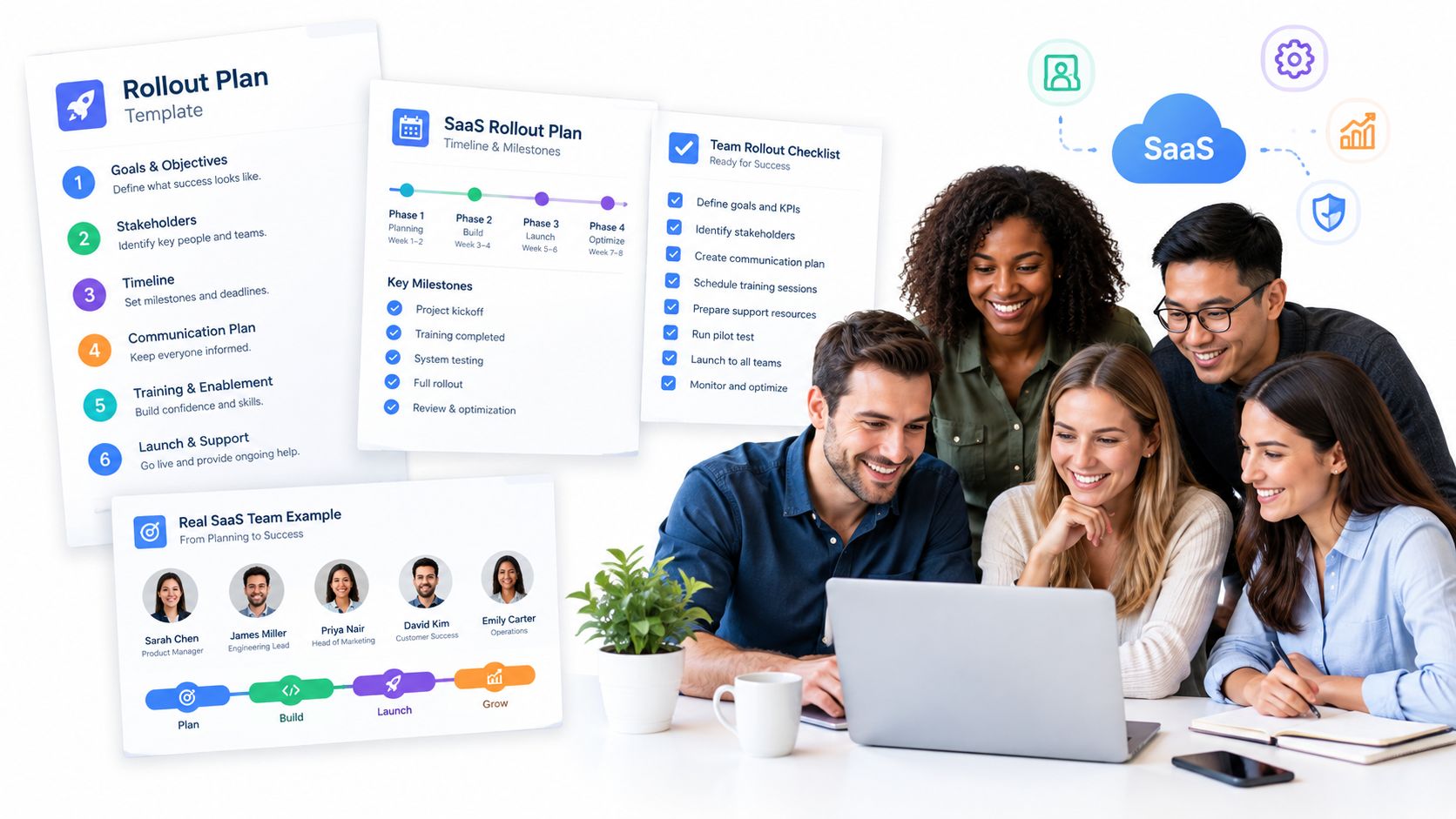
Start with the help article your team already trusts. A support lead can pull one question from that page, strip away side topics, and turn the answer into a short script that fits a single screen or a single workflow step. That script then becomes the repeatable unit, with the same opening, pacing, branding, and close, so the library stays consistent even when many people contribute.
The production order should stay simple: article first, script second, template third, distribution last. SearchLab’s 2026 roundup reports that 68% of video producers use at least one AI tool, 51% of marketers use AI tools to create or edit video, and auto-generated captions and transcripts are the top use case at 59% SearchLab’s 2026 roundup. For a practical workflow on repurposing documentation, see Wideo’s guide to convert text to video [https://wideo.co/blog/convert-text-to-video/]. That fits a system where captions, voice, and repurposing are handled in a repeatable flow instead of as one-off recordings.
For teams that already publish across formats, proven content repurposing strategies show the same pattern. One source can become several assets if the structure stays disciplined. In a video knowledge base, that means one article can produce a short answer, a transcript, and a searchable asset without changing the core message.
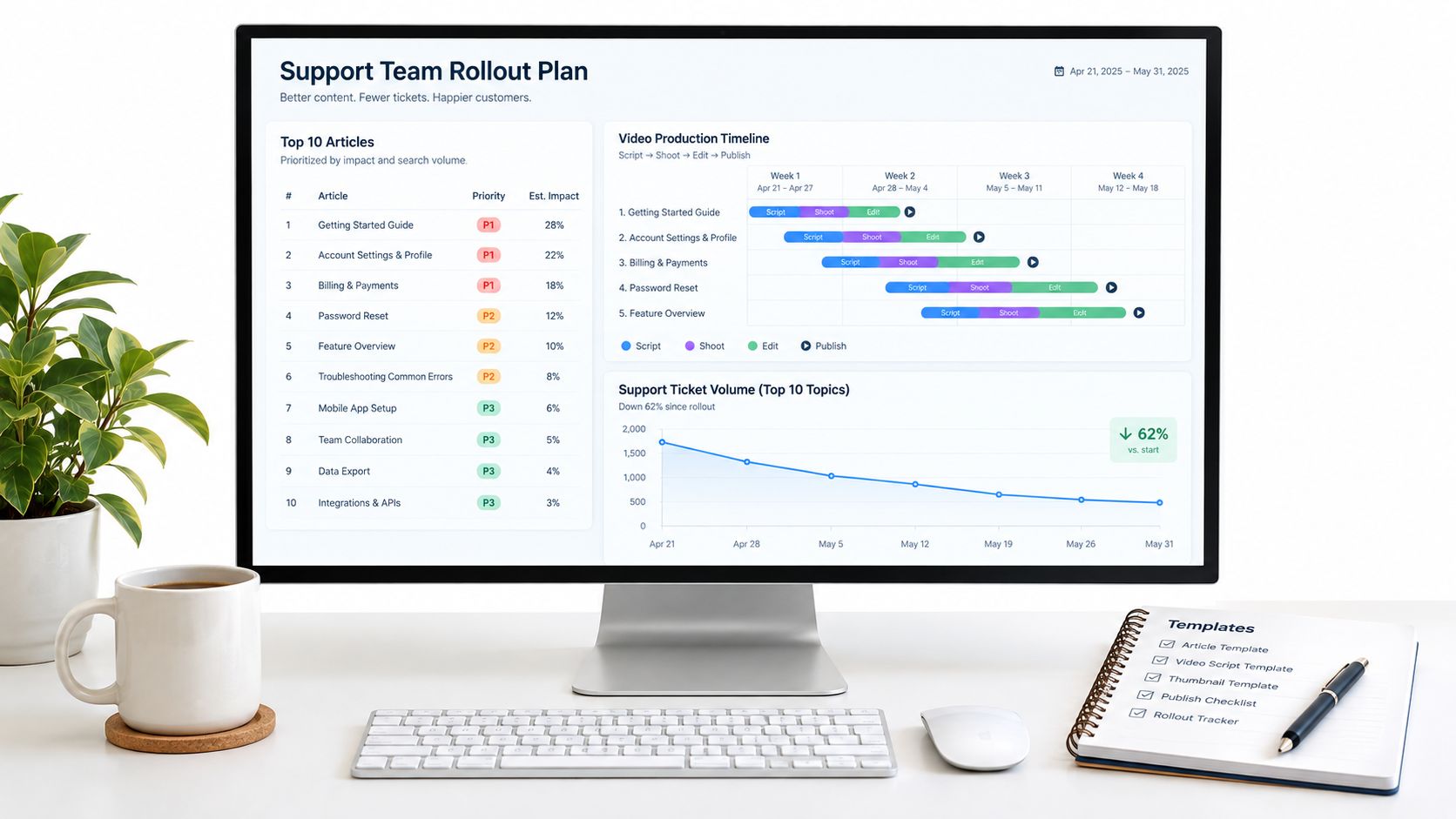
A SaaS support team can use the method on its highest-traffic topics. Start with the ten most-viewed articles, convert each one into a short answer, then watch whether ticket volume for those topics drops after launch. That gives product, support, and success one shared test, whether the new library reduces repeat questions.
For teams that need to generate onboarding or support assets from the same structure, Wideo can fit into the workflow without forcing a manual edit for every answer. Wideo’s AI tutorial video workflow shows how a data source, template, trigger, and distribution path can be connected in one repeatable process.
Measuring Impact and Governing Your Video Library Over Time
A video knowledge base only stays useful if it’s measured like an operational system. Support teams should watch ticket deflection by topic, search-to-view behavior, completion, and whether customers still ask the same question after the asset goes live. Learning and onboarding teams can watch whether new hires finish the material, because a knowledge layer only matters if people use it and remember it.
Governance is the part most teams skip, and that’s how a library turns into a graveyard. Each asset needs a named owner, a review cadence, versioning rules, and a trigger for stale content when the product, policy, or process changes. That matters even more in IT, fintech, telecom, insurance, and airline operations, where old instructions can create support risk and compliance exposure.
The governance checklist is simple in practice:
- Assign ownership so every asset has someone responsible for updates.
- Track review dates so old content doesn’t linger unnoticed.
- Version the content when a product flow changes.
- Retire stale assets instead of burying them.
- Blend video with text when users need speed, accessibility, or policy detail.
For an internal view of measurement discipline, Wideo’s metrics guide is a helpful companion. The broader lesson is straightforward, a searchable library only works when discovery, relevance, and governance move together.
The best video knowledge base is not a content project, it’s a support system.
If your team wants to turn help articles into a searchable, governed video knowledge base, Wideo gives you a practical way to build the workflow around templates, captions, and repeatable distribution. Visit Wideo and see how your documentation can become a structured support layer instead of another folder of static pages.