You have an idea—a complex product to explain, a new hire to welcome, or a story to tell. You know a video would be perfect, but live-action feels complicated and expensive. This is where animation shines. It’s a powerful, creative tool for simplifying messages, humanizing communication, and boosting engagement.
But where do you start? The thought of learning complex software can be intimidating. The good news is, you don’t have to be an animator to create a professional-looking video. The secret isn’t technical skill; it’s a smart creative process.
Forget the overwhelming tutorials. This guide is your strategic roadmap, breaking down how to make an animated video into six clear, manageable steps. We’ll focus on the creative journey—the why behind the choices that make a video effective—transforming it from a technical challenge into a practical way to tell your story.
Your Roadmap: From Idea to Impactful Video
Animated videos are more than just moving illustrations; they are a strategic asset. They work wonders for all sorts of content:
- Explainer videos that simplify your product or service.
- Onboarding tutorials that make learning feel engaging.
- Social media ads that stop the scroll.
- Customer journey stories that build brand connection.
A structured plan is what separates a pretty-but-pointless video from one that achieves a specific goal. Let’s walk through the six phases that will take you from a rough concept to a polished, purposeful video.
| Phase | Your Creative Focus |
|---|---|
| 1. Plan | Clarify your message, audience, and goal. What’s the one thing you want viewers to remember? |
| 2. Script | Write a concise, conversational story that solves a problem for your audience. |
| 3. Design | Choose a visual style (like motion graphics or character-driven) that matches your brand’s voice. |
| 4. Animate | Bring the script to life with purposeful motion, using templates and smooth transitions. |
| 5. Add Voice & Sound | Layer in narration and music to set the tone and add emotional weight. |
| 6. Publish & Repurpose | Share your video on the right platforms and adapt it to maximize its reach. |
This isn’t just a checklist. It’s a creative framework designed to keep you focused on what truly matters: clarity, brevity, and storytelling.
Phase 1: Plan with Purpose
Before a single character is drawn or a scene is animated, the most critical work happens: planning. It’s tempting to jump straight into the creative part, but a solid plan is the blueprint for a video that actually works. Without it, you risk creating something that looks nice but misses the mark entirely.
Start by answering three simple but powerful questions:
- What is the core message? If a viewer could only remember one thing, what would it be? Boil it down to a single, clear sentence. Example: “Our software automates tedious reporting so you can focus on strategy.”
- Who is this for? Define your target audience. A video for potential investors will have a different tone and focus than one for new customers. Knowing who you’re talking to shapes every decision that follows.
- What is the goal? What action do you want viewers to take after watching? Sign up for a demo? Understand a new company policy? Click “buy”? A clear goal makes your video focused and measurable.
Answering these questions gives you a “North Star” for the entire project. It ensures every word, design choice, and animation serves a specific purpose, turning your video from a simple creative exercise into a strategic tool.
Phase 2: Script a Compelling Story
With a clear plan, you can now write the script—the heart and soul of your video. A great script doesn’t just list facts; it tells a story that resonates with your audience’s needs. The key is to keep it concise and conversational.
For most explainer or marketing videos, the classic problem-solution framework is unbeatable. It’s a simple narrative structure that works because it mirrors how we think.
- Introduce a relatable problem. Start by describing a pain point your audience knows all too well. This immediately hooks them because they feel understood.
- Present your solution. This is where you introduce your product, service, or idea as the hero of the story.
- Show the transformation. Explain how the solution makes life better.
- End with a clear call to action. Tell them exactly what to do next.
Remember to write for the ear, not the eye. Read your script out loud. Does it sound like a real person talking? If you stumble over words or a sentence feels clunky, rewrite it until it flows naturally. Brevity is your best friend; every word should earn its place.
Phase 3: Design a Visual Identity

Now it’s time to decide how your video will look and feel. The design phase is about creating a visual world that aligns with your brand’s personality and strengthens your message. Consistency in colors, fonts, and style is what makes your video feel professional and trustworthy.
The animation style you choose sets the entire tone. Here are a few popular options and when to use them:
- Motion Graphics: Ideal for explaining abstract concepts, showcasing data, or tech-focused topics. It uses clean shapes, text, and icons to create a modern, sophisticated feel.
- 2D Flat & Character-Driven: Perfect for storytelling that requires an emotional connection. Using relatable characters makes your video feel human and approachable, great for onboarding, explainers, and brand stories.
- Whiteboard Animation: A classic for educational content and tutorials. The hand-drawn effect is fantastic for breaking down complex processes step-by-step, as it feels like an idea is unfolding right before the viewer’s eyes.
Your choice should match your brand’s voice. Is your brand playful and friendly, or is it serious and authoritative? The visual style should be a direct reflection of that personality. The global animation market is projected to soar, proving there’s a massive audience waiting for well-crafted visual stories. You can discover more about these animation industry statistics and see how powerful this medium has become.
Phase 4: Animate with Purpose
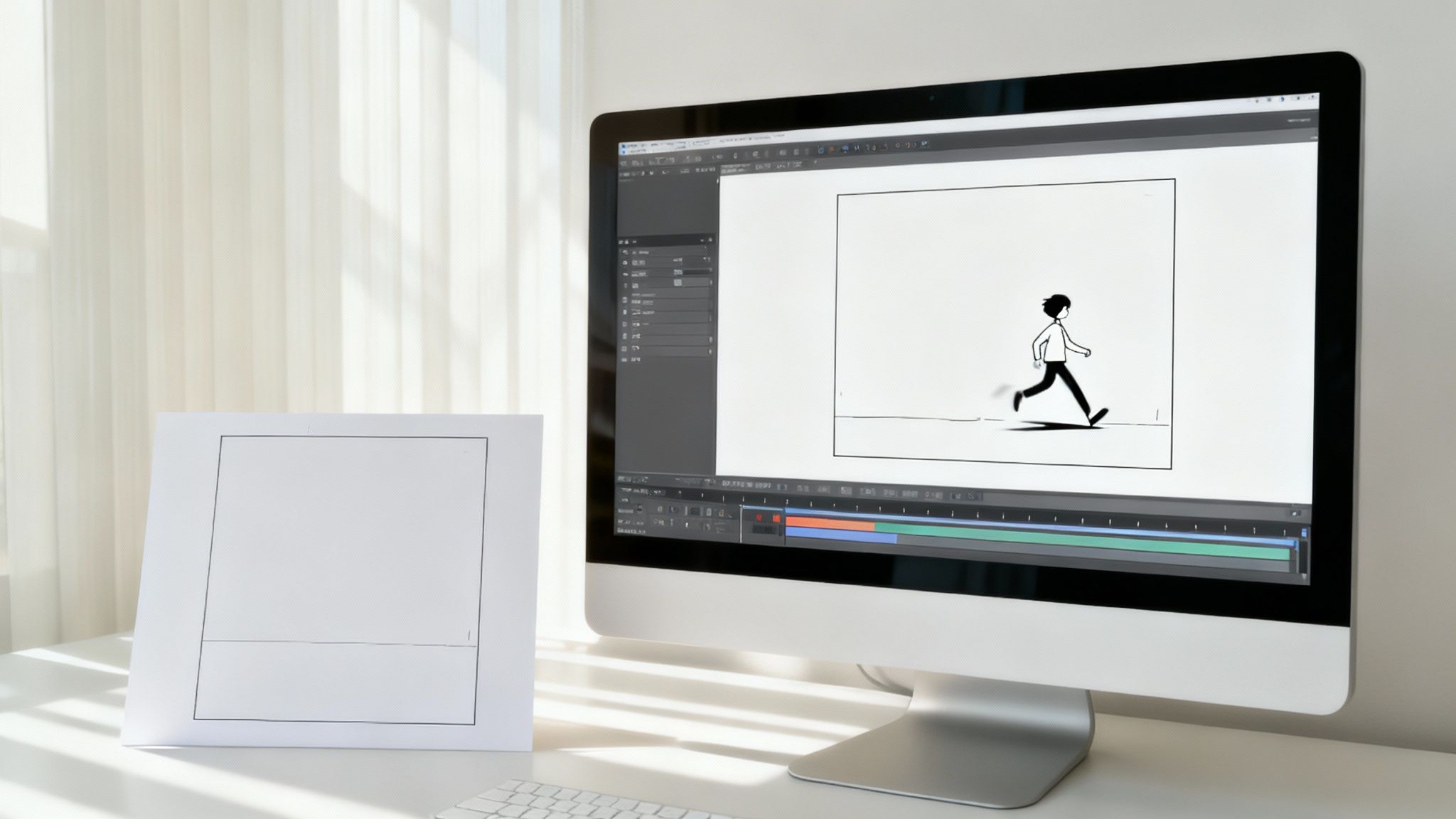
This is where your script and designs come to life. The goal of animation isn’t to create dazzling special effects; it’s to use purposeful movement to guide the viewer’s attention and clarify the story. Every transition, character gesture, and text reveal should have a reason.
Effective animation is subtle. It supports the narrative without distracting from it. Focus on a few key elements:
- Key Visuals: Make important elements (like a key statistic or a product feature) stand out with a subtle bounce or fade-in effect. This tells the viewer, “Hey, pay attention to this!”
- Smooth Transitions: Use simple slides, fades, or wipes to move from one scene to the next. This creates a seamless flow that keeps the viewer engaged, rather than jarring them with abrupt cuts.
- Animated Text: Instead of showing a block of text all at once, reveal it line by line. This helps control the pacing and gives the audience time to absorb the information. You can even learn to animate text like a pro with simple techniques.
You don’t have to start from a blank canvas. Using pre-made templates is a fantastic way to ensure a professional result without needing deep technical skills. Templates provide a solid foundation of scenes and animations, allowing you to focus on customizing the content and telling your unique story.
Phase 5: Add Voice & Sound
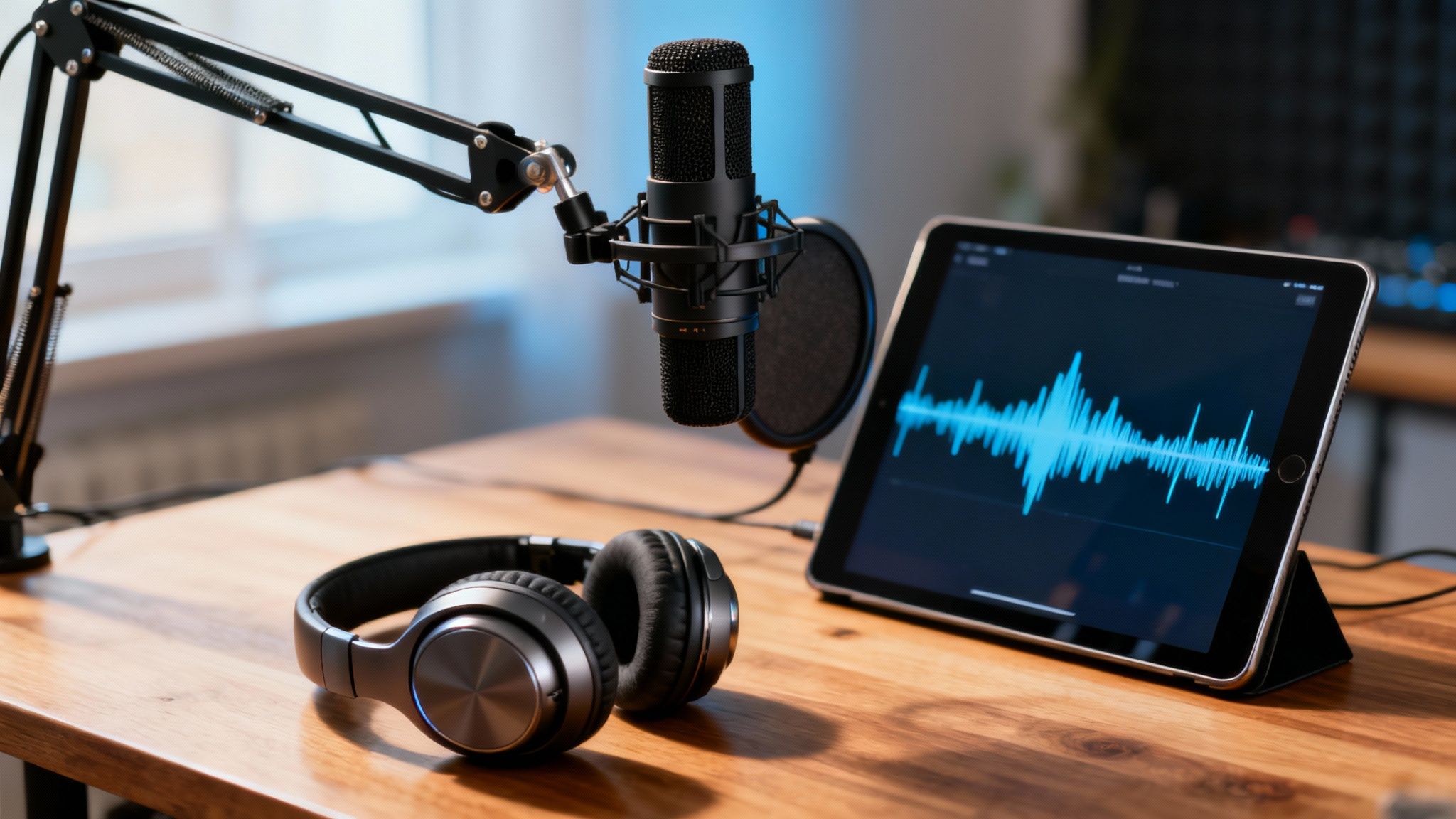
If visuals are the body of your video, sound is its soul. Audio turns a series of moving images into an immersive experience that connects with viewers on an emotional level.
The narration is your primary guide. You can hire a professional voice actor for a warm, human touch, or use a high-quality text-to-speech tool for a fast and scalable solution. Whichever you choose, the voice should match your brand’s tone—be it friendly, authoritative, or energetic. Clarity is non-negotiable; the narration must be crisp and easy to understand.
But narration is just one layer. A complete soundscape includes:
- Background Music: Music is the fastest way to set the mood. An upbeat track can make your video feel exciting, while a softer melody can create a sense of trust. The key is to choose music that complements the narration, not competes with it.
- Sound Effects (SFX): Small sound effects—a subtle swoosh for a transition or a click for a button—make the animation feel more tangible and dynamic. They are the final layer of polish that elevates the entire experience.
Getting this part right is a key step when you’re learning how to make an animated video that truly resonates.
Phase 6: Publish & Repurpose Your Creation
You’ve made it! Your animated video is complete. But the work doesn’t stop at the final export. Now it’s time to share your creation strategically to ensure it reaches the right audience and delivers maximum impact.
Your full-length video is a powerful asset for your website, sales decks, or onboarding flows—places where you have a captive audience. But the real magic lies in repurposing. Think of your video as a content goldmine.
- Create short clips for social media. Pull out a 15-second highlight to use as a compelling social ad or Instagram Reel.
- Make animated GIFs. Turn a key visual moment into a shareable GIF for social media or email newsletters.
- Use stills for graphics. Grab high-quality frames from your video to create blog headers or social media posts.
By adapting your animated video for different platforms, you extend its life and value, ensuring your message is seen across multiple touchpoints. This approach aligns with effective content marketing strategies that prioritize getting the most out of every piece of content you create.
For teams looking to create powerful explainers, Wideo’s animated video solution provides all the tools you need. And when you’re ready to scale your efforts, exploring video automation can help you personalize videos for different campaigns without starting from scratch each time.
Got Questions About Making an Animated Video?
Jumping into your first animated video project? It’s totally normal to have a few questions swirling around. Let’s tackle some of the most common ones we hear, so you can start creating with confidence.
How Long Should an Animated Explainer Video Be?
For most marketing videos, the sweet spot is between 60 and 90 seconds. That’s just enough time to hook your audience, explain the problem you solve, and hit them with a clear call-to-action before their attention wanders off.
Now, if you’re putting together something for internal training or a deep-dive tutorial, you can definitely go longer. My advice? Break that longer content into a series of shorter, bite-sized videos. This keeps people engaged and makes complex information much easier to absorb.
What Is the Most Important Part of Making an Animated Video?
This one’s easy: the script is the absolute foundation. Everything else—the visuals, the timing, the voiceover—all hinges on a solid script.
A weak or confusing story will cause even the most beautifully animated video to fall flat. A strong script ensures your video doesn’t just look good—it actually works to achieve your goals.
Can I Make an Animated Video Without Design Skills?
Yes, absolutely. You don’t need to be a designer to create a great-looking video anymore. Modern video creation platforms are built specifically for people without a design background. They come packed with professional templates, intuitive drag-and-drop editors, and huge libraries of characters, props, and music.
These tools handle all the heavy lifting on the technical side of animation. That frees you up to focus on what really matters: your message and your story. It’s this accessibility that makes learning how to make an animated video a practical skill for anyone in any role.
Ready to bring your ideas to life? Wideo provides all the tools you need to create professional animated videos in minutes. Whether you’re crafting your first explainer or scaling your content, we’re here to help you tell your story.