
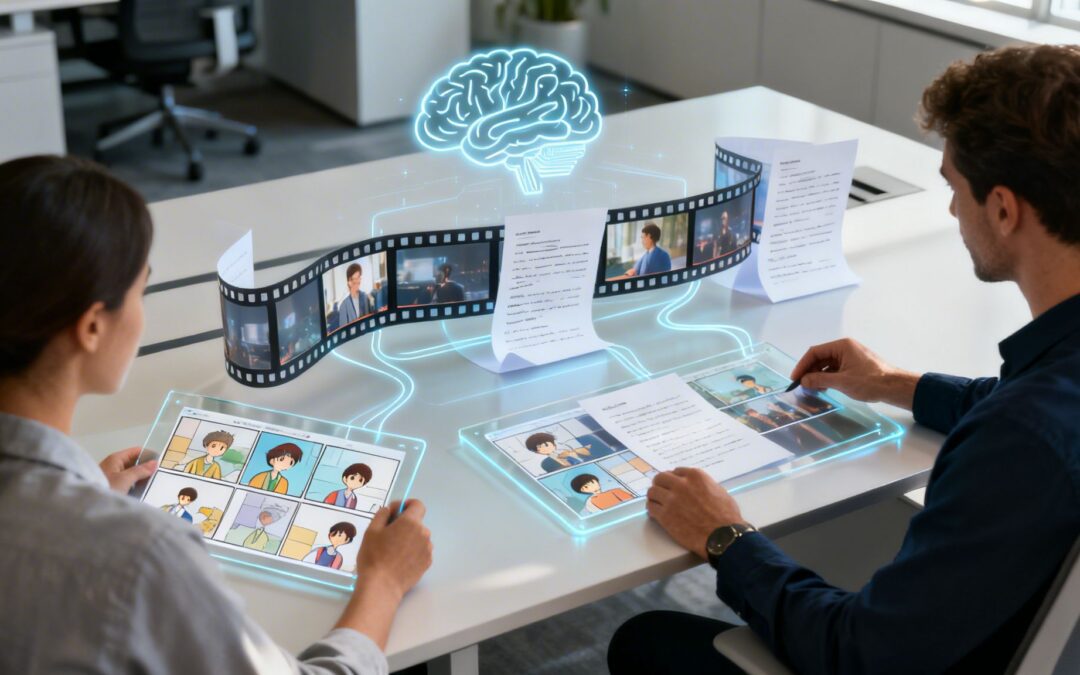
It’s time we reframe how we think about ChatGPT for business.
When you hear that phrase, you probably picture a tool for knocking out emails, summarizing long reports, or maybe brainstorming some ad copy. And while it’s great at those things, its true scalable power is hiding in a much more impactful medium: video. The sharpest marketing, sales, and growth teams are realizing that the ultimate output of ChatGPT isn’t just better text—it’s an automated engine for creating video content.
Beyond Chatbots: An On-Demand Video Script Engine
Forward-thinking companies are no longer treating ChatGPT as a writing assistant. They’re seeing it for what it can be: the foundational layer for a sophisticated, automated video pipeline. This shift turns a simple productivity tool into a strategic content engine. It transforms static AI responses into dynamic, engaging videos that drive real business results across the whole customer journey.
This isn’t about making a few one-off videos, either. It’s about building a system where structured narratives, personalized scripts, and video-ready content can be generated at a massive scale. To see how conversational AI is transforming other areas beyond chatbots, it’s worth checking out the landscape of today’s most effective AI meeting assistants for peak productivity.
From Text Generation to Video Creation
The core idea is simple: move from “ChatGPT answers” to “ChatGPT-powered video content.” When you feed the model specific business data—like customer profiles, product features, or training goals—you can generate scripts that are perfectly formatted for video production.

This process lets your teams:
- Scale Storytelling: Generate hundreds of script variations for different audiences, regions, or campaigns in minutes, not weeks.
- Automate Personalization: Create unique video scripts for individual sales prospects or customers—a strategy that dramatically boosts engagement. You can dive deeper into this by reading our guide on crafting a personalized video message.
- Empower Non-Creatives: Allow sales, HR, and support teams to produce high-quality, on-brand video scripts without needing a background in writing or video production.
The real competitive edge of using ChatGPT for business isn’t just about efficiency. It’s about unlocking the ability to communicate with customers through the most effective medium—video—at a scale that was previously impossible.
From Text-Based Tasks to Video-First Workflows
To make this concrete, let’s look at how this shift in thinking transforms common business tasks from simple text outputs to high-impact, video-first workflows. The table below contrasts the typical, text-only uses of ChatGPT with its more advanced application as a video creation catalyst.
| Traditional ChatGPT Use Case | Advanced Video-First Use Case | Business Impact |
|---|---|---|
| Drafting internal emails | Generating personalized video scripts for sales outreach | Drives higher engagement and conversion rates |
| Summarizing meeting notes | Creating multi-part video scripts for employee onboarding | Improves knowledge retention and training consistency |
| Answering customer FAQs | Scripting dynamic product demo videos for different user personas | Increases product understanding and feature adoption |
| Writing blog post drafts | Automating video script production for social media campaigns | Achieves faster content velocity and broader audience reach |
As you can see, the leap from text to video isn’t just a change in format; it’s a fundamental upgrade in how you connect with your audience, train your teams, and grow your business.
How to Generate Video-Ready Scripts with ChatGPT
Getting ChatGPT to create a video script isn’t as simple as asking it to write an article. You have to treat it like a junior scriptwriter—eager, fast, but in desperate need of clear, detailed instructions to give you a first draft that’s actually usable. The secret is to craft prompts that think in scenes, not just sentences.
If you just type in “Write a video script about our new software,” you’ll get a generic wall of text that’s good for nothing. Your prompt needs to act more like a creative brief, giving ChatGPT the structure, tone, and visual cues it needs to understand the video format. Nail this, and you’ll go from a failed experiment to a massive time-saver in your pre-production workflow.

This approach is already fueling huge productivity gains in data-heavy industries like IT services, fintech, and insurance. With 92% of Fortune 500 companies now using the technology, it’s clear that businesses are finding real ROI by building it into core processes like content creation. In the IT services space alone, 14% of purchasing customers use ChatGPT, making an impact on an estimated $936 billion of the market. You can dig into more of these ChatGPT usage trends and their financial impact.
Crafting the Perfect Video Prompt
To get a script that’s ready for an AI video generator or your in-house production team, your prompt needs to include a few core components. Think of it as giving the AI a solid blueprint to follow.
A good video script prompt should always include:
- Target Audience: Who are you talking to? (e.g., “new marketing managers,” “first-time app users,” “C-level executives”).
- Video Goal: What do you want the viewer to do, think, or feel? (e.g., “sign up for a free trial,” “understand feature X,” “feel confident in our brand”).
- Core Message: What’s the one thing they absolutely must remember?
- Tone of Voice: What should it sound like? (e.g., “energetic and inspiring,” “professional and reassuring,” “witty and fast-paced”).
- Video Length: Be specific. (e.g., “a 60-second social media ad,” “a 3-minute product explainer video”).
- Call-to-Action (CTA): What’s the next step for the viewer?
Pro-Tip: Don’t just ask for a script. Tell ChatGPT to format it as a table with columns for “Scene Number,” “On-Screen Visuals,” “Voiceover Text,” and “On-Screen Text/Graphics.” This forces the AI to think visually and delivers a structured output you can use right away.
Example Prompts for Common Business Videos
Let’s put this into practice. Here are two examples of detailed prompts that will generate video-ready scripts for different business goals.
Example 1: 60-Second Social Media Ad
Act as a professional video scriptwriter. Create a script for a 60-second Instagram Reels ad targeting busy project managers.
Goal: Drive sign-ups for our new project management tool, ‘SyncFlow.’
Audience: Project managers aged 25-40 who are overwhelmed by messy spreadsheets and endless email chains.
Tone: Energetic, relatable, and slightly humorous.
Core Message: Stop chasing updates. SyncFlow brings all your project communication into one place.
CTA: “Try SyncFlow free for 14 days. Link in bio!”
Structure the output as a 4-column table: | Scene | Visual Cue | Voiceover | On-Screen Text |
Example 2: 3-Minute Product Explainer Video
Generate a 3-minute explainer video script for our B2B SaaS product, ‘DataWeave.’
Goal: Help potential customers understand how DataWeave solves their data integration challenges.
Audience: CTOs and IT Directors at mid-sized e-commerce companies.
Tone: Confident, knowledgeable, and professional.
Core Message: DataWeave connects all your data sources in minutes, not months, without writing any code.
CTA: “Request a personalized demo at DataWeave.com.”
Format the script scene-by-scene. For each scene, include a visual description, voiceover narration, and suggested on-screen text overlays to highlight key features.
When you provide this level of detail, you turn ChatGPT from a simple text generator into a powerful assistant for your video pre-production. And if you’re looking to really master the art of scripting, you might find our guide on how to write an explainer video script helpful for captivating your audience right from the start.
Scaling Video Storytelling Across Your Organization
Making a single great marketing video is one thing. Building a system that pumps out hundreds of effective, on-brand videos consistently? That’s a whole different ballgame. This is where ChatGPT for business stops being just a neat tool and becomes a core part of your operations, especially when you need to scale video storytelling across your entire company.
The real headache for global businesses isn’t a shortage of ideas—it’s the bottleneck caused by creating scripts by hand. A single marketing team can’t possibly churn out unique, culturally sharp video scripts for every product, every region, and every social platform. By the time they could, the moment is gone.
Centralizing Your Messaging Engine
Think of ChatGPT as the central hub for your brand’s story. You can create a library of smart, pre-approved prompt templates that already have your core message, brand voice, and video goals baked right in. These templates are like guardrails. They empower teams that aren’t full-time writers—like sales, HR, or regional marketers—to generate top-notch, consistent video scripts whenever they need them.
This flips a slow, centralized process into a fast, distributed one. Your teams don’t have to get in line and wait for the creative department anymore. They can create the initial assets they need on their own, all while staying perfectly in tune with the company’s voice and strategy.
The point isn’t just to make more videos. It’s to build a repeatable, scalable system so that every single video—whether it’s for a sales email or internal training—strengthens your brand and meets a high quality bar.
This approach sends a powerful ripple effect through the organization, allowing different departments to use video in ways that were just too expensive or time-consuming before.
Real-World Scenarios for Scaled Video Production
Let’s get practical. Here’s how different departments can use ChatGPT as a video storytelling engine to tackle real business problems.
-
Global Marketing Campaigns: A global marketing team is launching a new product in North America, Europe, and Asia. Instead of creating three campaigns from the ground up, they start with a master prompt template. They then tell ChatGPT to adapt the script for each region, adding in cultural nuances, local sayings, and specific pain points. The result? Three distinct, culturally-aware video campaigns, knocked out in a fraction of the time.
-
Personalized Sales Outreach at Scale: Your sales team has a list of 500 high-value prospects. Making a personalized video for each one by hand is a non-starter. Instead, they use a prompt template that connects to their CRM data. For each prospect, ChatGPT spits out a unique 90-second video script that mentions their industry, challenges, and job title. This creates a hyper-personalized touchpoint that gets responses.
-
Comprehensive HR Onboarding: HR needs to build a library of training videos for new hires, covering everything from company culture to software tutorials. They create a prompt that lays out the structure of a standard training video: intro, learning goals, step-by-step guide, and a quick quiz. They can then generate dozens of consistent, easy-to-follow scripts, building a full video-based onboarding program in weeks, not months.
From Individual Creativity to Systematized Production
When you build these repeatable systems and prompt libraries, you make video creation accessible to everyone. A sales rep in Germany or an HR manager in Singapore can produce a script that’s just as polished and on-brand as one coming from headquarters. This keeps your brand and message consistent, no matter who’s creating the content or where they are.
This is the real power of using ChatGPT for business in a video-first world. It’s not about replacing human creativity. It’s about amplifying it, clearing out the bottlenecks, and building a scalable framework that lets your company’s stories reach every single part of your audience.
And when your team is ready to turn those AI-generated scripts into reality, a platform like Wideo’s AI Video Generator can seamlessly transform that text into polished, professional videos, finishing the job.
Automating Your Video Workflow from a Single Prompt
Getting a video-ready script from ChatGPT is a huge win, but the real magic begins when you plug that script into a fully automated video production pipeline. This is where using ChatGPT for business really clicks. It stops being just a content generator and becomes the trigger for a complex, hands-off workflow.
A single, well-crafted prompt can set off a chain reaction that spits out a finished video in minutes.
This text-to-video workflow uses the ChatGPT script as its blueprint. Every part of it—the scene descriptions, the voiceover, the on-screen text—is an instruction for another automated tool down the line. Instead of a human manually picking apart the script and piecing together assets, an integrated system does all the heavy lifting.
What once took days of back-and-forth between writers, designers, and editors is now a seamless, automated sequence. The efficiency boost is massive, freeing up your creative team to focus on big-picture strategy instead of getting bogged down in repetitive production tasks.
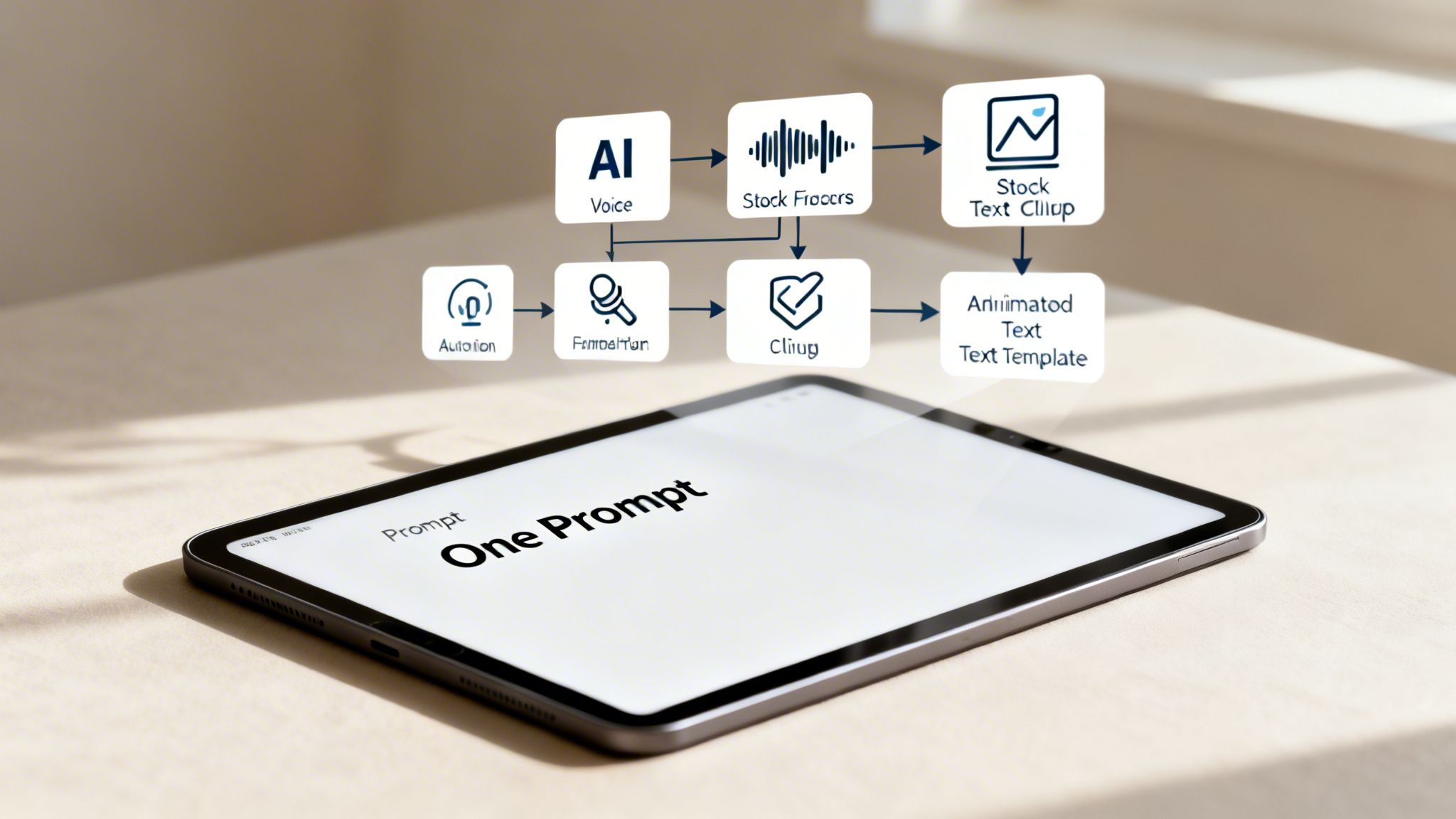
Breaking Down the Automated Video Pipeline
So, how does a block of text actually become a polished video? It happens through a series of connected steps, where the output from one system feeds directly into the next. The structured script you get from ChatGPT is the key that unlocks the whole thing.
Here’s what that pipeline looks like in action:
- AI Voice Generation: The system grabs the “Voiceover” column from your script and sends it straight to an AI voice generator. This tool instantly creates a natural-sounding audio track, completely skipping the need to book and record with a voice actor.
- Automated Asset Selection: Based on the “Visuals” column, the system searches a connected library of stock footage, images, or animations. It automatically finds and selects clips that match descriptions like “a busy office environment” or “a customer smiling while using a smartphone.”
- Dynamic Template Population: The “On-Screen Text” from the script is automatically dropped into pre-designed, branded video templates. This keeps every video looking consistent and professional without any manual design work.
- Final Video Assembly: The automation platform syncs the AI-generated voiceover with the chosen visuals and text overlays. It stitches it all together, adds some background music, and renders a final MP4 video file, ready to go.
The entire sequence—from script to final video—can be done in less time than it takes to drink a cup of coffee. It’s a fundamental shift in how businesses can create video content at scale.
A Practical Example: New Feature Announcement
Let’s walk through a real-world scenario. Your company is launching a new feature for its project management software called “Instant Insights.” You need a short, snappy video for your social media channels, and you need it fast.
Step 1: The Prompt
You give ChatGPT a detailed prompt: “Create a 45-second video script announcing our new ‘Instant Insights’ feature. Format it as a table with columns for Scene, Visuals, Voiceover, and On-Screen Text. The tone should be exciting and fast-paced.”
Step 2: The Script Output
ChatGPT delivers a perfectly structured script. Scene 2 might look something like this:
- Visuals: Animated graph showing project data being analyzed quickly.
- Voiceover: “Stop guessing and start knowing. Instant Insights automatically analyzes your project data to reveal key trends.”
- On-Screen Text: “Data-Driven Decisions”
Step 3: The Automated Workflow Kicks In
You feed this script into your integrated video platform. In a flash, the system:
- Sends the voiceover text to an AI voice engine.
- Pulls an animated data graph from its asset library based on the visual cue.
- Inserts the “Data-Driven Decisions” text into a branded lower-third graphic.
- Syncs the audio, visuals, and text together seamlessly.
This process repeats for every scene in the script. Within minutes, you have a professional, ready-to-publish announcement video.
To see this in action, you can learn more about the power of no-code video automation and how it empowers teams to create amazing content without technical roadblocks. When you build this kind of workflow, using ChatGPT for business becomes less about writing and more about orchestrating a powerful video creation engine.
Connecting ChatGPT with AI Video Generators
An AI-generated script is a fantastic starting point, but it’s still just text on a page. The real magic happens when you bring that text to life. This is where AI video generators step in, transforming a well-structured script into a dynamic, engaging video.
Think of it this way: these platforms bridge the gap between language and video. They turn ChatGPT from a powerful writing assistant into a core part of a much larger, more efficient content creation engine. Instead of handing a script to a video editor and waiting days for a draft, you can now feed it directly into a tool and get a finished video in minutes.
The Text-to-Video Ecosystem
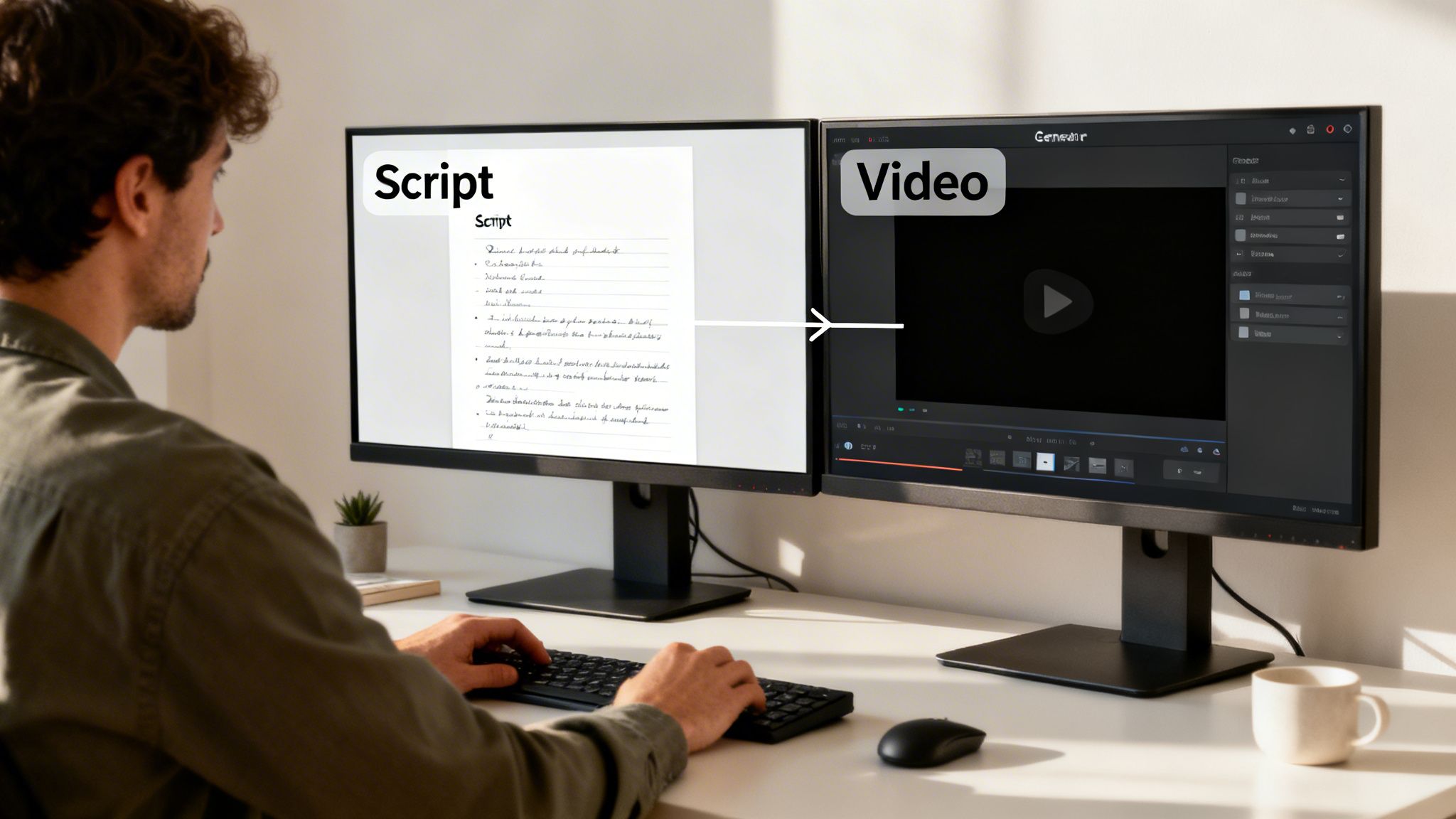
The modern content workflow doesn’t treat text and video as separate, isolated tasks anymore. AI video generators are designed to understand the structured output from models like ChatGPT. They use scene descriptions, voiceover text, and on-screen notes as direct instructions to automate the entire production process.
This ecosystem is made up of a few key tools working in harmony:
- AI Voice Synthesizers: These tools grab the narration column from your script and generate a surprisingly natural-sounding voiceover. You can often choose from multiple languages and accents.
- Automated Scene Builders: Based on the visual cues in your script, these platforms can pull relevant clips from huge stock footage libraries or even create custom animations on the fly.
- Branded Template Overlays: You can pre-load your company’s branding—logos, specific color palettes, and fonts—into templates. This ensures every video that comes out is perfectly on-brand and consistent.
When you connect these pieces, you create a seamless pipeline. A simple ChatGPT prompt becomes the first domino that sets the entire video creation process in motion.
How It Works in Practice
Let’s make this real. Say your marketing team needs a quick promotional video for a new product feature. The workflow is refreshingly straightforward:
- Generate the Script: You give ChatGPT a detailed prompt, and it spits out a script perfectly formatted with columns for visuals and narration.
- Input the Text: You copy and paste this script directly into an AI video generator.
- Automate and Customize: The platform gets to work. It reads the script, generates a voiceover, picks or creates visuals for each scene, and slaps on your brand’s visual identity.
- Review and Export: You watch the auto-generated video, make any minor tweaks you want, and export the final MP4 file.
This whole process cuts out so much of the friction and cost that traditionally comes with video production. A tool like Wideo’s AI Video Generator, for example, is built specifically for this. It takes text inputs, like a script from ChatGPT, and turns them into slick animated videos complete with AI-generated voiceovers and your own branding.
And this isn’t just a niche trend. 92% of Fortune 500 companies now integrate ChatGPT into their workflows, showing just how mainstream this has become. In the car industry alone, 9% of customers use ChatGPT in their buying journey, which could unlock an estimated $243 billion in financial impact. Imagine a car dealership using this workflow to create personalized video promotions for every customer.
To really get a feel for the broader landscape of generative video, it’s worth exploring the various AI tools that convert text into video. By connecting these powerful platforms, businesses can finally scale their video content in a way that just wasn’t possible before.
Your Action Plan for Adopting AI Video Workflows
Making the jump to an AI-driven video workflow is about more than just buying new software. It’s about building a solid, repeatable system. Moving from idea to execution can feel like a huge leap, but a clear plan makes all the difference. This roadmap is built for marketing, sales, and content leaders who are ready to put these strategies into action.
The real goal here is to create a process that empowers your team to produce high-quality, on-brand video consistently. A good rollout is all about smart planning, targeted training, and measuring what actually matters right from the start.
First Things First: Define Your Video Goals and KPIs
Before you even think about writing a prompt, you need to know what winning looks like. Every department will have different aims for their videos. If you just wing it, you’ll get messy, inconsistent results. Clarity is everything.
Start by setting clear, measurable goals for each type of video you plan to create:
- For Marketing: Is the main goal to generate leads, build brand awareness, or explain a product? Your key performance indicators (KPIs) could be click-through rates, video completion rates, or conversions from a video CTA.
- For Sales: Are you trying to book more meetings or just speed up the sales cycle? Track things like reply rates on personalized video messages and how many demos get booked from your video emails.
- For HR and Training: Is success measured by better employee onboarding scores or helping people get up to speed on new software faster? Keep an eye on quiz results from training videos and the time it takes for new hires to become productive.
Build a Reusable Prompt Library
Consistency is what allows you to scale your content without losing quality. Your single most valuable asset in this new workflow will be a library of pre-approved, high-performing prompts. This ensures every video script—no matter who on the team creates it—sticks to your brand guidelines and strategic goals.
A well-designed prompt library doesn’t just save time; it codifies your brand’s voice and video strategy, making excellence the default standard for everyone on your team.
Your library should have templates ready to go for different situations:
- A 60-second social media ad script.
- A 3-minute product explainer video structure.
- A personalized sales pitch script for different customer personas.
- An internal training module outline.
Each template should have placeholders for specific details, but the core structure—the right tone, formatting commands, and reminders about brand voice—should already be baked in.
Select Your Tech Stack and Train Your Team
Once you have your goals and prompts sorted, it’s time to pick your tools. Your tech stack should feel like a seamless bridge, taking you from a text prompt to a finished video. It’s all about smooth integration.
Your ideal stack will include:
- A Large Language Model: This is your script and story generator—think ChatGPT.
- An AI Video Generator: You need a platform that can take that text and automatically turn it into a video. For example, you can feed AI-generated text directly into a tool like Wideo’s AI Video Generator, which is designed to convert scripts into animated videos complete with voiceovers.
- A Central Asset Library: This is your home base for brand assets, logos, and approved footage that the video generator can easily pull from.
With the tools in place, run focused training sessions. Don’t just show your team what the tools do; show them how they work together. Give them hands-on practice with the prompt library and set up a straightforward review process. This way, you can maintain quality without slowing everyone down. By following this plan, you’ll successfully turn ChatGPT into a scalable engine for creating fantastic video content.
Got Questions? We’ve Got Answers.
Moving from just typing prompts into ChatGPT to actually creating videos at scale can feel like a big leap. It’s natural to have a few questions about how it all works in practice. Here are some straight answers to the things we hear most often.
Can ChatGPT Really Write a Good Video Script?
Yes, but it’s not magic. The quality of the script you get out is a direct reflection of the quality of the prompt you put in.
If you just ask it to “write a marketing video,” you’ll get something bland and generic that you can’t use. The trick is to treat ChatGPT like a junior scriptwriter who needs a solid creative brief. To get a powerful first draft, you need to give it clear directions.
A great prompt should include things like:
- Who the video is for and what problem they’re trying to solve.
- What you want the video to achieve (like getting sign-ups or explaining a feature).
- Your brand’s tone of voice (e.g., “be professional but approachable,” or “witty and energetic”).
- How long the video should be and what the call-to-action is.
- Instructions to format the script in columns for scenes, visuals, and the voiceover text.
Give it that level of detail, and ChatGPT is brilliant at spitting out well-structured, creative scripts that your team can then quickly polish up for production.
How Do We Keep Our Brand Voice Consistent Across All These Videos?
This is a big one. When you’re creating dozens or even hundreds of videos, making sure they all sound like you is crucial. The key is building your brand guidelines right into your prompting strategy.
A great way to start is by feeding ChatGPT examples of your existing marketing copy that you feel perfectly nails your brand voice. You can then save these instructions as part of a reusable prompt template. For instance, a prompt could kick off with, “Adopt the persona of a witty and energetic brand strategist…” This gives the AI clear guardrails to work within.
The best approach we’ve seen is creating a shared library of pre-approved prompt templates for your whole team. This way, whether the script is for sales, marketing, or HR, it always reflects your company’s personality. And of course, a final human review is always the last step to ensure everything is spot on.
Is This Process Totally Automated, Or Do We Still Need People Involved?
The idea is to automate at scale, but smart human oversight is what keeps the quality high and the strategy on track. This isn’t about replacing people; it’s about shifting their time to more valuable work.
Automation is perfect for the grind—the repetitive, time-sucking parts of video creation, like churning out first drafts of scripts or sourcing stock footage. This frees up your team to focus on what humans do best:
- Setting the video strategy: Deciding what videos need to be made and why.
- Crafting the master prompts: Providing the core creative and strategic direction.
- Reviewing and refining the final cut: Adding that last bit of polish and making sure the message hits home.
Basically, you’re automating the manual labor so your team can focus on being creative and strategic. It’s how you scale your video output without watering down the quality.
Ready to turn those AI-generated scripts into professional, engaging videos? Wideo makes it incredibly simple. You can transform any text into a polished animated video in just a few minutes with our powerful, user-friendly platform. See how it works over at the Wideo AI Video Generator.
Related posts:
 Unlocking AI Performance in Modern Video Creation
 From Manual Handoffs to Automated Video: A Practical Guide to AI Workflows
 Beyond Dashboards: A New Way to Compare AI Platforms for Scalable Communication
 The New Face of Conversational AI: Why Video is the Voice of the Future
 How AI Assistants Accelerate Team Video Creation
 How Financial Brands Use an AI Video Maker to Build Trust


