Ever feel like animation is a skill reserved for artistic geniuses with years of training? Let’s bust that myth. Today, making animations is an incredibly accessible and powerful tool for marketers, creators, and designers—anyone with a story to tell. It’s less about wrestling with complex software and more about following a clear, creative process.
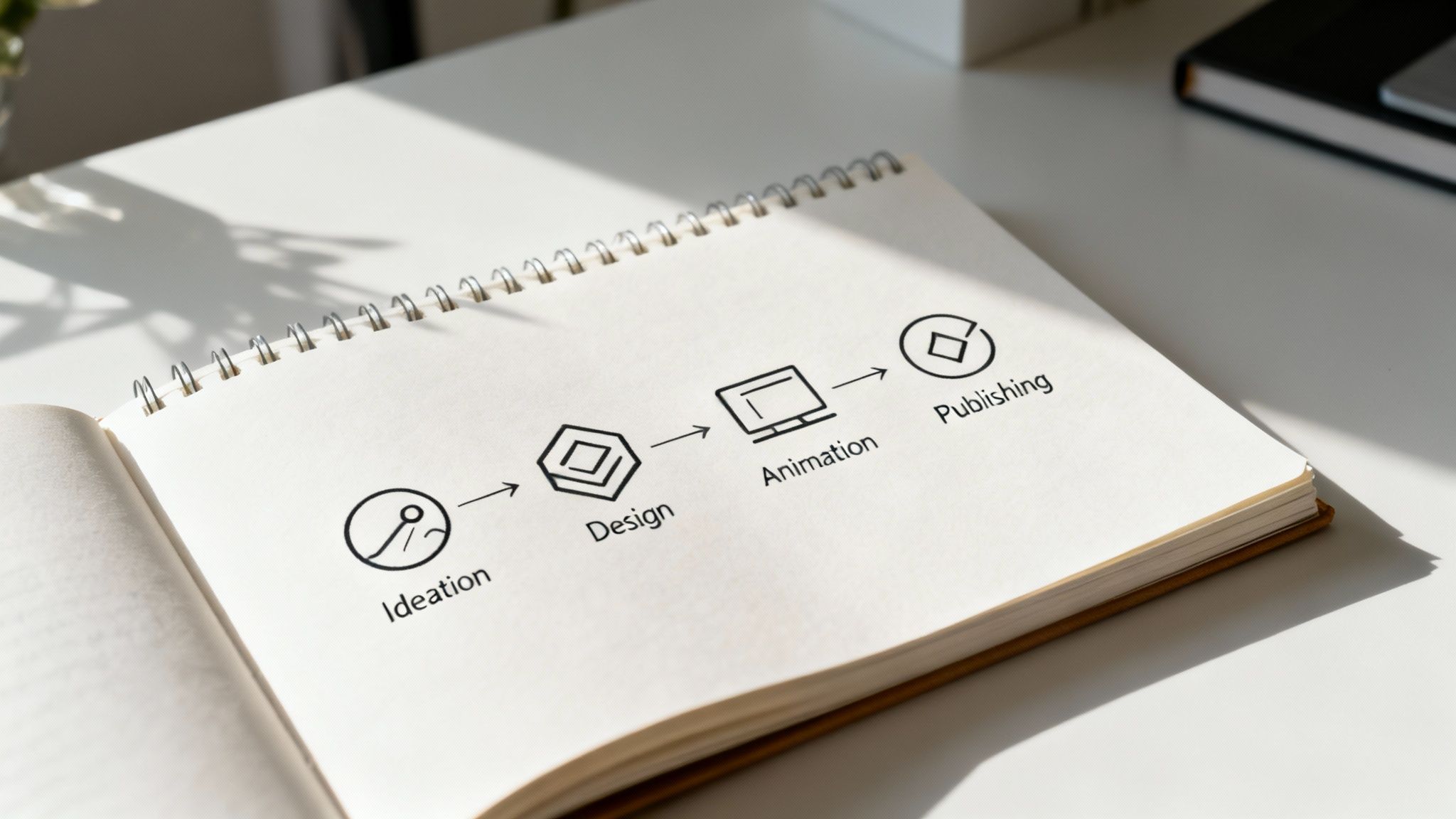
This guide is your roadmap. We’ll walk through four practical stages: Ideation → Design → Animation → Publish & Iterate. Forget dense technical tutorials. We’re focusing on the strategic decisions, creative inspiration, and practical steps that turn a spark of an idea into a polished, compelling animation.
Why Animation Is Your Secret Weapon
Animation has officially moved from the movie screen to the mainstream. The reason is simple: it works. Short animated videos can simplify complex ideas, hold a viewer’s attention in a crowded feed, and make your message stick.
Think about these common uses:
- Micro-Explainers: Breaking down a product feature in a quick, 30-second video.
- Animated Intros: Adding a professional polish to your existing video content.
- Looping Social Animations: Creating those thumb-stopping posts for Instagram or LinkedIn.
This versatility has fueled incredible demand. The global animation market is massive, and a huge driver of this growth is accessible computer-generated animation. You can dig deeper into these animation industry statistics if you’re curious, but the takeaway is clear: this is a skill worth learning.
Think of animation as a problem-solving tool. Whether you’re launching an app, educating a team, or building a brand, a well-crafted animation can convey your message with a clarity and impact that static content just can’t match.
Stage 1: Ideation — Your Creative Blueprint
Every great animation starts with a story, not software. This is the planning phase, where you build the blueprint for your entire project. Getting this right saves countless hours of headaches later. It’s all about turning a fleeting thought into a structured plan before you touch a keyframe or timeline.

Here, you nail down the big questions: What’s the core message? Who am I talking to? What feeling do I want them to walk away with? A simple narrative arc—a clear beginning, middle, and end—is your best friend.
Finding Your Narrative Core
Even a 15-second social media clip needs a story. It doesn’t have to be a Hollywood blockbuster; it just needs a purpose. The goal is to move the viewer from point A to point B, whether that’s from being uninformed to informed, or from mindless scrolling to clicking “buy now.”
Take a simple explainer video for a new app:
- Beginning: Introduce a relatable problem (e.g., your files are a chaotic mess).
- Middle: Present your app as the hero that solves it (e.g., one-click organization).
- End: Show the happy outcome and a clear call-to-action (e.g., a clutter-free digital life, so “Download Now!”).
This framework provides clarity and ensures your animation has a point. It’s the best way to avoid the common trap of making something that looks pretty but says nothing.
The most effective animations are built on a single, compelling idea. Resist the urge to cram too much information into one piece. Your goal is to deliver one message memorably, not ten messages forgettably.
From Idea to Visuals: Sketches & Moodboards
Once your narrative is locked down, it’s time to visualize it. This pre-visualization step is critical. Two of the most powerful tools for this are moodboards and storyboards.
- A moodboard is a visual collage that sets the tone. Gather colors, fonts, character styles, and images that capture the look and feel you’re going for. You’re not creating final assets yet—you’re defining a consistent visual language.
- A storyboard is a comic-strip version of your animation. Map out each key scene with simple sketches and add notes about the action, dialogue, or on-screen text. No, you don’t need to be an artist. Stick figures work just fine.
The magic of a storyboard is its ability to reveal pacing problems or gaps in your story before you’ve sunk any time into animating. If you’re new to this, a detailed guide on how to create a storyboard can break the process down. A few hours here will give you a clear blueprint that makes the rest of the process smoother and more creative.
Stage 2: Design — Crafting Your Visual World
With a solid concept in hand, it’s time to become a visual architect. This is where you define the look and feel of your animation. Every color, font, and shape should work together to support your core message.

Don’t worry, you don’t need to be a seasoned illustrator. The goal is to build a visually consistent world that feels intentional. In the fast-paced world of digital content, simple, clean designs often have the biggest impact.
Establishing Your Visual Language
Your animation’s visual language is built on a few key pillars: color, typography, and iconography.
- Color Palette: Colors evoke emotion. A bright, vibrant palette feels energetic, while muted tones might convey seriousness. Start with two or three primary colors and a couple of accent shades to keep things cohesive.
- Typography: The fonts you choose say a lot. A clean, sans-serif font feels modern and is easy to read, making it perfect for explainer videos. The absolute key here is readability and consistency.
- Icons & Characters: Your icons and shapes should share a consistent style. Using simple geometric forms and maintaining a uniform line weight is a simple trick that instantly makes things look more polished.
Scene Composition and Focus
How you arrange elements on screen is just as important as the elements themselves. Good composition guides the viewer’s eye, ensuring they focus on what matters.
One of the most powerful tools here is negative space—the empty area around your subjects. Don’t be afraid to leave parts of the screen blank! This breathing room prevents visual clutter and makes your key messages pop.
When you add text, composition becomes even more vital. Kinetic typography, or animated text, can be an incredibly engaging way to tell a story. If text is a core part of your project, it’s worth exploring some foundational techniques. You can learn the essentials in this guide on how to animate text to really make your words move with purpose. This style is surprisingly versatile—for instance, learning how to create a karaoke or lyric video relies almost entirely on timing text with audio.
A great design isn’t just about what you add; it’s about what you intentionally leave out. Simplicity is a powerful tool for communication.
Stage 3: Animation — Choosing Your Playground
You’ve designed your visual world. Now for the fun part: making it move. This is where many people freeze, picturing a maze of complex software. The good news? You have more options than ever, and picking the right one is about matching the tool to your goal—not mastering one single program.
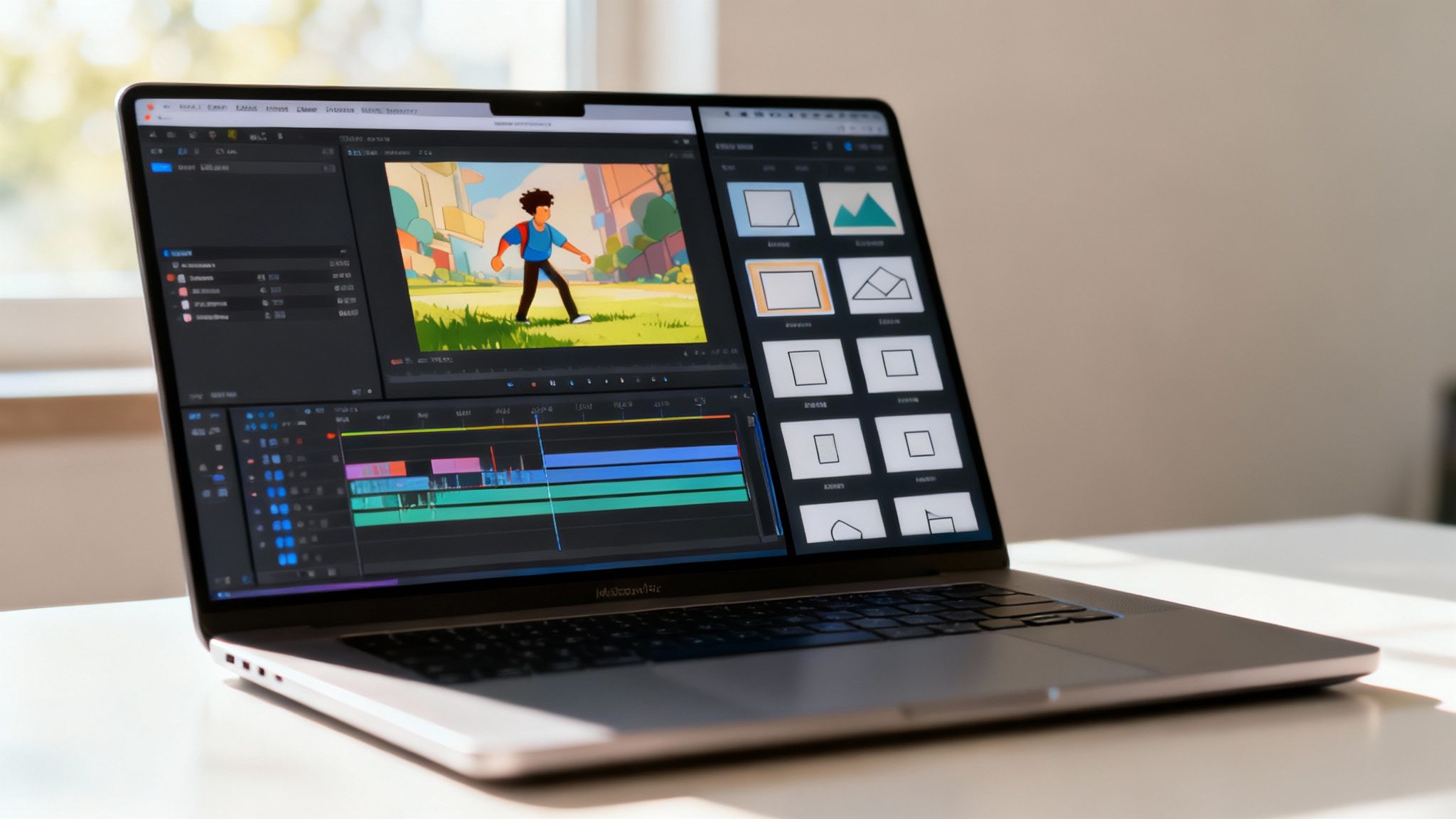
Different Animation Methods for Different Goals
The world of animation tools really boils down to a few approaches.
- Timeline-Based & Keyframe Animation: This is the traditional method where you manually set keyframes—the start and end points for every movement. It gives you absolute control, perfect for bespoke character animation and detailed motion graphics.
- Template-Based Animation: These tools are built for speed. They come loaded with pre-animated scenes, characters, and effects that you can customize. You drag, drop, and edit existing assets instead of building every movement from scratch.
Your choice of tool shapes your workflow. Keyframing is like building a car from parts—you control everything, but it requires deep knowledge. Using a template is like leasing a high-performance car—you get where you’re going quickly and in style.
Matching the Method to the Mission
So, which path is right for you? It depends on your project. A great way to get a feel for this is to explore modern online animation software, where you’ll find options that fit every need.
Here’s a quick breakdown of which animation styles work best for common goals:
- 2D Flat & Motion Graphics: Perfect for bringing data to life, creating slick title sequences, or visualizing abstract ideas. Think animated charts, flowing lines, and dynamic text.
- Simple Character Loops: Gold for social media. A character waving or reacting creates an instant human connection that stops the scroll. Template-based tools excel here, offering huge libraries of characters with pre-built actions.
- Typography-Based: When your message is the star, making the text itself move is a powerful tactic. This is super effective for promos, lyric videos, and quotes. It’s also one of the most accessible styles for beginners.
For anyone just learning how to make animations, template-driven platforms are a fantastic starting point. They strip away the steep learning curve, letting you focus on what matters: storytelling and timing. And for seasoned pros? They’re a secret weapon for creating high-quality content on a tight deadline.
Stage 4: Publish & Iterate — From Render to Reality
Hitting “done” on your animation is a great feeling, but your journey isn’t over. Now it’s time to turn that project file into a polished, high-performing asset. This last stage is about handling the technical side of exporting and, just as importantly, embracing the power of feedback and refinement.
Rendering and Export Decisions
The format you pick boils down to one simple question: where is this animation going to live? Each platform has its own playbook.
- MP4: The king of video formats. If you’re uploading to YouTube, Vimeo, or embedding on your website, MP4 offers the best balance of quality and file size.
- GIF: Perfect for short, looping animations on social media or in email newsletters. GIFs are universally supported but can have large file sizes, so keep them short and sweet.
- Lottie (JSON): An advanced option for web and mobile apps. Lottie files are incredibly lightweight and scalable, ideal for UI elements like animated icons or loading screens.
Once you’ve chosen a format, think about optimization. For a YouTube video, exporting at 1080p is a solid standard. For a website background, you might prioritize a smaller file size to keep load times snappy. Always test your final file on its intended platform to see how it performs in the wild.
The Power of the Feedback Loop & Iteration
Your first version is rarely your final one. The secret to great work is the feedback loop. Share your animation with a few trusted colleagues or friends and ask for specific, honest feedback.
Don’t just ask, “What do you think?” Ask pointed questions like, “Was the core message clear?” or “Did any part feel too slow?” This gets you actionable advice you can actually use.
Iteration is what fuels creativity. Take that feedback and create a new version. Maybe you need to adjust the timing on a transition or simplify a scene so the message hits harder. This cycle of refining and versioning is what separates pros from amateurs. It’s how you ensure your animation not only looks fantastic but also nails its strategic goal.
For creators who need to get quality content out quickly, juggling this whole workflow can be a headache. This is where an all-in-one platform makes a world of difference. For instance, Wideo’s animated video solution provides an intuitive editor and simple export options, letting you focus more on creativity and less on the technical weeds.
Ready to stop wondering and start creating? With a clear roadmap, the right tools, and a focus on storytelling, you have everything you need to start making animations today. Explore an animated video maker and bring your ideas to life.