

Forget the hype around AI-generated text and code. The real, scalable, and impactful revolution for marketing, growth, and content teams is happening in video. Generative AI tools are no longer just novelties; they are powerful engines for creating personalized, on-brand video content at a scale once unimaginable. This shift fundamentally alters how businesses connect with audiences, enabling strategies that were previously too complex or expensive to execute.
This guide cuts through the noise to focus exclusively on how these tools solve the biggest bottleneck in content strategy: producing high-quality video quickly and efficiently. We will explore how generative AI transforms video from a costly, time-consuming project into an automated, repeatable asset. Imagine generating customized sales outreach videos from CRM data, creating hundreds of localized ad variations in minutes, or automating new-hire onboarding with consistent, engaging content.
This is not a broad list of every AI tool available. Instead, we’ll examine the platforms that are making scalable video a reality. We’ll explore systems that turn simple scripts into professional animated videos, accelerate production workflows, and enable personalized messaging across all your channels. Get ready to see how AI-powered video is the most practical and valuable business application of generative AI today.
1. Wideo: The Scalable Video Creation Engine
Wideo stands out as a powerful and accessible generative AI tool focused on streamlining video production for business users. It excels by merging a user-friendly, template-driven editor with a suite of AI capabilities designed to eliminate traditional production bottlenecks. This platform is engineered for teams in marketing, HR, and sales who need to create professional animated videos and presentations quickly, without requiring specialized video editing skills.
What makes Wideo a featured choice is its practical application of AI to solve real-world business challenges. Instead of focusing on abstract AI models, it delivers concrete tools that accelerate content creation from start to finish. This approach empowers organizations to produce high-volume, on-brand video content that would otherwise be too slow or costly to create.
Key Strengths and Use Cases
Wideo’s primary advantage lies in its automation and scalability features. The platform is not just about making a single video; it’s about enabling repeatable, data-driven video strategies.
- AI-Powered Content Generation: Users can instantly convert text to video by turning blog posts or scripts directly into editable scenes. The platform’s AI handles the initial heavy lifting of storyboarding and scene creation.
- Scalable Personalization: For enterprise users, Wideo’s API and automation tools can generate thousands of personalized videos. A car dealership, for example, could send unique video messages to customers based on their vehicle model and service history.
- Rapid Production Workflow: With hundreds of industry-specific templates (from e-commerce to real estate), a drag-and-drop interface, and AI voice generation, a marketing team can produce a promotional video in minutes, not days.
- Corporate & HR Communication: The platform is ideal for creating consistent internal communications, onboarding materials, or training videos, complete with AI avatars to deliver scripted messages.
Platform Details
- Best For: Marketing agencies, corporate trainers, non-profits, and any organization needing to scale video content efficiently.
- Pros: Exceptional speed and ease of use, robust AI and automation features for scalable campaigns, and enterprise-ready options like a Video API.
- Cons: Not suitable for advanced, frame-by-frame video editing or complex visual effects. Enterprise-level pricing for automation features may require direct sales consultation.
- Pricing: Offers a free trial option along with scalable plans for individuals, teams, and enterprise clients.
- Website: https://wideo.co
2. Runway: The AI Creative Suite for Video Ideation
Runway positions itself as a creative suite for artists and marketing teams, offering a powerful array of browser-based generative video, image, and audio tools. It moves beyond simple text-to-video, providing a platform for rapid creative iteration and video ideation. For teams looking to produce experimental marketing content or quickly visualize concepts for campaigns, Runway’s multiple generative models and video-focused tooling offer an accessible yet sophisticated solution.
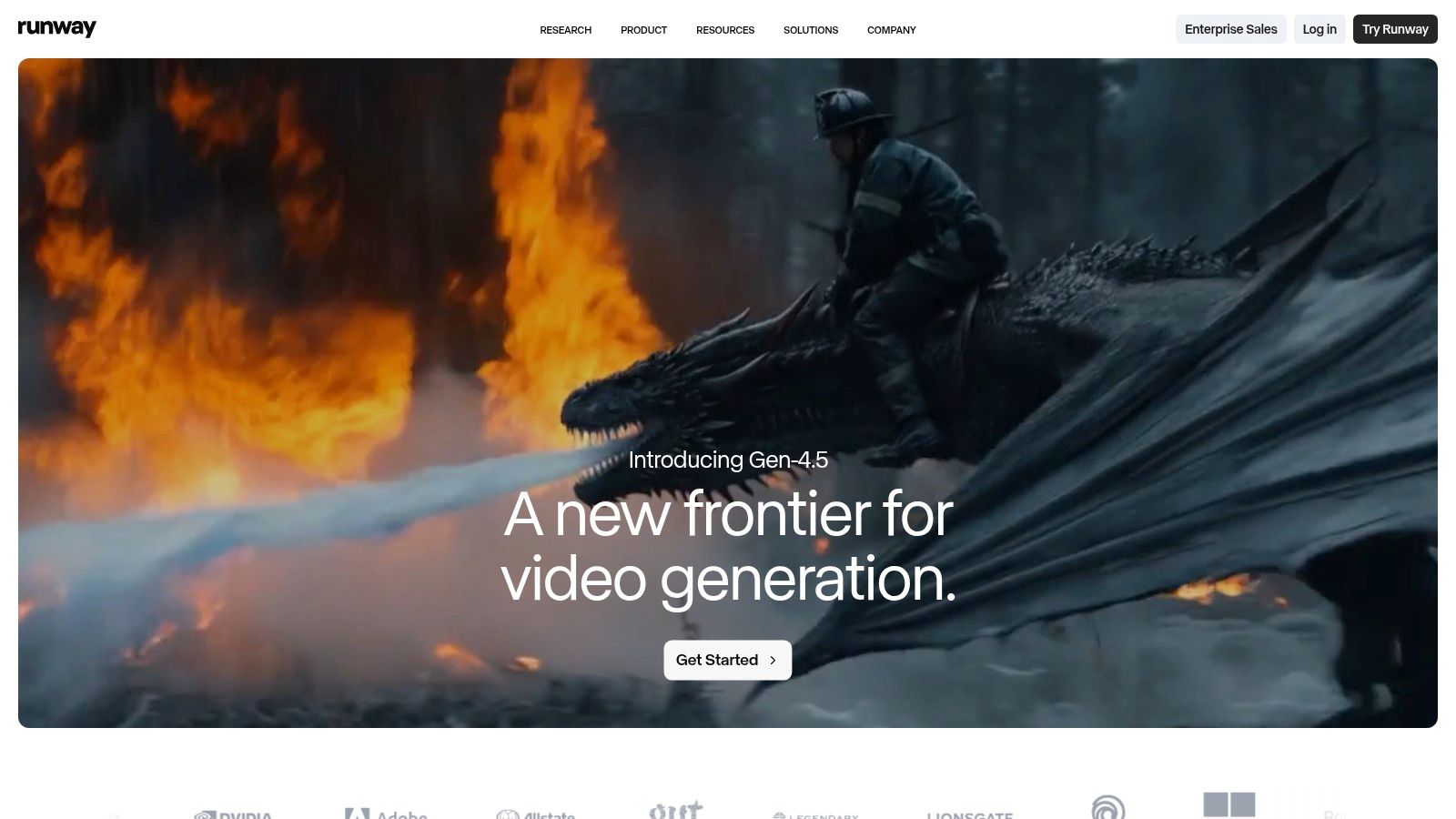
The platform’s strength is its focus on rapid iteration, supported by a credit-based system that gives clear cost breakdowns for each generative action. This transparency is crucial for marketing agencies managing client budgets or enterprise teams tracking project expenses. For those exploring how to make videos using AI, Runway provides the tools to move from a basic idea to a stylized video clip in minutes. The availability of enterprise credit controls and API access also makes it a scalable choice for integrating generative video into larger workflows.
Key Features & Use Cases
- Generative Video Models: Access multiple models (like Gen-3 Alpha) for text-to-video, image-to-video, and video-to-video generation.
- Rapid Creative Iteration: Use “Explore” modes on higher plans for unlimited, lower-resolution experiments before spending credits on final renders.
- Video-Focused Tooling: Utilize features like motion brush, camera controls, and character consistency to direct and refine AI-generated video content.
- API & Enterprise Controls: Integrate Runway’s models into custom applications and manage team usage with enterprise credit controls and SLAs.
Pricing & Access
| Tier | Price | Key Features |
|---|---|---|
| Basic | $0 | Limited credits, basic video editor, standard assets |
| Standard | $12/user/month | More monthly credits, 1080p exports, AI Magic Tools |
| Pro | $28/user/month | Higher credit allocation, unlimited projects, advanced tools |
| Enterprise | Custom | Custom credit packages, API access, team management |
Pros & Cons
- Pros: Rapid iteration for video ideation with clear model-level cost information, and offers enterprise-grade credit controls and support.
- Cons: The credit-based billing can be confusing without careful tracking, and credit rounding (e.g., to 5-second increments) requires attention for budgeting.
Website: https://runwayml.com
3. OpenAI: The Foundation for Video Pre-Production
OpenAI serves as a foundational layer for countless generative AI applications, offering both a polished consumer-facing product in ChatGPT and a robust API for developers. While known primarily for text generation, its multimodal models (like GPT-4o) are pivotal in the video creation process, handling everything from scriptwriting and concept ideation to generating voiceover narration from a simple text prompt. This makes it an indispensable tool for marketing teams looking to streamline pre-production workflows.
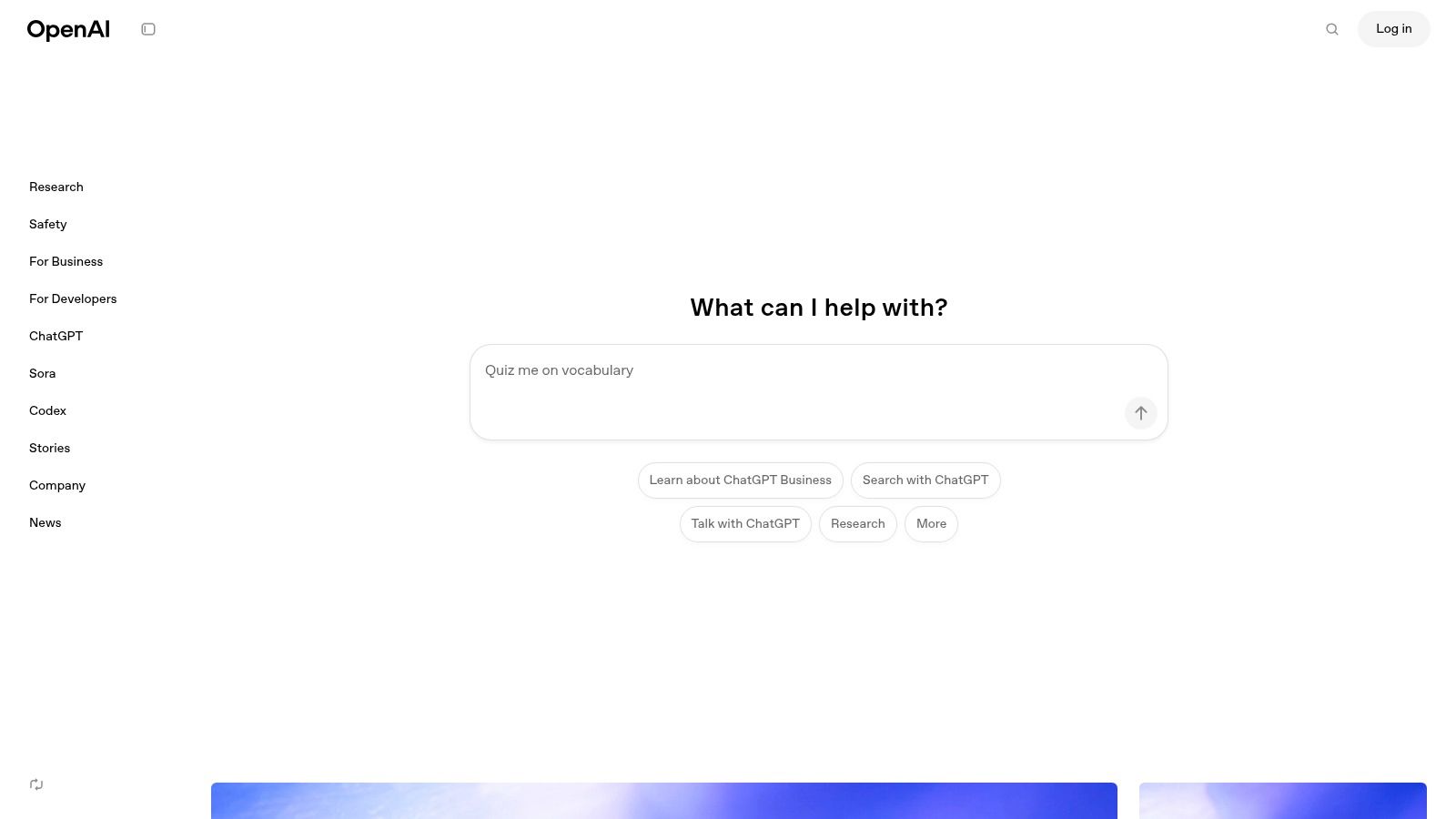
The platform’s strength lies in its market-leading model performance and versatility. For a marketing agency, this means using ChatGPT to quickly draft multiple video script variations for A/B testing or leveraging the API to build custom tools that automate content generation. The clear, per-token pricing for the API allows for scalable use, from small experiments to enterprise-level deployments. A high-quality video starts with a compelling script, which is where OpenAI excels.
Key Features & Use Cases for Video
- Script Generation: Use natural language prompts to create compelling video scripts for marketing campaigns, tutorials, or internal communications.
- Voiceover Narration: Leverage its text-to-speech API to produce natural-sounding audio for video projects without hiring voice actors.
- Content Ideation: Brainstorm video concepts, taglines, and storyboards for various target audiences, from fintech marketers to HR coordinators.
- Developer API: Integrate powerful language and audio models directly into custom video creation and automation workflows.
Pricing & Access
| Tier | Price | Key Features |
|---|---|---|
| Free | $0 | Access to GPT-3.5, standard model access |
| Plus | $20/user/month | Access to GPT-4o, advanced tools, higher usage limits |
| Team | $25/user/month | Higher message caps, admin controls, team workspace |
| API | Metered (Pay-as-you-go) | Per-token pricing across different models |
Pros & Cons
- Pros: State-of-the-art model capabilities, extensive documentation for API users, and wide third-party integration support.
- Cons: Primarily focused on text and audio generation, not a complete video creation solution. Pricing can become complex across different models.
Website: https://openai.com
4. Midjourney: High-Fidelity Visuals for Video Storytelling
Midjourney is a premier image generation service renowned for producing highly artistic and stylistically consistent visuals from text prompts. While its core function is image creation, these high-fidelity outputs are invaluable for the video production pipeline, serving as concept art, storyboards, or background assets. For marketing teams, this means quickly generating unique, on-brand visuals for video ads or social media content without expensive photoshoots, establishing a consistent aesthetic from the start.
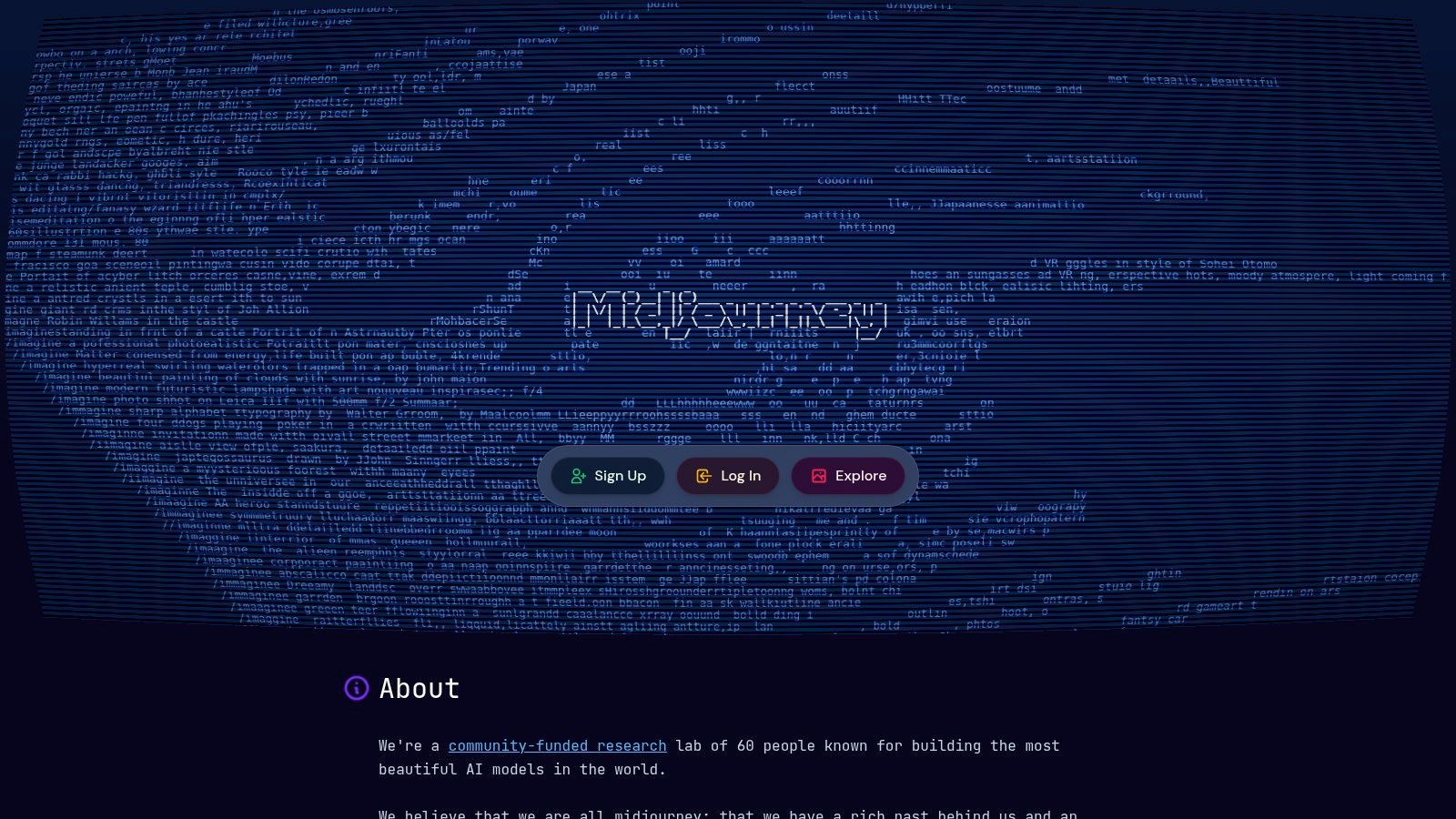
The platform’s strength lies in its exceptional output quality and vibrant community, accessed primarily through Discord and a dedicated web interface. Users can iterate on visual concepts rapidly, making it ideal for brand exploration and mood boarding before committing to a video’s art direction. Its newer video generation features are also emerging, allowing short clips to be created from still images, further bridging the gap between static art and dynamic video content. This makes it one of the most versatile generative AI tools for visual ideation.
Key Features & Use Cases for Video
- Concept Art & Storyboarding: Create detailed scenes and character concepts to visualize a video’s narrative and style before production.
- Video Backgrounds & Assets: Generate high-resolution, unique backgrounds or specific visual elements for use in animated explainers or marketing videos.
- Aesthetic & Style Consistency: Develop a distinct visual identity for a campaign and apply it consistently across all generated assets.
- Image-to-Video Generation: Animate still images to create short, dynamic video clips, perfect for social media or ad interstitials.
Pricing & Access
| Tier | Price | Key Features |
|---|---|---|
| Basic | $10/month | 3.3 hours/month of fast GPU time, General commercial terms |
| Standard | $30/month | 15 hours/month of fast GPU time, Unlimited Relaxed GPU time |
| Pro | $60/month | 30 hours/month of fast GPU time, Stealth Mode for privacy |
| Mega | $120/month | 60 hours/month of fast GPU time, Highest concurrency |
Pros & Cons
- Pros: Industry-leading image quality and artistic interpretation, strong community for inspiration, and emerging video capabilities.
- Cons: Not a full video editor; requires integration with other tools for complete video production. The GPU-hour credit system can feel restrictive.
Website: https://www.midjourney.com
5. Adobe Firefly: Integrated Visuals for Creative Workflows
Adobe Firefly brings generative AI directly into the established creative workflows of designers and marketers, positioning itself as a commercially safe and deeply integrated set of tools. Its models are trained on licensed content, offering enterprise indemnification and making it a trusted choice for creating brand assets. For video creators, Firefly is essential for generating custom background images, vector graphics for animations, or textures that can be incorporated into larger video projects, all within the familiar Adobe ecosystem.
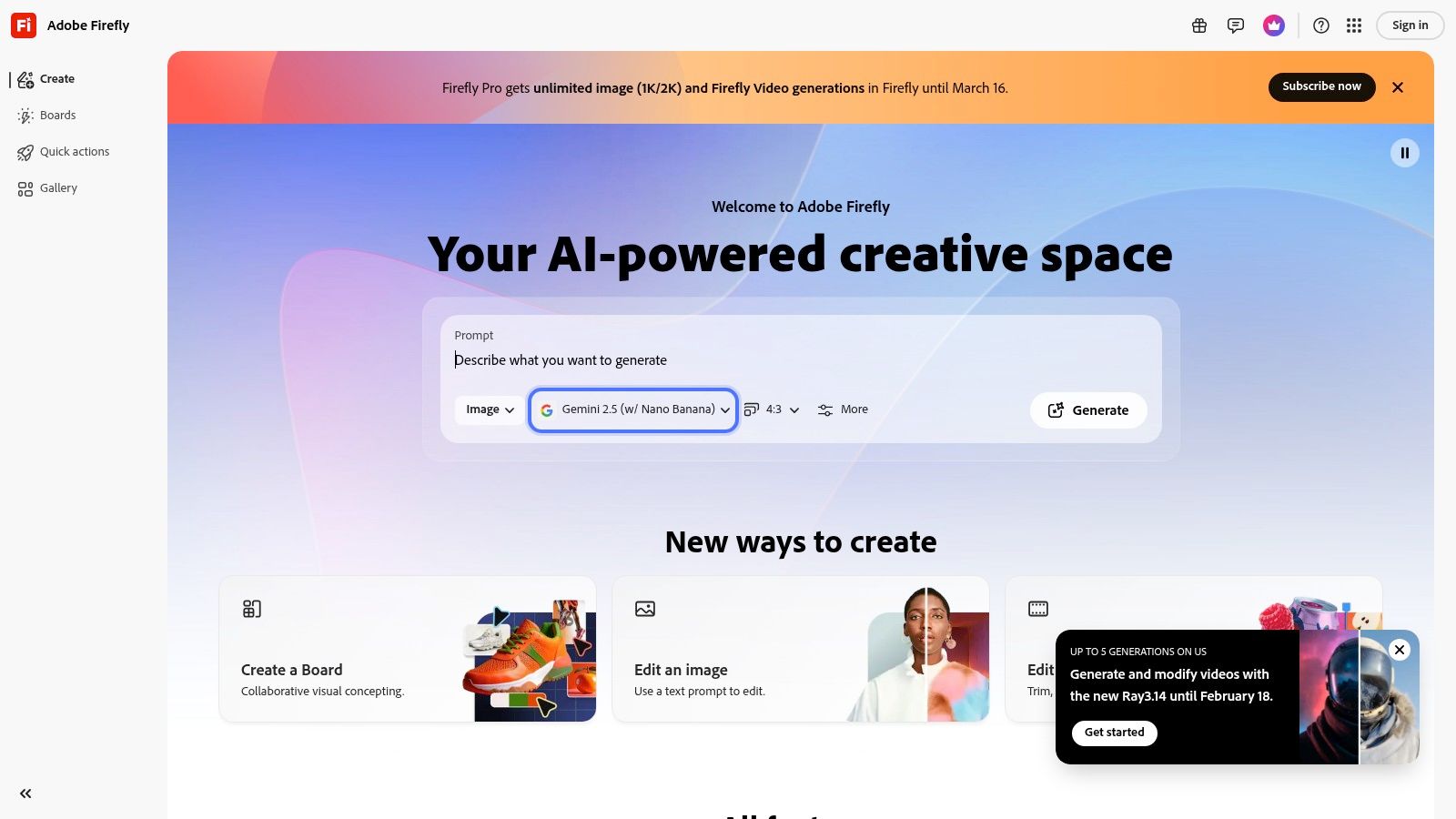
The platform’s core advantage is its seamless integration into applications like Photoshop, Illustrator, and Adobe Express. This allows marketing teams to use Generative Fill to extend video thumbnails, create unique vector art for animated explainers, or apply text effects without leaving their primary design software. This integrated approach dramatically accelerates the creation of visual components needed for high-quality video production, from concept art to final graphical overlays.
Key Features & Use Cases for Video
- Generative Fill in Photoshop: Extend backgrounds, add objects, or remove elements from still images used in video thumbnails and scenes.
- Text to Vector Graphic: Create scalable vector art from simple text prompts in Illustrator for use in animated logos and motion graphics.
- Text to Image Generation: Produce high-quality, commercially-safe images and art in the standalone Firefly app for use as video backgrounds or storyboards.
- Creative Cloud Integration: Access generative AI features directly within the tools your team already uses, streamlining the asset creation workflow for video.
Pricing & Access
| Tier | Price | Key Features |
|---|---|---|
| Free Plan | $0 | 25 generative credits per month |
| Premium Plan | Starts at $4.99/month | 100 generative credits, no watermarks, Adobe Fonts |
| Creative Cloud | Starts at $59.99/month | Includes Firefly features, 500+ generative credits, all CC apps |
| Enterprise | Custom Pricing | Enterprise-level features and IP indemnity |
Pros & Cons
- Pros: Seamless integration within the Adobe Creative Cloud ecosystem, and designed for safe commercial use with enterprise indemnification.
- Cons: Primarily focused on generating static assets for video, not video itself. The credit system can be confusing across different plans.
Website: https://firefly.adobe.com
Other Essential Resources for Video Teams
While the tools above are central to the video creation process, several other platforms provide the infrastructure and resources necessary to build a comprehensive AI-powered video strategy.
- Anthropic (Claude): Ideal for deep script analysis. Its large context window allows you to upload extensive brand guidelines or market research to generate nuanced, on-brand video scripts. (https://claude.ai)
- Google Cloud Vertex AI: For enterprises on Google Cloud, this platform enables building custom video automation workflows by grounding powerful models like Gemini with your company’s proprietary data. (https://cloud.google.com/vertex-ai)
- Microsoft Azure (Azure OpenAI Service): Provides enterprise-grade access to OpenAI models within a secure Azure environment, perfect for teams needing to generate video scripts while adhering to strict corporate compliance. (https://azure.microsoft.com/pricing/details/cognitive-services/openai-service/)
- Amazon Bedrock (AWS): A unified service for AWS users to access various models for video pre-production tasks, integrating seamlessly with other AWS services for secure, scalable workflows. (https://aws.amazon.com/bedrock)
- Hugging Face: The go-to hub for open-source AI. Find and deploy specialized models for tasks like voice cloning or audio generation to incorporate into custom video pipelines. (https://huggingface.co)
- G2 – Generative AI Category: An essential research tool. Use it to read peer reviews and compare different AI video platforms before committing to a subscription. (https://www.g2.com/categories/generative-ai)
- AppSumo – AI Collections: A marketplace for discovering emerging AI video tools at a discount, allowing teams to experiment with new technologies cost-effectively. (https://appsumo.com/collections/features/ai/)
Your Next Step: From Exploring Tools to Executing a Video Strategy
We’ve journeyed through a focused landscape of generative AI tools, all pointing to one clear conclusion: the most immediate and powerful application of AI for business is video creation. The barrier to producing high-quality, engaging, and personalized video content has been effectively dismantled.
The days of cumbersome production schedules, expensive shoots, and static, one-size-fits-all videos are numbered. As we’ve seen, the true revolution isn’t just about generating a single video clip from a text prompt. It’s about building a scalable, automated video engine that fuels your entire communication strategy. This shift empowers every department, from HR creating onboarding series to marketing agencies launching personalized ad campaigns for dozens of clients simultaneously.
Making the Strategic Leap: From Tools to an Engine
The challenge now is moving from exploration to execution. Choosing the right tool is less about having the most features and more about finding the platform that best aligns with your team’s workflow and strategic goals. For most business users, this means prioritizing platforms that abstract away the complexity of AI models and instead offer an intuitive interface focused on results.
When evaluating generative AI tools for video, consider these critical factors:
- Scalability and Automation: Can the tool connect to your data sources (like a CRM or spreadsheet) to generate personalized videos in bulk? This is the key to moving from one-off projects to a continuous content pipeline.
- Ease of Use: Does the platform require technical expertise, or can your marketing and content creators start producing videos immediately? An intuitive, template-driven system will always yield a higher ROI through faster adoption and output.
- Brand Consistency: Look for tools that allow you to upload your brand assets, like logos, color palettes, and fonts. Generative AI should accelerate your brand’s voice, not dilute it with generic-looking content.
- Workflow Integration: The best tool is one that fits seamlessly into your existing processes. Consider how a platform integrates with the channels where you’ll distribute the videos, such as social media, email marketing platforms, or internal knowledge bases.
Your Path Forward: Building a Video-First Strategy
The ultimate goal is to stop thinking about video as a difficult, resource-intensive project and start seeing it as a flexible, dynamic communication medium. The right generative AI platform transforms video from a bottleneck into an asset that can be deployed quickly and effectively across the entire customer journey. For example, Wideo’s AI video generator is specifically designed to enable this shift, allowing teams to create professional videos from simple text prompts in minutes.
Embracing these technologies means you’re not just adopting a new tool; you’re adopting a new mindset. It’s a shift toward agile, data-driven, and deeply personalized communication. By selecting a platform that champions automation and ease of use, you empower your team to focus on what truly matters: crafting compelling narratives and building stronger connections with your audience. The era of scalable video is here, and the tools are ready for you to begin.
Ready to build your own scalable video engine without the technical hurdles? Wideo’s AI-powered platform is designed specifically for teams to create professional, on-brand videos quickly and efficiently. Start turning your ideas and data into compelling videos today at Wideo.
Related posts:
 Ai data processing: Practical strategies for pipelines, tools, and compliance
 Unlocking AI Performance in Modern Video Creation
 From Manual Handoffs to Automated Video: A Practical Guide to AI Workflows
 Beyond Dashboards: A New Way to Compare AI Platforms for Scalable Communication
 The New Face of Conversational AI: Why Video is the Voice of the Future
 How AI Video Automation Unlocks Trust and Scale for Financial Brands


