

For marketing professionals, video is no longer a “nice to have”—it’s the engine of modern communication. But the traditional, one-off production model is broken. It’s slow, expensive, and a major bottleneck that prevents brands from connecting with audiences in a timely, personal way. It’s time to shift your thinking: what if video wasn’t a project, but a system?
To truly automate video creation is to build an always-on, scalable video engine. This means moving away from manual editing and toward intelligent workflows that connect your business data to pre-designed templates. The result? You can produce consistent, on-brand, and even personalized videos at a scale previously unimaginable, redefining the economics of your entire content strategy.
Rethinking Video: From a Manual Project to an Automated System
For most marketing teams, the friction of traditional video production is a constant source of frustration. The long lead times, high costs, and operational headaches mean video is often reserved for high-stakes campaigns, leaving countless opportunities for customer engagement on the table.
The new paradigm is about transforming your video efforts from project-based chores into a powerful, automated system that runs 24/7, turning your existing data and content into a continuous stream of valuable assets.

From Manual Bottlenecks to an Always-On Engine
Imagine a video content engine that never sleeps. Instead of scripting, shooting, and editing every single video from scratch, you build smart, data-driven workflows that handle the heavy lifting. This shift isn’t about replacing creativity; it’s about liberating it. By automating repetitive tasks, you free your creative team to focus on what they do best: strategy, storytelling, and building an authentic brand identity.
This systemic approach allows you to weave video into every stage of the customer journey, from initial awareness to post-purchase delight.
By removing the friction of manual production, you can create a continuous flow of valuable content that nurtures leads, onboards new customers, and builds lasting loyalty—all without overwhelming your team.
What an Automated System Looks Like in Practice
An automated video system plugs directly into the tools you already use every day. It can connect to your CRM, e-commerce platform, or even a simple spreadsheet to pull data and dynamically insert it into beautiful, pre-approved video templates.
The benefits are immediate and tangible:
- Produce consistent, on-brand video at scale: Every video adheres to your brand guidelines, ensuring a cohesive experience.
- Personalize communication using real customer data: Deliver messages that feel genuinely relevant by leveraging information you already have.
- Reduce manual editing and production bottlenecks: Slash production times from weeks to minutes, freeing up your team for higher-impact work.
- Distribute video across channels more efficiently: Seamlessly push content to email, social media, ads, and owned properties.
To truly make this shift, it’s worth exploring strategies like how to build a profitable automated YouTube channel, turning content creation into a reliable, scalable engine. Platforms specializing in video automation provide the tools to make these workflows a reality. Taking a look at how they work can give you a much clearer picture of what’s possible.
How Automation Rewrites the Economics of Video Production
The impact of automating your video workflow goes far beyond just saving time. It fundamentally changes the financial and operational model of content creation, moving video from an expensive, high-effort asset to a scalable, cost-effective communication channel.
For years, the high cost-per-video has been a major roadblock. Traditional production is a resource-intensive process involving writers, designers, editors, and endless feedback loops. This makes every video a significant investment, forcing marketers to be incredibly selective about where and when they use it.
Freeing Your Creatives From Repetitive Work
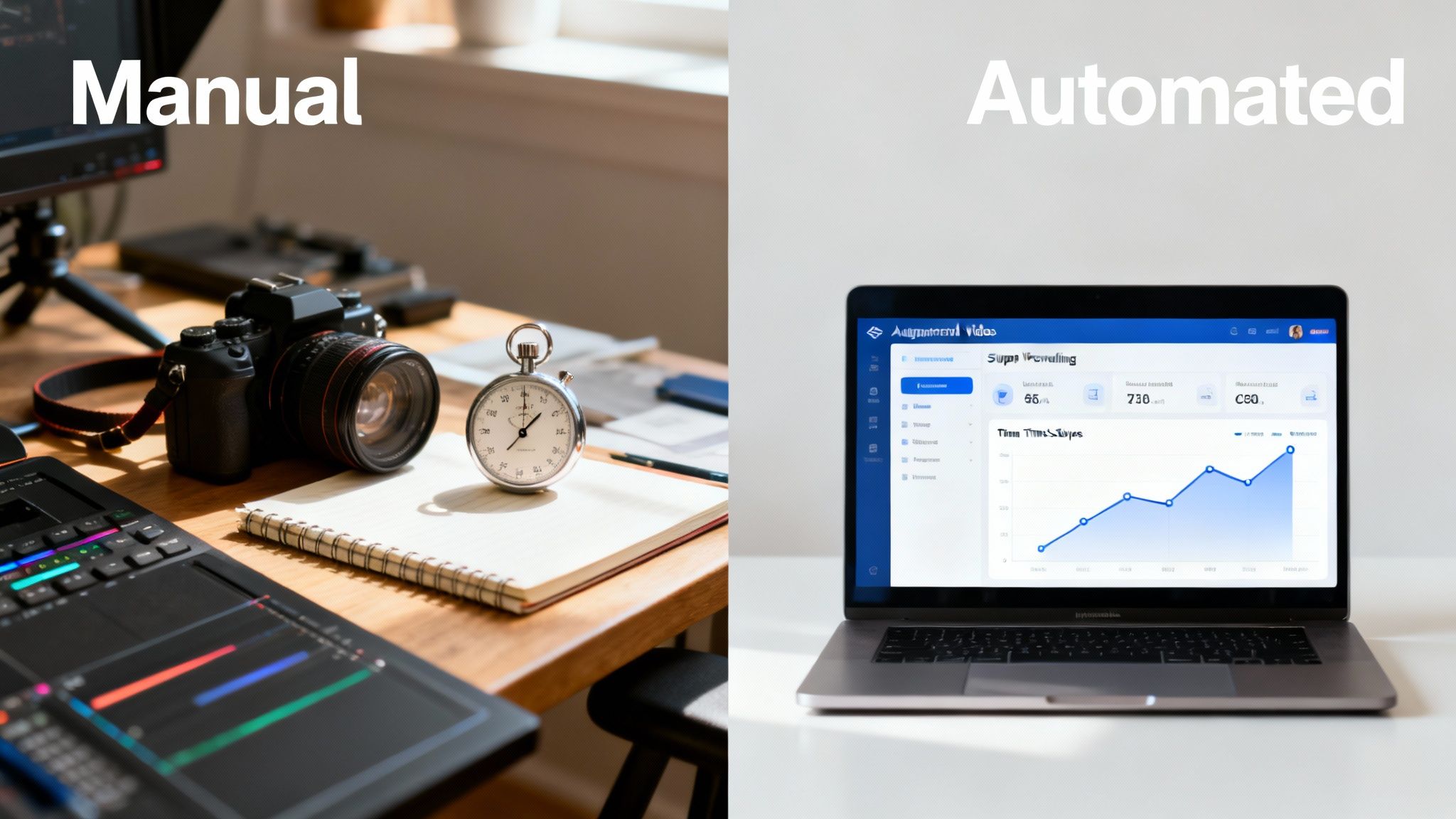
When you bring automation into the picture, that old cycle breaks. Your creative team gets to focus on what they do best: designing gorgeous, on-brand templates and crafting the core narratives you want to tell. The automation engine then takes over the grunt work—all the tedious, repetitive tasks like plugging in customer names, swapping out product images, or rendering videos in different sizes for social media.
This has a massive effect on team morale and output. Instead of getting bogged down in tiny edits, your best people are freed up to brainstorm the next big campaign.
Automation doesn’t replace creativity; it unleashes it. By handling the monotonous tasks, it gives your team the bandwidth to focus on storytelling and strategy, which are the things that truly connect with an audience.
The New Economics of Video Content
The numbers really speak for themselves here. When the cost of producing a single video drops dramatically, you can afford to do things that were previously out of reach. You can experiment with different messages, test new visuals, and deploy video across the entire customer journey—not just at the top of the funnel.
A video that might have taken your team weeks to produce can now be generated in a matter of hours. This efficiency completely changes the ROI calculation. Using an AI-powered video generator is what makes this new level of speed and scale possible, allowing you to create more content, faster, without sacrificing quality.
A Side-by-Side Comparison
To really drive the point home, let’s look at how the old and new ways of working stack up against each other. The table below paints a clear picture of the shift.
Comparing Traditional vs Automated Video Workflows
| Metric | Traditional Workflow | Automated Workflow |
|---|---|---|
| Turnaround Time | Weeks or months per video. | Minutes or hours for hundreds of videos. |
| Cost-Per-Video | High, often thousands of dollars. | Extremely low, pennies on the dollar. |
| Personalization | Impractical and expensive to scale. | Built-in capability; can generate unique videos for every customer. |
| Brand Consistency | Relies on manual checks; prone to error. | Guaranteed; every video is based on an approved template. |
| Scalability | Limited by team size and budget. | Virtually limitless; scales on demand. |
As you can see, this isn’t just a small improvement. It’s a completely different way of operating—one that’s built for the modern marketing world’s demand for speed, personalization, and efficiency. By adopting this approach, you give your team a serious competitive edge and turn video into a reliable system for building customer relationships at scale.
Building Your Automated Content Flywheel
When you start thinking about video as a system instead of a one-off project, everything changes. The real magic happens when you identify which types of content are perfect for an automated workflow. This is how you build a content flywheel—a self-powering cycle where one piece of content naturally feeds the next, creating constant marketing momentum with far less manual effort.
The goal isn’t just to churn out more videos. It’s about creating smarter, data-driven videos that reach your audience at exactly the right moment with the right message.

Transform Existing Content into Video Assets
One of the quickest wins with video automation is repurposing content you’ve already created. Your company is likely sitting on a goldmine of blog posts, whitepapers, and customer stories just waiting to be turned into engaging videos.
- Automated Explainer Videos: Have a top-performing blog post or a detailed support article? An automation platform can pull the key points from the text, find relevant visuals, and generate a voiceover to create a shareable animated explainer in minutes.
- Repurposing Webinars and Podcasts: A single hour-long webinar contains dozens of potential social media clips. Instead of a person manually slicing it up, an automated workflow can identify key moments, add branded graphics and captions, and export them in formats ready for TikTok, Reels, and Shorts.
Trigger Personalized Videos from Customer Data
This is where your video strategy becomes incredibly powerful. By connecting your video creation platform to your CRM or e-commerce data, you can generate one-of-a-kind videos for individual customers based on their behavior and profile.
- Automated Onboarding Sequences: Welcome new users with a video series tailored to their specific role or the features they’ve expressed interest in, guiding them toward success from day one.
- Data-Triggered Personalized Videos: Imagine an e-commerce customer abandoning their cart. An automated workflow could trigger a video showcasing the exact products they left behind, complete with a personalized message.
Imagine a new user getting a welcome video that doesn’t just use their name but also points out the specific features they’ve already shown interest in. That data-driven touch turns a generic onboarding message into a genuinely helpful and memorable experience.
To get your flywheel spinning predictably, a structured plan is key. Using something like a content marketing strategy template can help turn scattered ideas into a reliable growth engine.
Automate Reporting and Updates with Live Data
Why send a boring PDF report when you could deliver a dynamic video summary instead? With automation, you can connect directly to performance dashboards or analytics tools to generate real-time video updates.
- Dynamic Video Reports: An agency could send each client a weekly video that visualizes their campaign performance, pulling metrics directly from their analytics platform to tell a clear, compelling story of progress.
- Personalized Customer Updates: A fitness app could send users a monthly video celebrating their achievements—like miles run or workouts completed—by pulling data straight from their profile.
Scale Social-First Video Workflows
The demand for short-form video on social media is relentless. Automation is the only sustainable way to keep up without burning out your creative team. A smart social-first video workflow can take a single core video and automatically adapt it for every platform, resizing it for different aspect ratios and generating multiple versions for A/B testing. This allows you to maintain a constant, high-quality presence on key channels with a fraction of the manual work.
Connecting Data to Create Personalized Video at Scale
Once you have a system for automating content creation, the next level is connecting your workflows directly to your business data. This is where you move from producing content efficiently to producing hyper-relevant, personalized videos for every single customer.
This approach flips the script on video, turning it from a broadcast medium into a one-to-one conversation. It’s no longer about sending a single message to a million people; it’s about crafting a million unique messages for a million individuals, all generated automatically.

Humanizing Your Brand Through Data
It may sound counterintuitive, but using data and automation can make your brand feel more human, not less. When a customer receives a video that speaks directly to their needs, history, or preferences, it demonstrates that you’re paying attention. That level of personalization builds deep trust and drives engagement in a way generic content never could.
Consider these real-world scenarios:
- Airlines: An airline could send a post-flight summary video showing the passenger’s travel map, miles earned, and a thank-you message featuring their name.
- E-commerce: A retailer could deliver dynamic product recommendation videos based on a customer’s recent browsing history or past purchases, making suggestions feel timely and personal.
- SaaS: An onboarding sequence can be tailored to a user’s role or the features they’ve used most, offering relevant tips instead of a one-size-fits-all tour.
This strategy is quickly becoming essential. The market reflects this shift, with the AI video market’s explosive growth showing just how many businesses are deploying these tools for marketing and analytics. Discover more insights about the AI video market’s growth.
What Data Can You Use to Personalize Videos?
The possibilities are nearly endless, limited only by the data you collect. The key is to start with simple, high-impact data points and expand from there.
Common data sources for video personalization are right at your fingertips:
- CRM Data: Customer names, company names, job titles, or last purchase dates.
- E-commerce Data: Products they’ve viewed, items left in a cart, or loyalty program status.
- Analytics Data: Usage metrics from an app, progress toward a goal, or performance results.
- Event Data: Attendance at a webinar, a recent support ticket, or a subscription renewal date.
By connecting these dots, you move way beyond just dropping a name into a template. You can craft a narrative around that customer’s unique journey with your brand, making each video feel like a personal update, not a mass marketing blast.
Operationalizing Your Personalized Video Strategy
Getting started with data-driven video doesn’t require a team of developers. Modern automation platforms are built with marketers in mind, offering straightforward integrations with the tools you already use. Your first move should be to identify a clear use case where personalization can make a real difference.
For instance, a car dealership could automate follow-up videos for test drives, including the customer’s name and the exact car model they drove. A non-profit could send donors a thank-you video that dynamically shows the real-world impact their specific contribution made. These small, data-informed touches make a massive difference. For an even deeper dive, you can learn more about personalized video strategies in our detailed guide.
Putting Your Automated Video Strategy into Action
Let’s move from theory to implementation. Integrating an automation platform into your marketing stack is where you bridge the gap between a great idea on a whiteboard and a real-world, scalable video engine that works for you 24/7.
The right tools are designed to smash production bottlenecks, not create new ones. They empower your team to produce consistent, on-brand videos at scale and then distribute that content efficiently across every channel—from email and social media to paid ads and your own website.
Moving Beyond Manual Production for Good
The ultimate goal is to build a system where video creation is no longer a manual, time-consuming task. Instead, it becomes an automated outcome of your everyday marketing activities. When a new lead enters your CRM or a customer completes a key action, a relevant video should be generated and sent without anyone on your team needing to open an editing program.
This approach requires a platform built to handle business logic and connect with your existing data sources. It’s about more than just making a video; it’s about making the right video, for the right person, at the right time, automatically.
The core principle is simple: your team defines the creative strategy and builds the templates, and the technology handles the repetitive, high-volume execution. This division of labor is what makes scaling possible.
What to Look for in an Automation Platform
As you explore solutions, zero in on features that directly support a scalable, data-driven workflow. Not all video tools are created equal—many are built for one-off projects rather than the kind of systemic automation we’re talking about.
Look for a platform that offers:
- API Access and Integrations: The ability to connect directly to your CRM, e-commerce platform, or other data sources is non-negotiable for true personalization.
- Dynamic Templating: Your creative team should be able to design locked-down, on-brand templates where only specific elements (like a customer’s name or a product image) can be changed by the automation.
- High-Volume Rendering: The platform must be able to handle rendering hundreds or even thousands of unique videos in a short amount of time.
- Automated Distribution: The best systems don’t just create the video; they can also push it to different channels, like sending it via email or posting it to a social account.
Making It a Reality Without a Team of Developers
For many marketing pros, the thought of connecting APIs and setting up data-driven workflows sounds intimidating. But modern solutions are built specifically to put this power directly into the hands of marketers, not just developers.
For a practical example of how marketers can operationalize these ideas, platforms like Wideo’s video automation solution visualize the entire process. The screenshot below shows how a team can connect a data source, like a simple spreadsheet, to a video template with just a few clicks.
This kind of user-friendly interface proves that you don’t need to be a developer to launch these advanced workflows. By making the process visual and straightforward, these platforms turn the complex concept of video automation into an achievable, manageable process for your brand.
Common Questions About Video Automation
Jumping into any new system brings up questions. It’s natural to wonder about brand integrity, required technical skills, and how to measure success. Let’s address some of the most common concerns marketers have when they start to build a scalable video engine.
Will Automated Videos Feel Robotic and Hurt Our Brand?
This is the biggest—and most valid—concern. Nobody wants to replace their brand’s human touch with something that feels cold and impersonal.
A well-designed automated workflow does the exact opposite: it protects and scales your brand identity. Your creative team builds high-quality, on-brand video templates, locking in your brand’s colors, fonts, logos, and overall tone. The automation simply handles the repetitive work, like inserting a customer’s name or a specific product image.
The core creative vision remains firmly in the hands of your team. The tech executes the manual tasks, freeing you to deliver timely, personal messages that would be impossible to create one by one. A personalized “thank you” video after a purchase feels far more human than another generic mass email ever could.
How Much Technical Skill Is Needed to Get Started?
A few years ago, you might have needed a team of developers. Today, leading platforms are built for marketers, not engineers. They are designed with user-friendly, drag-and-drop interfaces and simple integrations. Connecting a data source like a Google Sheet or your CRM is typically a straightforward, one-time setup that the platform guides you through. Once the workflow is built, running it day-to-day requires zero coding.
What Is the Best Way to Start on a Limited Budget?
You don’t need a massive budget to get started. The smartest approach is to begin with a small, high-impact project that proves the concept. Repurposing existing content is a fantastic, low-cost first step.
- Pick a winner: Find one of your most popular blog posts or a recent webinar.
- Let the tool do the work: Use an automation platform to quickly generate short social videos or animated explainers from that content.
- Track the results: Monitor engagement, click-through rates, and traffic driven by these new assets.
This strategy leverages assets you’ve already invested in. Once you have data showing the ROI, you can build a strong case for a bigger budget to tackle more ambitious projects, like a full CRM-integrated personalization campaign.
How Do We Measure the ROI of an Automated Strategy?
Measuring the return on investment of automated video is often much clearer than with traditional production. Because each video’s creation is tied to a specific data trigger, you can draw a straight line from the video to a business outcome and move beyond fuzzy metrics like “views.”
- Personalized Sales Videos: Directly compare conversion rates and deal sizes between prospects who received a personalized video and those who didn’t.
- Automated Onboarding Sequences: Track key activation milestones, feature adoption, and churn rates to see how a video flow performs against your standard email sequence.
- E-commerce Product Videos: A/B test product pages to measure the direct impact on “add to cart” rates when a page includes an automated, data-driven video.
This direct link between deploying a video and a measurable business action makes it incredibly easy to prove the financial impact and justify the value of your automated video engine.
Ready to turn your video strategy into a scalable, always-on engine? The team at Wideo specializes in exactly that. Platforms like ours provide the tools to connect your data, build smart templates, and operationalize your vision. See how you can build your automated video workflow and start creating personalized content at scale.
Related posts:
 AI Productivity Isn’t About Speed. It’s About Eliminating Work.
 Your AI Analytics Are Smart. But Are They Understood?
 AI Integration A Practical Guide for Business Growth
 Ai data processing: Practical strategies for pipelines, tools, and compliance
 Unlocking AI Performance in Modern Video Creation
 Conquer ai challenges: Practical strategies to overcome common hurdles


