
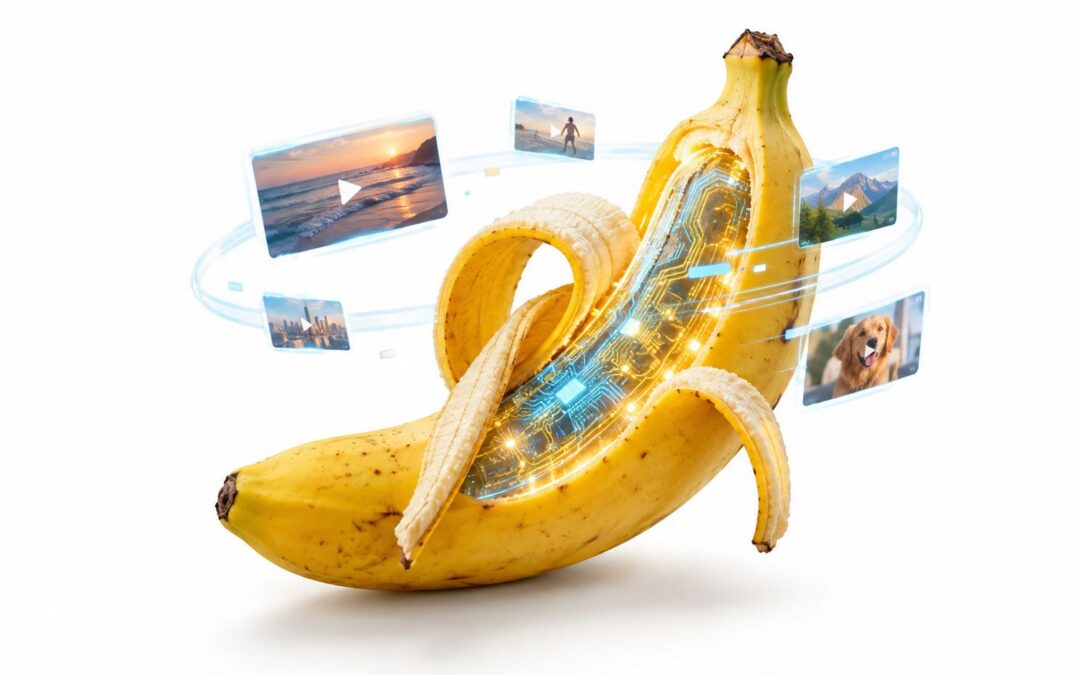
Nano Banana is Google’s image-generation model, technically known as Gemini 2.5 Flash Image, launched on August 26, 2025. It generates and edits images while maintaining consistency for a product, character, or composition across different scenes, which makes it a solid starting point for video production pipelines.
What Nano Banana Means for Video Creation
The name might sound like a novelty gadget or some internet meme, but the actual capability is more concrete than that. Google rolled out Nano Banana through the Gemini API, Google AI Studio, and Vertex AI as a model that generates visuals from text prompts and modifies existing images.
Picture it as a casting director who books the same actor for every scene. Say an ecommerce brand creates a model holding its product in a kitchen setting, then wants to place that same model outdoors or in a brief tutorial — the character and product stay recognizable instead of morphing into something entirely new with each prompt.
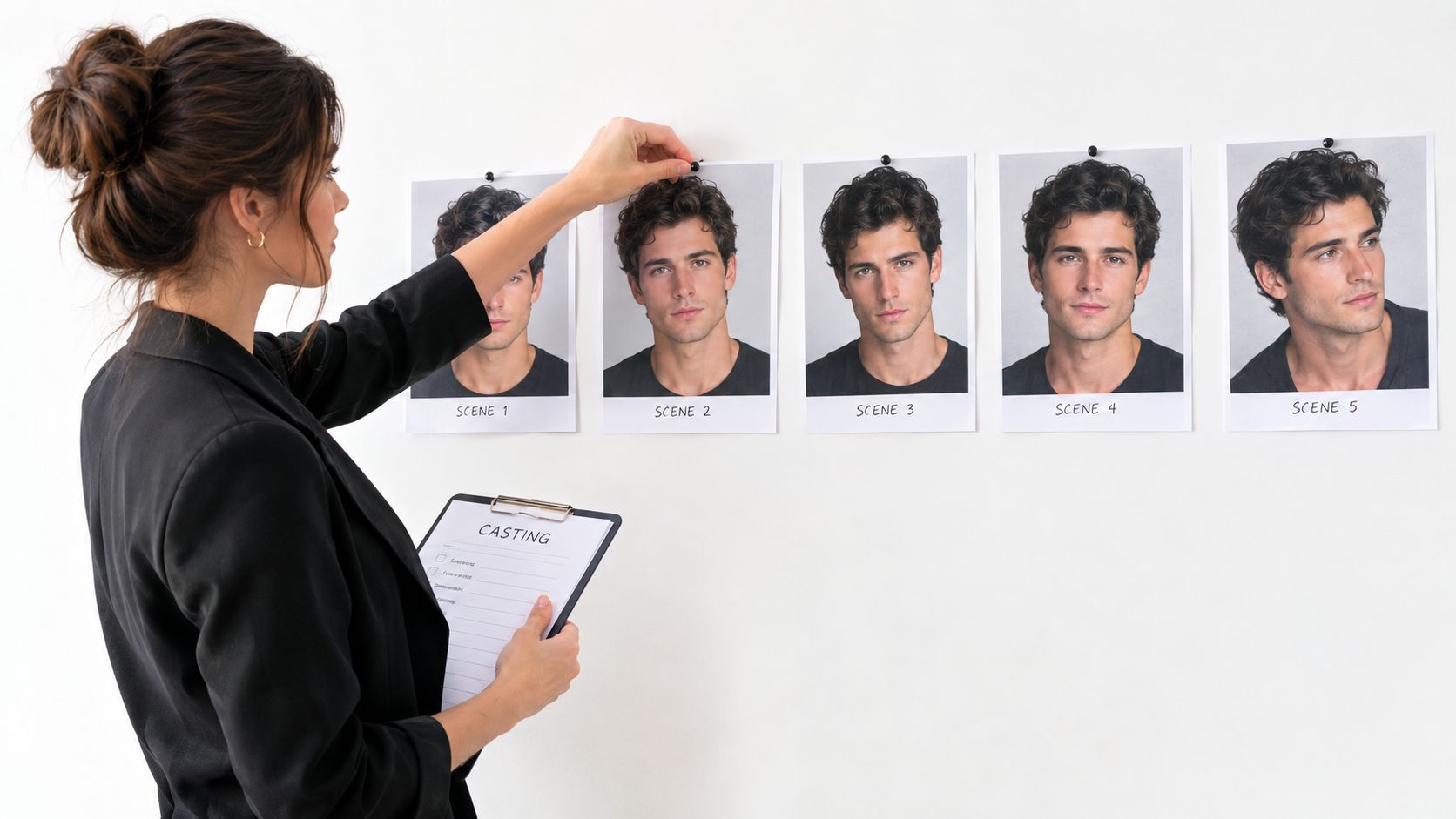
That kind of consistency pays off before animation even starts. A marketing team can use Nano Banana to prepare:
- Product scenes for ads, social posts, and product pages
- Brand characters for onboarding flows, educational content, and customer support
- Storyboard frames that give editors a reliable visual roadmap
- Scene backgrounds for presentations, training modules, and internal updates
Now, the image stage alone won’t produce a finished video. Motion, timing, transitions, voiceover, music, captions, and templates all require their own production steps. But controlled, consistent images give those steps something stable to build on.
Google’s naming convention has a wrinkle worth noting. According to Google’s official announcement, the research team refers to Nano Banana Pro as the newer Gemini 3 Pro Image model, while the original Nano Banana corresponds to Gemini 2.5 Flash Image. Nano Banana Pro brings higher-fidelity composition, stronger text rendering, more advanced editing controls, and output options up to 4K.
For commercial teams, the pricing shift matters. The original model comes in at $30 per million output tokens, which works out to roughly $0.039 per generated image. That kind of cost structure turns image creation into a routine production expense rather than something that requires a specialist every time.
Nano Banana doesn’t replace the video editor; it hands the editor consistent raw material to work with.
From there, teams can plug those images into repeatable templates and distribution workflows. For a hands-on walkthrough, check out how to make videos using AI and think of Nano Banana as the visual planning stage that sits before animation and final assembly.
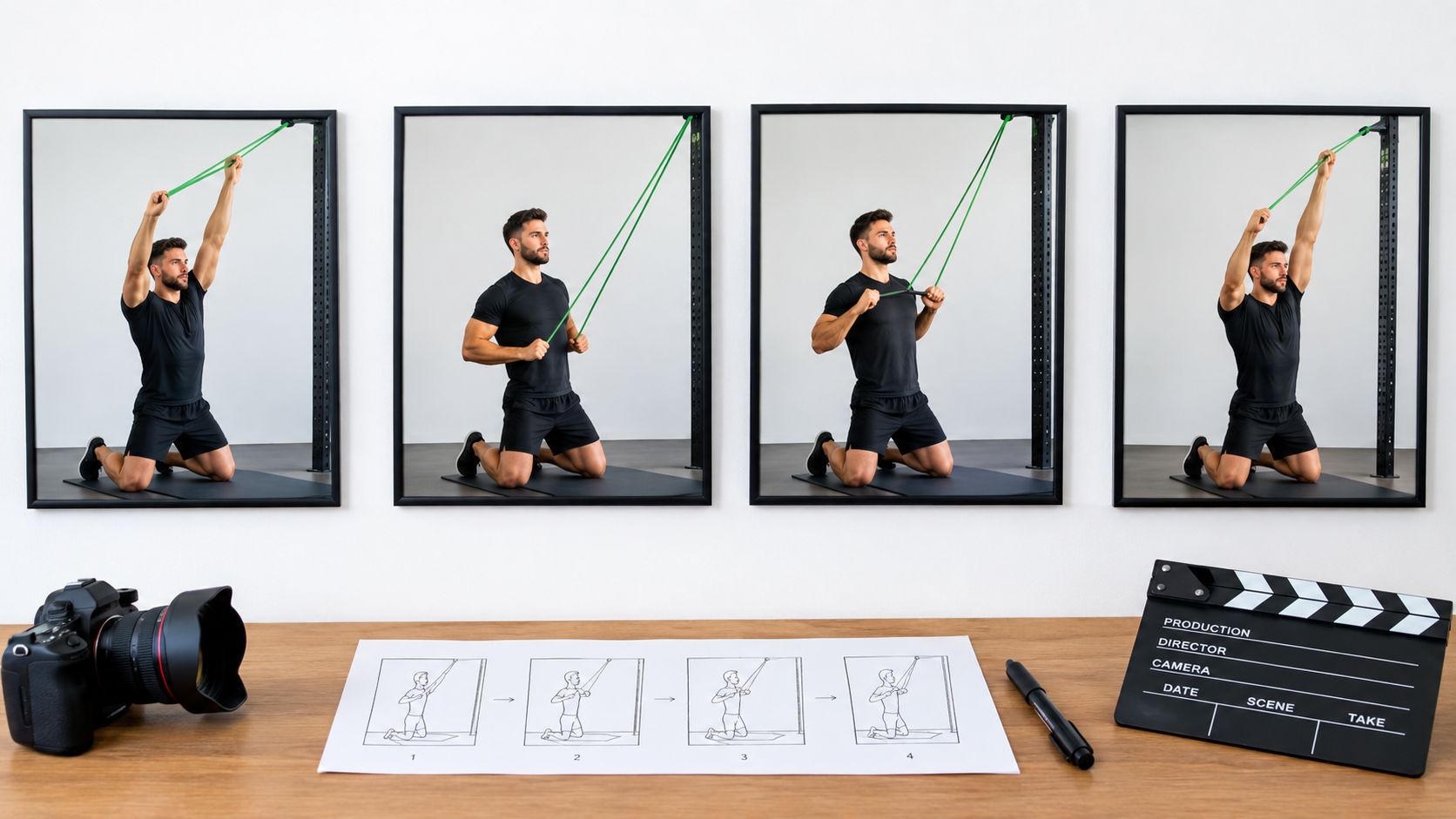
Imagine a stop-motion film where the lead actor changes clothes, face, and height between frames. Viewers notice instantly, and the story collapses. Nano Banana addresses this problem before animation even begins by creating controlled keyframes that lock in a stable visual identity for characters, products, and locations.
Why Keyframes Matter
AI-generated video often struggles with continuity. One frame might change a person’s clothing, alter a product label, shift the lighting, or rearrange furniture. Each image looks convincing on its own, but when those small changes stack up, the sequence feels broken.
A controlled image works like a casting director who hires the same actor for every scene. With Nano Banana, a team establishes a brand character, product angle, color palette, or room layout upfront, then generates related frames from that visual reference.
The image stage doesn’t create the finished audiovisual piece. It creates the visual agreement that lets the rest of the production hold together.
A SaaS company might prepare storyboard frames for an onboarding tutorial. An insurer creates consistent scenes explaining a claims process. Either way, those frames become reliable anchors for movement, captions, voiceover, and transitions.
From Static Frames to Dynamic Assets
The practical workflow is layered by design. The image model handles identity, composition, and visual direction. An editor or template system takes care of timing, animation, sound, text, and delivery. That separation keeps teams from expecting a single prompt to solve every production problem.
Think about an ecommerce brand showing the same product in a kitchen, gym, and travel setting — while preserving its shape and packaging across all three. Those images can feed into social ads, product-page scenes, email visuals, or storyboard panels for short clips.
Teams can then connect these assets to video automation workflows that reuse approved layouts and distribute variations without rebuilding every sequence from scratch.
A Repeatable Production Foundation
The same principle applies across education, travel, finance, and internal communications. A training department keeps one instructor character consistent across lessons. An airline maintains a recognizable destination style. A finance team reuses branded visual scenes for monthly stakeholder updates.
The result is a more repeatable pipeline: design the keyframes carefully, add motion through templates, record or generate narration, review the message, and publish the right format for each channel.
Nano Banana turns consistency into a design decision made early — not a problem discovered after animation has already consumed the budget.
Think of Nano Banana as the opening move, not the whole match. It generates controlled, single images of a product, character, or setting—giving your team a reliable visual foundation before the real production work starts.
Here’s the trap some teams fall into: they expect one prompt to spit out a finished campaign. Then they waste weeks wrestling with inconsistent faces, shifting product labels, clumsy motion, missing captions, and narration that misses the mark.
Smarter teams split the work into layers. Direction first. Then motion, timing, sound, copy, review, and distribution.
Controlled images nail visual continuity—they don’t magically assemble an entire audiovisual piece.
Where Nano Banana Helps
For an ecommerce brand, Nano Banana can render the same bottle in a kitchen, a gym, and a travel scene—keeping the shape and label instantly recognizable across all of them. Those frames become storyboard panels, social assets, or seeds for short product videos.
A training department might build a consistent instructor character that shows up across every onboarding lesson. An insurance team could prepare matching scenes for claims education. The image stage gives every department a shared visual reference point.
But here’s what still needs to happen after the images are approved:
- Motion — camera moves, character gestures, product animation
- Timing — scene duration, transitions, pacing
- Sound — narration, music, effects
- Templates — approved assets, captions, branding, and CTAs dropped into repeatable layouts
This boundary matters more than people think. A gorgeous still image doesn’t automatically become a compelling scene.
Build the Pipeline in Layers
A practical workflow looks like this: start with a prompt and reference images, move through approval, then feed selected frames into an editor or template system. From there, teams layer on voiceovers, captions, music, and channel-specific formats—without asking the image model to do everything at once.
For teams that need prompt-based images and AI footage assembled into repeatable productions, Wideo’s AI video generator offers a dedicated video workflow, though it doesn’t claim direct Nano Banana integration.
So a retailer can generate ten approved product scenes, drop them into a short-form template, and spin out versions for ads, email, and product pages from the same batch. The same approach supports customer onboarding, employee training, stakeholder updates, and lifecycle messaging.
Nano Banana gets everyone on the same visual page. Editing and templates turn that agreement into something you can actually ship.
The real value of Nano Banana shows up when a still image becomes the starting point for a repeatable production system. Instead of relying on a single prompt to deliver a finished campaign, teams can generate consistent products, characters, and settings, then layer in motion, narration, captions, and templates as separate steps.

Turn Product Concepts Into Campaign Assets
An ecommerce brand might lock in one approved product identity, then drop it into a kitchen, a gym, an office, and a travel scene. Those images can work as storyboard panels, social posts, background plates, or keyframes for short promotional clips.
A car dealership could generate consistent vehicle-promotion concepts across different models. An airline could visualize destination scenes before committing to a seasonal ad shoot. Each variation gives marketers more creative options without arranging a fresh photoshoot for every channel.
The image model controls visual continuity; the template controls how that continuity becomes a finished message.
Nonprofits can apply the same logic to fundraising artwork, adapting one campaign style across donor segments. Training teams can build illustrative onboarding scenes that walk through workplace procedures. Finance and insurance companies can develop recognizable characters for customer education materials.
Build Repeatable Visual Workflows
The strongest use cases tie image creation to an actual business process rather than treating it as one-off experimentation. A product catalog supplies names, colors, and features. Approved prompts preserve composition and brand direction across dozens or hundreds of assets.
Nano Banana can support:
- Customer acquisition, through varied campaign concepts aimed at different audiences.
- Employee training, through consistent scenes and instructional storyboards.
- Retention messaging, through recognizable characters appearing in lifecycle updates.
- Operational efficiency, through reusable visuals for recurring reports and announcements.
Nano Banana fits alongside other AI tools marketers already use for visual production. This AI marketing tools guide offers broader context on where it sits in the stack.
Move From Images to Video
A practical workflow starts with product or CRM data, feeds that information into a controlled template, triggers generation when records change or a campaign date arrives, and pushes approved clips out through email, social channels, or product pages.
For teams producing prompt-based images and AI footage at volume, Wideo’s personalized video workflows can assemble approved assets into repeatable productions, without claiming direct Nano Banana integration. The image stage still needs editing, voice, timing, music, and review before it’s ready to ship.
When every image is treated as a reliable keyframe, creative teams can test more ideas while keeping production manageable.
Nano Banana caught fire as a cultural moment just as much as an image model. Google reported that more than 10 million people jumped into the Gemini app within about a week of its August 26, 2025 launch, with most of them being new to Gemini, according to Google’s announcement of Nano Banana Pro.
The image creation numbers tell a similar story. Reports pointed to more than 200 million generated images shortly after launch, and broader figures crossed 500 million images by early September. Those aren’t just vanity metrics. They signal something real: people gravitate toward creative tools when the gap between an idea and a finished result feels almost nonexistent.
Fast creation reshapes expectations for every team that produces content for customers or employees.
Why Speed Matters for Video Teams
Picture a retailer who needs to turn one product concept into half a dozen social variations. Or a university building visual explainers across multiple departments. Or an airline dreaming up destination scenes for seasonal campaigns without flying a crew to every location.
That speed matters because the image stage feeds straight into a bigger production pipeline. A generated product shot can become a storyboard frame, a background plate, or a keyframe for a short animated clip, while templates layer in motion, captions, voiceover, and brand styling.
The same workflow supports customer acquisition, onboarding sequences, retention messaging, employee training, and stakeholder updates. When teams can spin up visual material fast, distribution becomes the next practical problem to solve — not an afterthought.
Build for Shareable Output
Those adoption numbers also explain why simple, repeatable workflows win. Users aren’t sitting around waiting for a long production cycle. They’re creating, reviewing, and pushing results out across social feeds, presentations, classrooms, and internal channels.
So a smart marketing team connects image generation to approved templates, review checkpoints, and channel-specific formats. What you get is a repeatable pipeline where creative experimentation happens early, while production and publishing stay controlled.
If you’re looking for concrete starting points, check out Wideo’s guide to video ideas for formats that turn static concepts into useful customer-facing or internal assets.
Is your creative pipeline built for the pace at which audiences now expect ideas to turn into shareable content?
An e-commerce team can think of Nano Banana as a controlled image stage rather than a finished campaign machine.
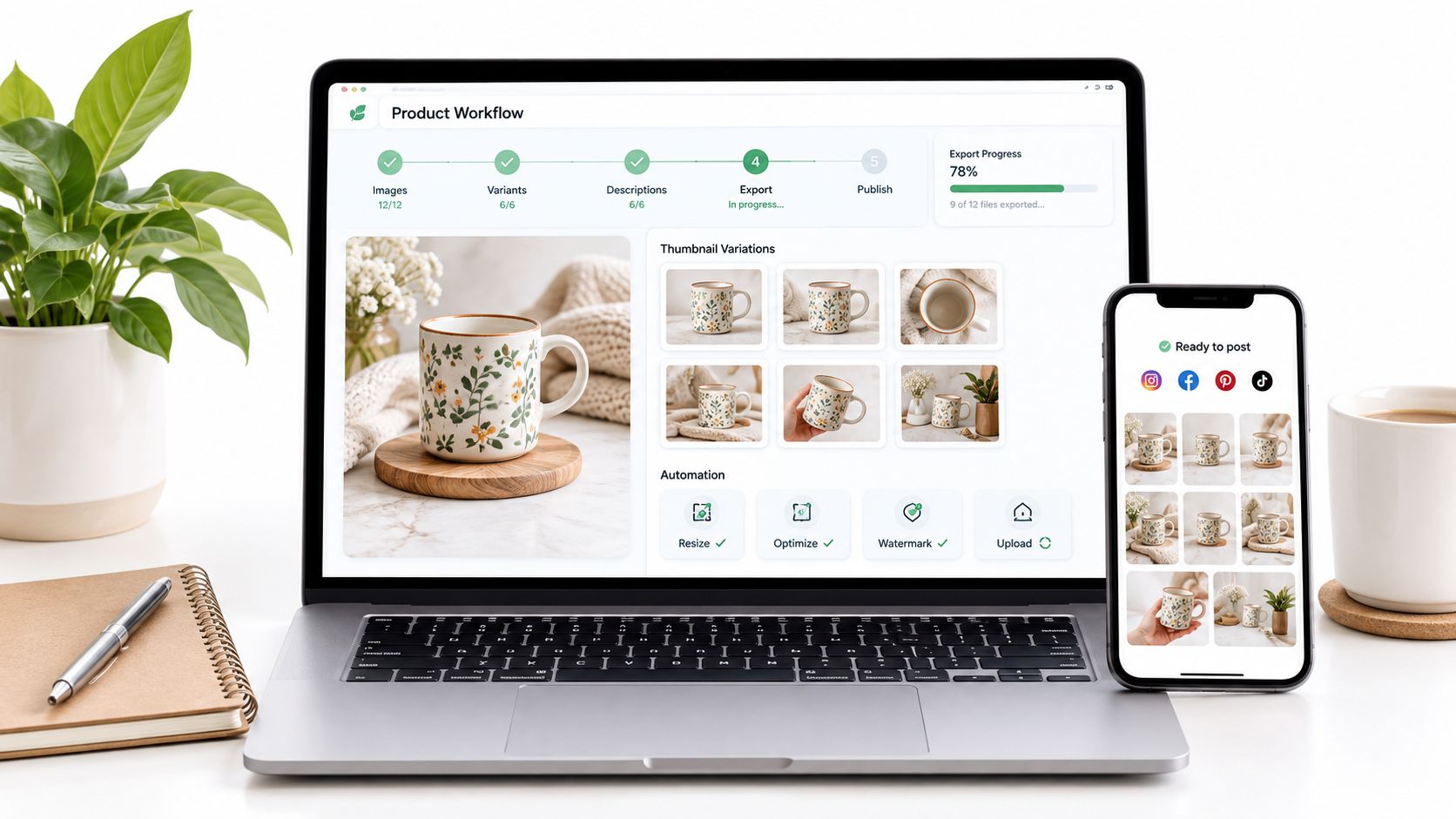
Picture a skincare brand launching a new serum across social media, email, and product pages. The catalog feeds in product names, packaging details, benefits, colors, and approved claims, while prompt templates place that same bottle in a bathroom, a gym bag, and a weekend travel scene.
That consistency matters because each image becomes a reliable keyframe. Nano Banana Pro, Google’s Gemini 3 Pro Image model, can combine multiple references and preserve brand elements, though teams should still review labels, hands, text, and claims before hitting publish. Google’s announcement covers its image editing, multilingual text, creative controls, and up to 4K output.
Building the Workflow
The brand’s process breaks down into four connected stages:
- Data source: A product catalog or CRM supplies current names, prices, images, and campaign details.
- Template structure: Approved layouts hold image placeholders, text layers, captions, logos, and calls to action.
- Automation trigger: A record update or campaign date kicks off the generation and assembly process.
- Distribution: Reviewed clips flow to social channels, email campaigns, and product pages without repeated manual exports.
The image model handles visual direction, while the audiovisual assembly layer adds movement, timing, narration, music, captions, and transitions. Keeping those roles separate avoids a common trap: expecting one prompt to spit out a finished commercial.
For practical e-commerce planning, the CartBoss e-commerce advertising guide offers useful context on tying visual creative to sales campaigns.
Turning Approved Images Into Campaigns
Say the serum’s packaging gets a refresh. The catalog update triggers a fresh batch of lifestyle images, while the template keeps the opening hook, benefit text, voiceover, and closing offer locked in. Editors review the outputs once, then the same structure generates multiple short clips for different placements.
Teams that need prompt-based image creation, AI footage, and automation workflows for assembling assets into video at scale can look at Wideo’s AI video generator. Wideo doesn’t claim direct Nano Banana integration, so plan the image stage and assembly stage as separate tools.
This setup also works for seasonal launches, customer onboarding, internal training, and stakeholder updates, because the same approved assets can slot into different templates and channels.
Pulling creative control apart from motion execution lets non-designers run repeatable campaigns without burning out on manual editing.
What Is Nano Banana Beyond the Name
Nano Banana is the informal name for Google’s image generation and editing technology, originally released as Gemini 2.5 Flash Image. Google later introduced Nano Banana Pro, built on Gemini 3 Pro Image, for complex compositions, accurate text, stronger editing controls, and outputs up to 4K, as described in Google’s official announcement.
Think of it like a casting director who keeps hiring the same actor. Product packaging, characters, lighting, and composition can stay recognizable across multiple scenes, giving a video team dependable keyframes instead of a scattered collection of unrelated stills.
Nano Banana prepares the visual ingredients. Editing tools turn them into a finished audiovisual piece.
Can One Prompt Create a Finished Video
No. A prompt can generate a strong product visual, storyboard frame, character, or background, but it won’t give you reliable motion, timing, narration, music, captions, transitions, or final formatting on its own.
A marketing team should treat the image stage like a set design department. After approving the images, editors or templates add camera movement, scene duration, voiceover, sound effects, brand copy, and calls to action.
Here’s a concrete example. A finance company could create consistent illustrations for a claims explainer, then place those frames into a template with a recorded message and subtitles. The same structure works for onboarding, employee training, customer retention, and stakeholder updates.
How Can Small Teams Start Affordably
Pick one repeatable campaign rather than trying to build an entire content library at once. An ecommerce team might generate five lifestyle scenes for one product, approve the strongest versions, and reuse them in social posts, email, and a short product clip.
Google lists Nano Banana Pro access across products and developer services, while usage and quotas depend on the selected plan. Teams should check current terms, then build a simple budget based on expected image volume, review time, editing, narration, and distribution.
A practical starting workflow looks like this:
- Choose one product, audience, and channel.
- Lock in a prompt with your brand references.
- Generate a small batch of keyframes.
- Drop approved images into a reusable template.
- Measure clicks, completion, or training participation.
Expand only when the process produces a clear business result.
How Does It Differ From General Image Tools
The key distinction is control across related images. Nano Banana is built for editing and composition tasks where identity, product appearance, references, and layout need to stay connected. General-purpose tools might produce attractive images, but those images tend to drift from one prompt to the next.
Nano Banana Pro can combine multiple references, preserve the resemblance of up to five people, and blend as many as fourteen images, according to Google’s product documentation. Review remains essential, especially for packaging text, hands, faces, prices, and regulated claims.
Costs don’t need to feel mysterious either. Fixed token pricing or published plan quotas let teams estimate image production before launching a campaign, then account separately for editing and distribution.
Wideo can help assemble approved prompt-based images and AI footage into repeatable clips, without claiming direct Nano Banana integration. Learn more about Wideo’s AI video generator and start with one controlled workflow from image selection to final distribution.
Related posts:
 Your Guide to AI Video Generator Technology
 A Guide to AI Video Creation for Beginners
 AI Avatars: The New Face of Business Communication
 AI Avatars: The Secret Weapon for Business Growth and Efficiency
 AI Technology: The New Creative and Strategic Core of Business
 12 Powerful AI Tools for Video Creators in 2025


