
Convert Spreadsheet
to Video
Bulk-generate videos in seconds by simply changing input variables found in your databases.
Simply add your data, select a template, and download your videos.

Get Started in 5 Easy Steps:
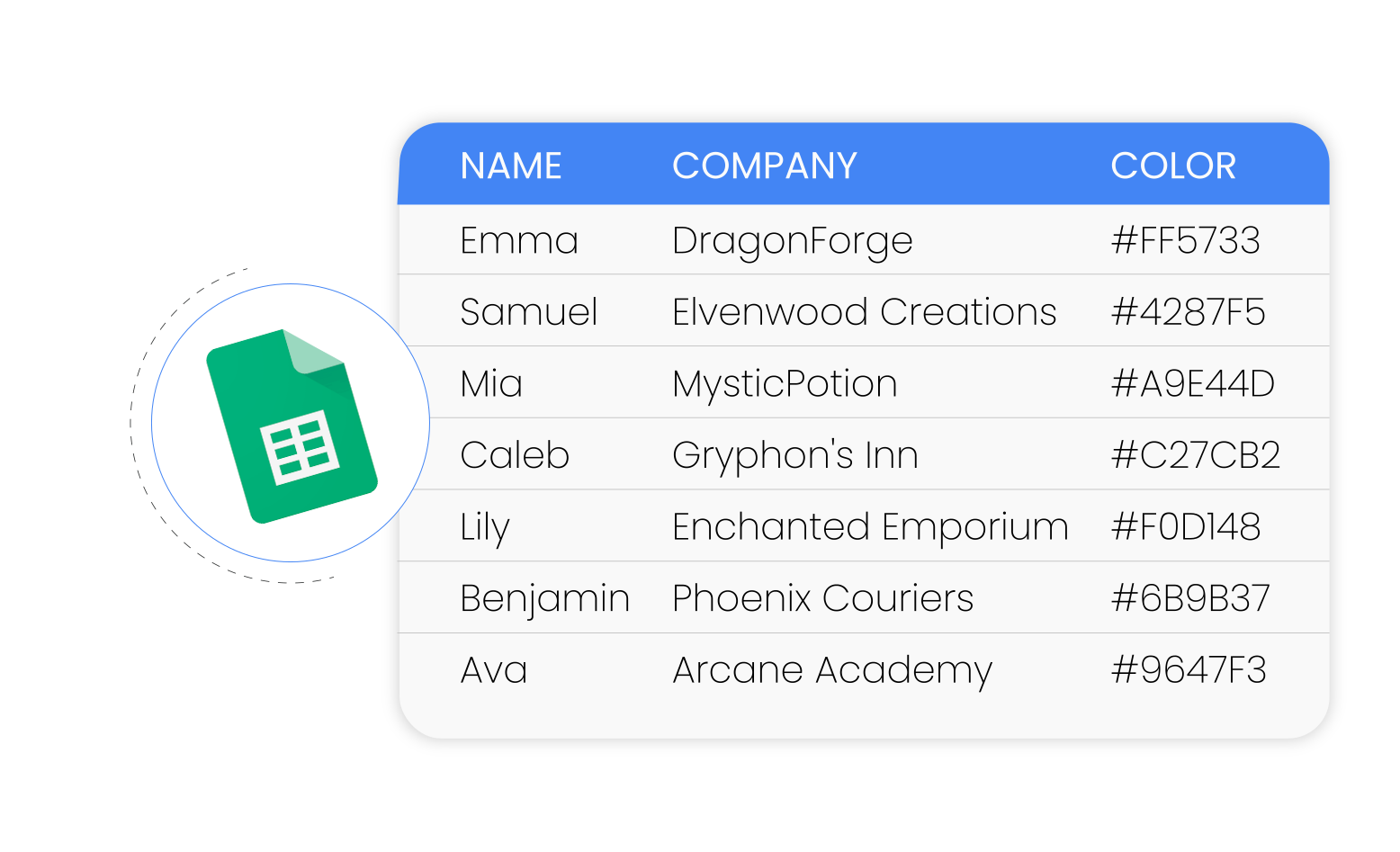
1. Import Your Data
Select the spreadsheet you want to convert into a video or enter data manually.

2. Select a Video Template
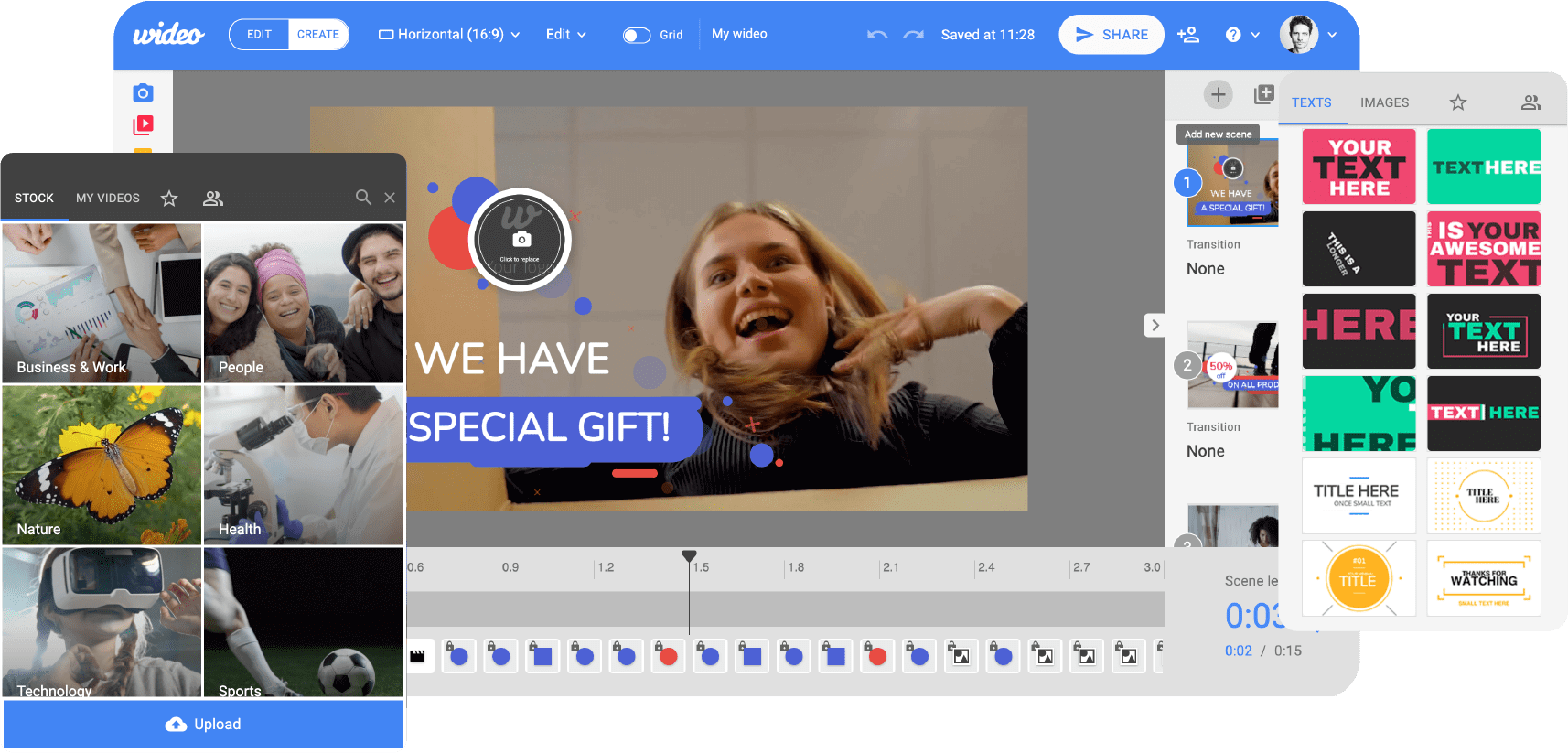
Adjust parameters to tailor the video to your needs.
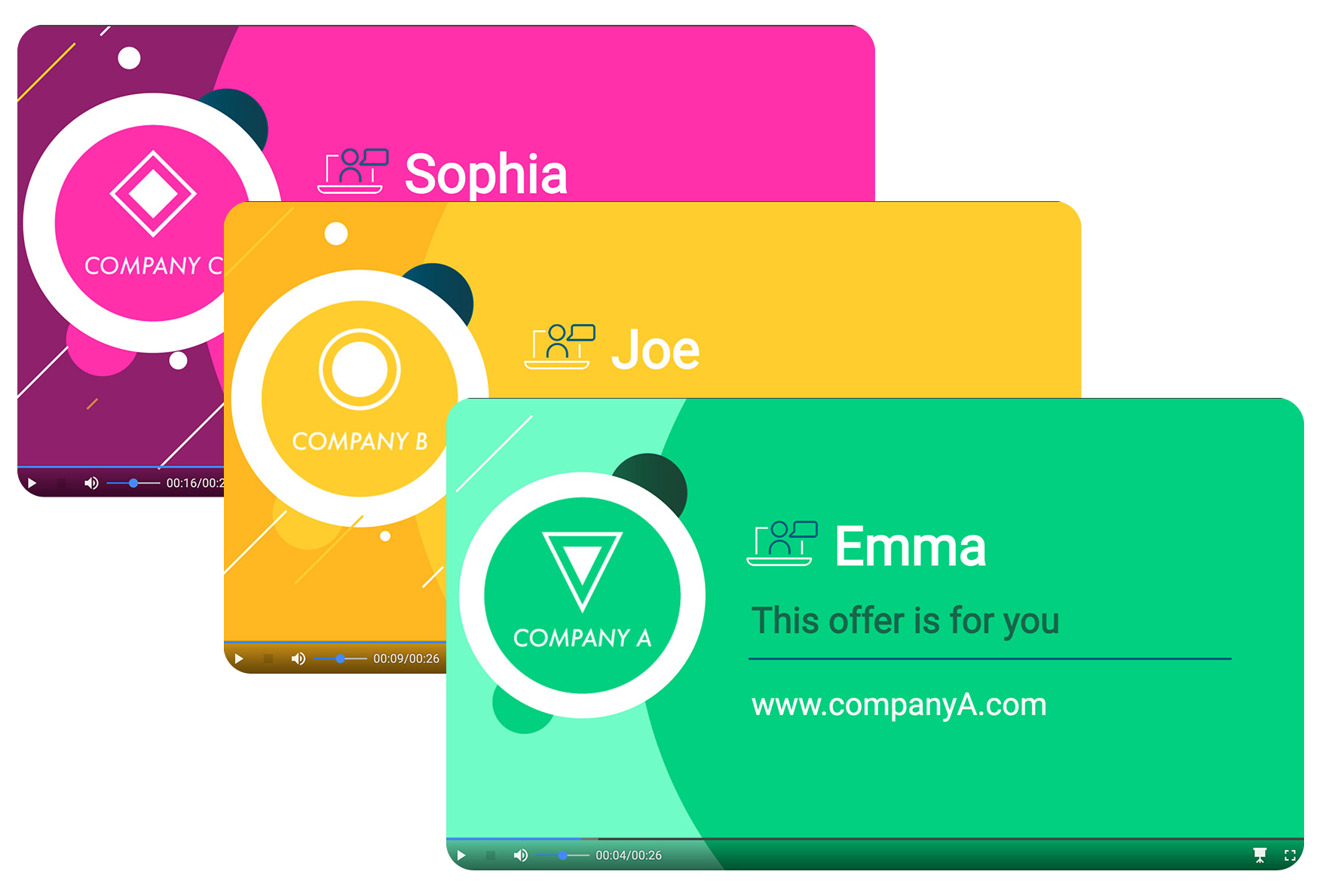
3. Bulk-Generate Videos
Generate videos in bulk without any manual effort. Watch as your videos come to life in a batch.

4. Preview and Edit
Review the video and make any necessary tweaks.
5. Download Your Video
Receive your professionally crafted video ready for use.

Transform Your Data into Dynamic Videos
Whether it’s for marketing, onboarding, presentations, or reports, an Excel-to-Video conversion tool empowers you to create impressive content effortlessly. Say goodbye to manual video creation and turn data into engaging videos with a click.
Welcome to Wideo, and start craft engaging videos directly from spreadsheets!
Master the Art of Bulk Video Generation
Explore our step-by-step tutorials and make the most of our platform.

Intuitive Interface for Seamless Conversion
Navigate our user-friendly interface designed for users of all levels to create videos in bulk.
No editing skills required.
Excel-to-Video Features
- Incorporate Your Branding
- Add Captivating Text
- Include Images and Logos
- Enhance with Music or Voiceovers
- Smooth Animation
Why thousands of clients use Wideo worldwide
“With Wideo my agency can create and sell videos for clients. Now we make more money with no additional expenses.
Luciano Menéndez
Owner at VivarStudio

“We’ve increased our Apple Store and Google Play Download CTR With the video we’ve created with Wideo”
Hernan Botbol
Founder of PricePulse & Taringa

“With the help of Wideo, we can easily create professional video ads for our advertisers in minutes.”
Katherin Torres & Ulises Moreno
Self Service Sales Managers

Excel to Video Converter FAQs
What formats can I export my videos in?
You can export your videos in mp4 format Full HD.
Can I make bulk changes to my videos at once?
Yes, you can. Once you’ve set up your parameters, you can generate multiple videos with just one click. It’s a powerful feature for streamlining your video production process.
Are there customizable templates available for video creation?
Absolutely! We offer a range of templates to suit various needs. You can customize them to your heart’s content or start from scratch if you prefer a unique design.
How can I upload my Excel file to convert it into a video?
Uploading your Excel file is a breeze. Navigate to the upload section and select your file directly or drag and drop it. Our platform will take it from there.