
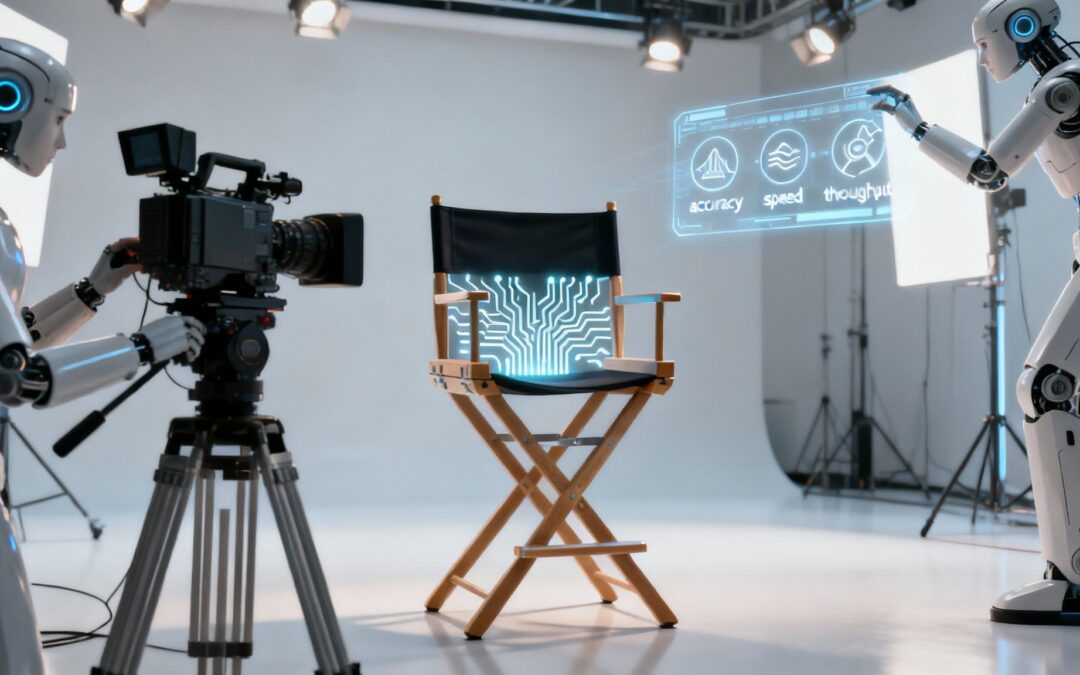
When we talk about AI performance in video creation, we’re not just talking about speed.When we talk about AI performance in video creation, we’re not just talking about speed. It’s really a measure of how well an AI tool can take your idea and turn it into a high-quality, engaging piece of content. The secret sauce is a blend of quality, reliability, and creative aptitude. This is what separates a truly powerful creative partner from just another frustrating piece of tech in your workflow.
Defining AI Performance in Your Video Projects
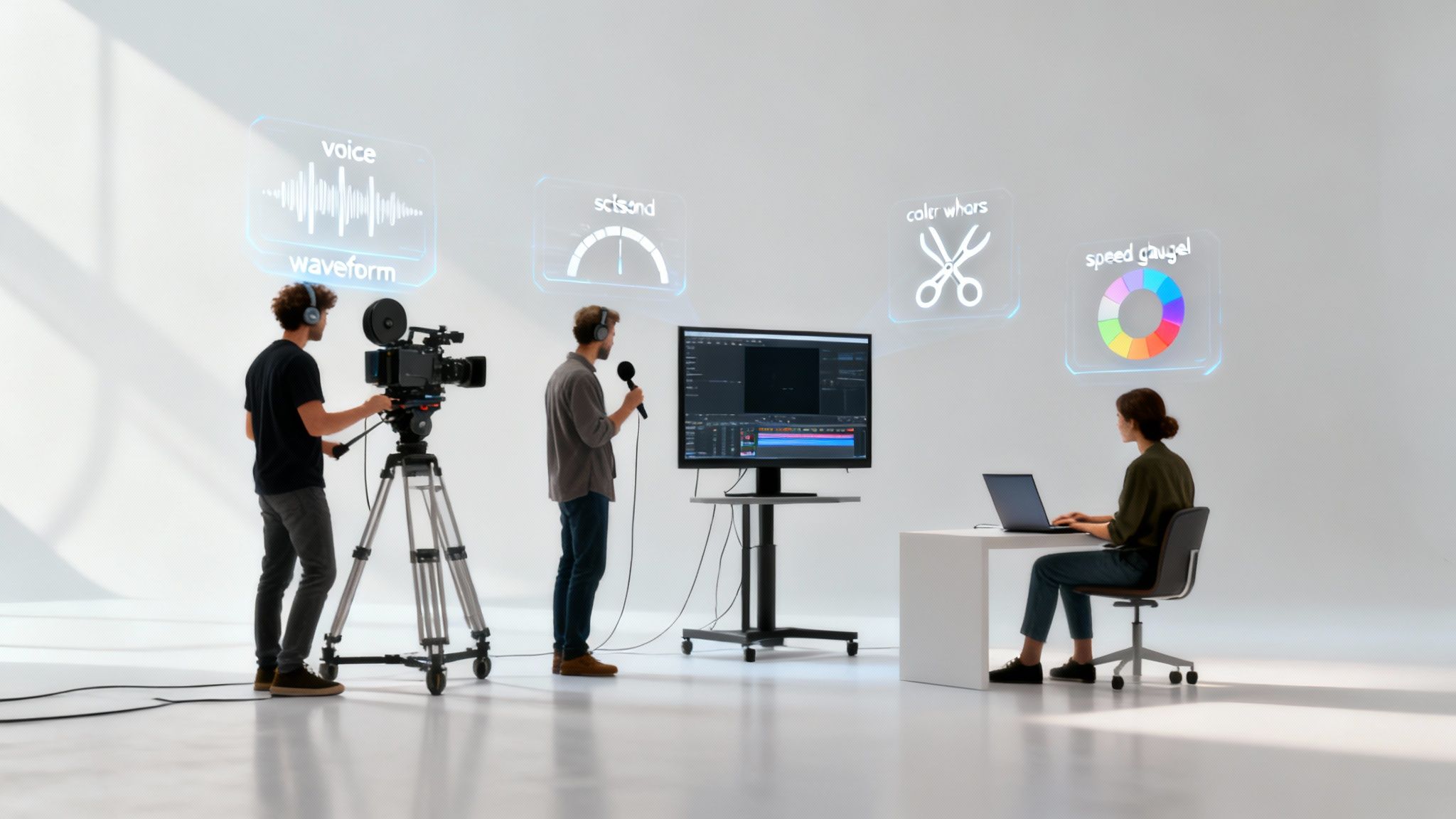
Let’s get real and move past the buzzwords. What does AI performance actually mean when you’re in the middle of a project? A helpful way to think about it is to imagine your AI video tool as a specialized digital film crew. Every single feature—from the voice generator to the auto-editor—is a crew member with a specific job to do.
Performance, in this context, isn’t some vague concept. It’s a combination of distinct, measurable traits that all add up to determine whether your final video hits the mark. It’s about more than just checking a box and saying you “made a video”; it’s about making the right video, efficiently and to a standard you can be proud of.
The AI Crew and Their KPIs
Just like any professional crew, each member of this digital team has key performance indicators (KPIs) that really matter. Getting a handle on these helps you see a tool’s true worth. For example, Wideo’s AI video generator is essentially a team of these AI functions working together, each with its own performance profile.
Here are the core metrics that count:
- Accuracy: Does the AI voiceover nail the pronunciation of your brand name every time? When you convert a blog post to video, does the tool actually grasp the core message without twisting its meaning?
- Latency: How long are you left waiting for the AI to do its thing? For agile marketing teams that need to pump out content fast, a quick turnaround is everything.
- Perceptual Quality: This is the ultimate gut check. Does the final video feel authentic and connect with people, or does it scream “AI-generated” and fall flat?
By looking at AI performance through this lens, you stop seeing it as some unpredictable black box. Instead, you start to see it as a measurable, optimizable part of your creative toolkit. That mindset shift is what lets you unlock its real potential.
From Technical Specs to Creative Impact
At the end of the day, all these technical metrics have a direct impact on what you can create. A tool with low latency means you can experiment and iterate faster, while one with high perceptual quality produces content that genuinely resonates with your audience. If you want to dive deeper into how these systems create such realistic visuals, checking out dedicated AI rendering solutions can offer some fascinating insights.
This framework gives you a solid way to evaluate any AI feature, whether it’s voice synthesis or automated scene selection. You can judge it based on its practical contribution to your goals, making sure you’re choosing tools that truly elevate your work.
The Five Pillars of AI Performance Metrics

Talking about AI performance can feel a bit abstract, but it really comes down to five solid, measurable pillars. If you get a handle on these, you’ll have a powerful way to judge any AI video tool, cutting through the marketing fluff to see what it can actually do for your workflow.
Think of them as the vital signs for your AI’s health. These aren’t just techy buzzwords; they have a direct impact on your final video. Learning the lingo helps you compare tools, figure out what’s going wrong, and ultimately, make better videos.
Pillar 1 Accuracy
Accuracy is all about how well an AI gets the job done correctly. Can it follow instructions and produce the right result without you having to go back and fix everything?
For instance, you’re using an AI voice generator for a new product launch. High accuracy means it nails the pronunciation of your company name, “Aetherion Dynamics,” on the very first try. Low accuracy is when it spits out “A-theer-ion Die-na-mix,” sending you straight back to the editing suite.
Pillar 2 Latency
Latency is just a fancy word for wait time. It’s the delay between giving the AI a command and seeing the result.
You ask your AI to whip up a 30-second social media clip. Does it take 20 seconds or 20 minutes? That gap is latency. For creative teams on a tight schedule, low latency is a must-have, as it lets you experiment and iterate quickly without losing momentum.
High latency can be a major bottleneck in a creative process. It’s the digital equivalent of a crew member who is always late, slowing down the entire production and costing you valuable time.
Pillar 3 Throughput
While latency is about the speed of a single task, throughput is about volume. It measures how much work an AI can crank out over a set period. It’s all about scale.
Imagine an enterprise team needing to create personalized video ads for 500 different customer segments. A system with high throughput can chew through that entire batch in an afternoon. A low-throughput system? That could take days. This is a crucial metric if you’re supporting large-scale operations.
Pillar 4 Robustness
Robustness is the AI’s ability to handle the unexpected. How well does it perform when you feed it messy, imperfect, or weird inputs?
A robust AI video editor won’t have a meltdown if you upload a script with typos or strange formatting. A less robust tool might just freeze up or produce gibberish, derailing your entire project. This pillar of AI performance is a huge indicator of how reliable a tool will be in the real world, where things are rarely perfect.
AI systems are getting much better at this. We’ve seen huge performance jumps on tough benchmarks in 2024-2025, with scores climbing by 18.8 percentage points on MMMU and an incredible 67.3 on SWE-bench in just a year. You can read more about these AI capability advancements to see where the tech is headed.
Pillar 5 Perceptual Quality
Finally, perceptual quality is the ultimate human gut check. It all comes down to one simple question: does the finished video actually feel good to watch?
This one is subjective, but it’s arguably the most important. It’s the difference between an AI voice that sounds natural and engaging and one that’s flat and robotic. It’s what makes auto-selected B-roll footage feel like it enhances the story instead of just being random clips. When perceptual quality is high, the AI’s output connects with your audience on a human level.
To tie it all together, here’s a quick cheat sheet summarizing how these five pillars apply directly to video creation.
Key AI Performance Metrics for Video Creation
| Metric | What It Measures | Example in Video AI |
|---|---|---|
| Accuracy | How correctly the AI performs its task. | An AI voice generator pronouncing a complex brand name perfectly on the first attempt. |
| Latency | The time delay between a command and the result. | How long it takes to generate the first draft of a video after you input a blog post link. |
| Throughput | The volume of tasks completed in a given time. | Generating 500 personalized video ads from a single template in one hour. |
| Robustness | How well the AI handles imperfect or unusual inputs. | An auto-editor successfully processing a script with typos without crashing or failing. |
| Perceptual Quality | The subjective, human-judged quality of the output. | An AI-generated scene transition feeling smooth and natural, not jarring or out of place. |
Keeping these five metrics in mind gives you a balanced scorecard to evaluate any AI tool. It’s not just about speed or accuracy alone, but how all five work together to deliver a final product you can be proud of.
How to Measure and Benchmark Your AI Tools

Knowing the theory behind AI performance is a good start, but putting that knowledge to work is where you’ll really see the difference. Instead of just taking a company’s marketing claims at face value, you can run a few simple, repeatable tests to see how a tool actually performs with your own content.
This hands-on approach pulls back the curtain on AI, turning it from a mysterious “black box” into a predictable part of your creative workflow. When you create your own benchmarks, you can directly compare different platforms and make smart, data-driven decisions that fit your needs, budget, and quality standards.
Testing AI Voice Generation
An AI voiceover has to do more than just read words off a page; it needs to sound human and handle the tricky bits of language. A fantastic way to test its accuracy and perceptual quality is to throw some difficult material its way.
Try creating a test script that includes:
- Industry Jargon: Use acronyms and technical terms from your field (think “SaaS,” “fintech,” or “EBITDA”). Does the AI pronounce them like an expert, or does it trip up?
- Complex Names: Toss in some tricky brand names, product names, or people’s names.
- Varied Sentence Structure: Mix short, punchy sentences with longer, more detailed ones to see how the AI handles pacing and natural intonation.
Record the output and give it a close listen. Does it sound flat and robotic, or does it have a natural, engaging rhythm? You’re looking for a tool that can nail your unique vocabulary without needing constant hand-holding.
Evaluating Auto-Editing and Consistency
When it comes to an AI auto-editor, robustness is everything. You need a tool that gives you consistent results, even if you feed it the same script over and over. A simple but powerful way to benchmark this is with a consistency test.
Take a single script and run it through the auto-editing feature three separate times. Now, compare the videos side-by-side. Are the scene selections, transitions, and pacing nearly identical, or do they look completely different each time? High consistency is a sign of a reliable and predictable AI model.
This simple test shows you just how stable the AI’s creative decision-making is. Wildly different results can point to a weak model, which means more cleanup work and unpredictable project outcomes for you. While you’re at it, it’s a great time to brush up on the essential online video metrics that ultimately decide if your video connects with your audience.
Measuring Speed from Blog to Video
For any feature that turns text into video, latency and throughput are what really matter. The true measure of speed isn’t just one step in the process—it’s the entire journey from the moment you hit “go” to the final render.
To benchmark this, run a simple timed test:
- Start the Clock: Hit start the second you paste in your blog post URL or text.
- Monitor Generation: Keep the timer going as the AI chews on the text, picks out media, and puts together the first draft.
- Stop at Render: Don’t stop the timer until the final, downloadable video file is fully rendered and ready to use.
That total time is your clear, objective benchmark for the tool’s end-to-end performance. Run this test on a few different platforms using the same blog post, and you’ll quickly see which one has the speed your workflow needs. This kind of standardized testing is how you start to seriously improve your AI performance and streamline your production.
Troubleshooting Common AI Performance Issues
Even the smartest AI tools can go off the rails sometimes, leaving you with results that are more frustrating than helpful. When an AI feature doesn’t perform as expected, it’s not just a technical problem—it’s a creative roadblock. Knowing how to spot the most common failure modes and what to do about them is the key to keeping your video workflow running smoothly.
You’ll likely run into two main issues: AI hallucinations and mode collapse. A hallucination is when the AI generates something completely bizarre or irrelevant, like creating scenes of outer space for a video about baking cookies. Mode collapse is a bit more subtle but just as annoying; it’s when an AI voice generator gets stuck on one note, producing a flat, robotic narration that sounds anything but human.
Decoding and Fixing AI Hallucinations
AI hallucinations usually pop up when your source text is too vague or lacks clear context. The model tries its best to fill in the gaps but ends up taking a creative leap that lands way off target. This really underscores a crucial part of AI performance: the model’s ability to grasp nuance. The good news is, you can usually fix this by giving it clearer directions.
Here are a few practical ways to get things back on track:
- Refine Your Source Text: Take a second look at your blog post or script. Are there ambiguous phrases or metaphors that a machine could easily misinterpret? Try to be as direct and descriptive as you can.
- Add Contextual Cues: If you’re turning a blog post into a video, make sure your headings and subheadings clearly signpost what each section is about. These act like guardrails for the AI.
- Use Negative Prompts: Some more advanced tools let you specify what you don’t want. For instance, adding a simple instruction like “no sci-fi visuals” can keep your business video from accidentally veering into another galaxy.
Getting this right is a huge deal for businesses. By 2024, enterprise AI adoption had hit 78%, but at the same time, 77% of companies are worried about hallucinations—even though they’re seeing an average ROI of $3.70 for every dollar spent. These numbers show that while AI is a powerhouse, you have to actively manage its output to use it professionally. You can dig into more data on AI’s enterprise impact and challenges.
Correcting Monotonous Voiceovers
When you get a robotic-sounding voiceover, you’re experiencing mode collapse. This happens when the AI plays it too safe and defaults to its most average, middle-of-the-road output. It completely strips the narration of any personality or emotion, which can tank your video’s perceptual quality.
Think of it like a GPS that uses the exact same tone of voice for everything, whether it’s telling you about a simple turn ahead or a massive traffic jam. The information is technically correct, but the flat delivery makes it hard to pay attention to.
To fix this, you just need to nudge the AI out of its comfort zone:
- Experiment with Different AI Voices: Most platforms, including Wideo, have a whole library of voices to choose from. A different voice model might have a more dynamic range that’s a much better fit for your script.
- Adjust Pacing and Pauses: Try manually adding punctuation like commas or ellipses into your script. These tiny tweaks act as signals for the AI, telling it to add more natural pauses and vary its rhythm.
- Break Up Long Sentences: Long, complicated sentences can trip up the AI. Rewriting them into shorter, simpler ones often helps the model process the text more effectively and deliver a much more dynamic narration.
Once you learn how to spot and fix these common hiccups, you’ll be in full control of your AI tools, ensuring they consistently help you create high-quality, engaging videos.
Proven Techniques to Optimize AI Performance
Knowing how to fix AI issues when they pop up is one thing, but getting ahead of them is where you really find your creative groove. Instead of just reacting to problems, you can proactively guide the AI from the start. This is about making sure the final video is much closer to what you imagined on the very first try.
Think of it as moving from a passenger to the director’s chair. When you go beyond the default settings, you’re fine-tuning the AI’s performance. The result? Higher-quality, on-brand videos with way less time spent on edits and redos.
Mastering the Art of the Prompt
One of the most powerful ways to get better results from AI is through prompt engineering. Your prompt is essentially a creative brief for the AI. A vague, one-sentence request is like telling a film crew to “just shoot something”; you’ll get a result, but it probably won’t be what you wanted.
A well-crafted prompt, on the other hand, is specific and descriptive. It steers the AI’s choices on everything from visuals and pacing to the overall tone. Instead of “video about our new software,” try something like: “Create an upbeat, 60-second marketing video for ‘SyncUp Pro’ software. Use clean, minimalist visuals with a blue and white color palette, and select modern, inspiring background music.” That level of detail makes a world of difference.
The Importance of Clean Inputs
Another crucial technique is data preprocessing. It sounds technical, but it just means cleaning up your source material before you hand it over to the AI. A chef needs quality ingredients for a great meal, and an AI needs clean, well-structured data to produce a great video.
For a blog-to-video feature, this means proofreading your text for typos, stripping out irrelevant HTML code, and making sure your headings clearly structure the content. A clean input prevents the AI from getting confused and helps it correctly interpret your key messages.
This prep work is a big deal for overall AI performance. The global push for AI is massive, with enterprise adoption expected to hit 78% in 2025 and generate a $3.70 return for every dollar spent. But with 70-85% of projects failing, success often comes down to getting the fundamentals—like clean data—right. You can dig deeper into these AI statistics and trends.
Fine-Tuning and Iterative Feedback
Finally, don’t overlook the power of parameter tuning and iterative feedback. Most AI tools have settings you can adjust, like the speed of a generated voice or the style of the automated cuts. Tweaking these knobs to match your brand’s voice is a simple but incredibly effective way to optimize the output.
Combine this with an iterative process. Generate a first draft, pick one or two things you want to improve, adjust your prompt or settings, and run it again. This feedback loop is one of the best ways to steer the AI exactly where you want it to go. For more ideas and to see what’s out there, you might want to explore some of the best AI tools for small business.
Using these techniques gives you real creative control, turning the AI from a simple tool into a true creative partner.
Scaling AI Video Production for Enterprise Teams

So, you’re ready to take AI video from a cool side project to a core part of your enterprise strategy. That’s a big move. But just handing out tool licenses and hoping for the best won’t get you there. You need a real game plan to ensure consistency, keep quality high, and actually see a return on your investment.
It’s all about building a framework for how your teams find, use, and check up on AI tools. Get this right, and you can turn video production from a slow, frustrating bottleneck into a smooth, scalable engine for growth. And you’ll want that in place sooner rather than later.
The global AI market hit around $254.50 billion in 2025 and is projected to skyrocket to $1.68 trillion by 2031. With that kind of explosion, having a solid strategy for managing AI performance is no longer a “nice-to-have”—it’s essential. You can read more about the future of AI market performance to see just how fast things are moving.
Standardize Your Evaluation Process
To make smart tool choices, you need to stop the ad-hoc testing. It’s time to create a standardized evaluation template that anyone in any department can pick up and use. This is how you make sure every potential tool is judged by the same set of performance metrics that matter to your business.
Your template should have a few specific, non-negotiable tests:
- Accuracy: How does the voice generator handle your brand’s specific jargon or some tricky sentences?
- Latency: Grab a standard blog post and time how long the blog-to-video feature really takes.
- Robustness: Throw it a curveball. Feed the auto-editor a messy script with bad formatting and see if it chokes.
A standardized scorecard takes the guesswork and personal bias out of the buying process. It gives you cold, hard data to compare tools, making sure you always pick the one that truly fits your organization’s needs.
Establish Clear Quality Assurance Protocols
Your brand’s integrity is everything. As you start pumping out more AI-generated content, you absolutely must have quality assurance (QA) protocols that everyone understands and follows.
This “human-in-the-loop” step is your safety net. It’s what catches the weird glitches or off-brand moments before a video goes public. For companies creating content at a massive scale, you might want to explore Wideo’s approach to video automation to see how to manage high volumes without sacrificing quality.
Create a Shared Resource Library
Finally, you need to build a single source of truth. Create a shared library packed with high-quality assets and clear guides. This is where you’ll store your best-performing prompts, pre-approved style guides, and brand-specific settings.
A shared library makes it easy for the whole team to create videos that feel cohesive and on-brand. It slashes redundant work and ensures that every single video, no matter who hits “create,” reflects a unified voice and look. This systematic approach is the secret to scaling your video efforts without chaos.
Frequently Asked Questions About AI Performance
Creators and marketing teams always have practical questions about bringing AI into their day-to-day work. Here are some straightforward answers to the most common things people wonder about AI performance.
Can I Improve AI Performance Myself?
Absolutely. While you can’t get under the hood and rewrite the core AI model, you have a surprising amount of control over what it produces. Simple techniques like prompt engineering—basically, giving the AI clearer, more descriptive instructions—can make a world of difference. Cleaning up your source text before you feed it to the AI is also a game-changer.
Think of it like giving a talented artist a better creative brief. You can also experiment with different AI voice models or tweak settings like pacing to dramatically improve the final feel. It’s often the small, iterative changes that lead to the biggest wins.
Does Faster AI Mean Lower Quality?
Not always, but there’s sometimes a trade-off. Latency (how fast the AI works) and perceptual quality (how good the video feels to a human) are two different things. An AI might spit out a video draft in seconds, but the scene choices or voiceover might feel flat and generic. On the other hand, a model that takes a bit longer might deliver something far more polished and engaging.
The best tools strike a balance. Your job is to find a solution that’s fast enough for your workflow without sacrificing the quality you need to actually connect with your audience.
Recent studies show AI capabilities are improving exponentially. The time it takes for AI to complete complex tasks has been doubling roughly every 7 months, indicating that both speed and sophistication are advancing rapidly.
What’s The Most Important Metric For Video AI?
This one comes down entirely to your goals. If you’re on a news team churning out rapid-response social clips, latency and throughput are everything. But if you’re a brand creating a high-stakes marketing campaign, perceptual quality and accuracy are what really matter to make sure your message and branding are spot-on.
At the end of the day, perceptual quality usually has the final say. Why? Because it determines whether the video actually connects with a human viewer. A fast, accurate video that feels robotic is a video that’s failed its mission.
Ready to put high-performance AI to work on your video projects? Discover how Wideo makes it easy to create professional, engaging videos in minutes. Start creating with Wideo today!
Related posts:
 A Practical Guide to AI Security for Your Business
 A Practical Guide to AI Avatar Generator Tools
 AI Productivity Isn’t About Speed. It’s About Eliminating Work.
 Your AI Analytics Are Smart. But Are They Understood?
 AI Integration A Practical Guide for Business Growth
 Ai data processing: Practical strategies for pipelines, tools, and compliance


